








 Car Eats Car: Winter Adventure
 Classical Rabbit Sniper Hunting 2019
 Lost In Dimensions: The Beginning
Sinal Game
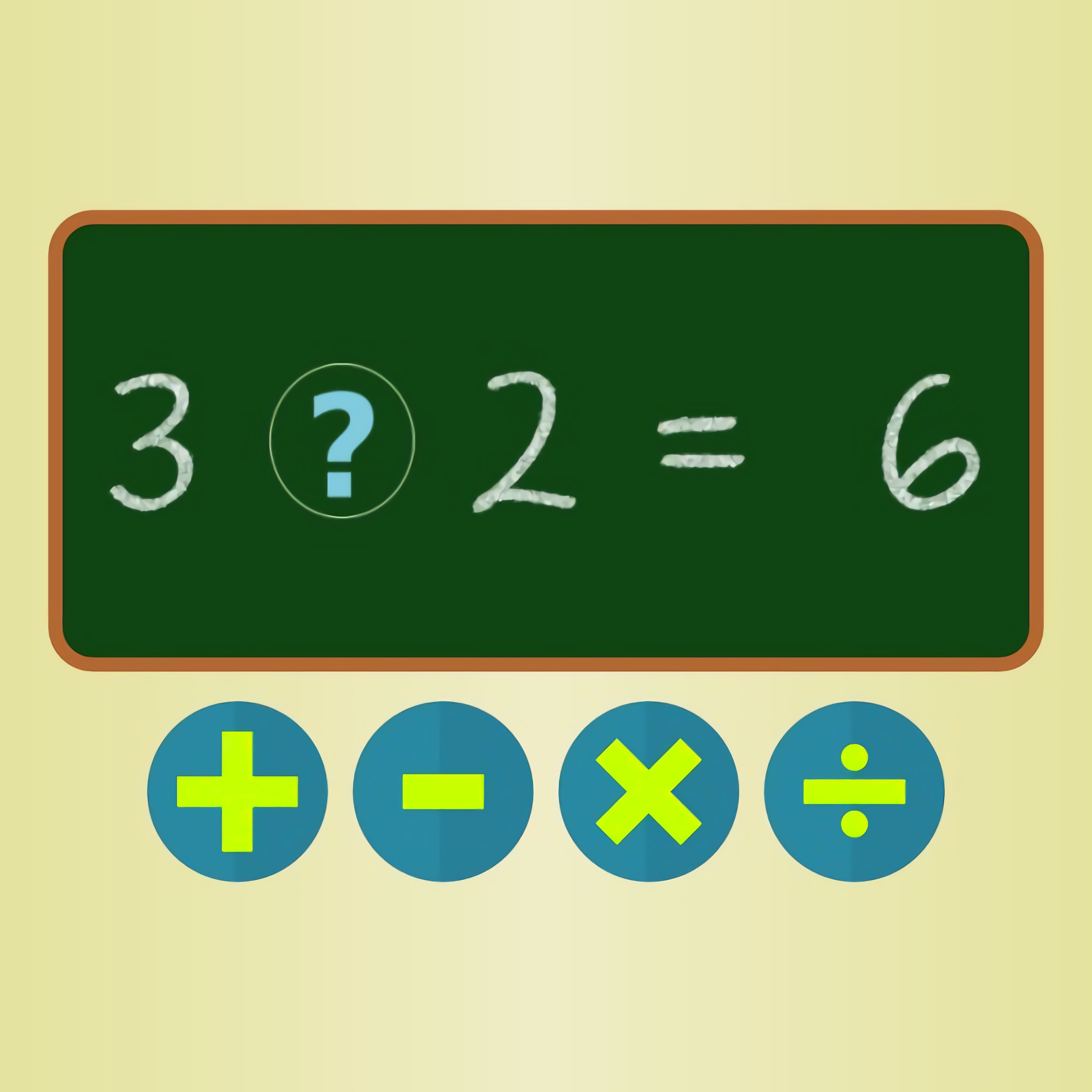 Developer: trezegames
Published: June 07, 2021
Controls: Mouse / Touch
Game Technology: html5, Construct 3
Compatible Devices: Mobile (iOS, Android)
About Sinal Game
Race the ticking timer in Sinal Game as each equation waits for the missing math operator. This math game asks you to look at a clean equation line, read the numbers fast, and choose the sign that makes the statement true. The calm layout helps, but the 60-second timer keeps pressure on every tap. One careless answer can turn a rising score counter into a small setback.
This math operator game was developed by trezegames using Construct 3 and HTML5, so it supports browser play with no download. It also fits mobile play on iOS and Android, where touch controls make each choice feel direct. Casual players, students, and beginners can use it for short sessions of arithmetic practice. The danger is rushing so quickly that a plus sign and a multiplication sign blur together.
Compared with flashier casual games, this quick calculation game stays focused on mental math instead of effects, costumes, or long menus. The challenge comes from equations, operators, addition, subtraction, multiplication, and division under a tight clock. Players who want more number practice can also try Math And Dice Kids Educational Game, which shares the same study-friendly mood. Miss too often, though, and the final score feels like it slipped away one tap at a time.
Gameplay
Each round shows an equation with the operator missing, then gives you bold operator buttons to choose from. The possible answers include addition, subtraction, multiplication, and division, so quick reactions matter only after you understand the numbers. A correct choice adds momentum. A mistake cuts into your score and makes the next few seconds feel tighter.
The 60-second math challenge is built around score chasing. Correct answers add 2 points, while mistakes subtract 1 point, which means blind tapping can wreck a run faster than slow thinking. The best rhythm is not constant speed; it is controlled speed. When the timer drops under ten seconds, one wrong press can erase the value of a clean answer.
Common beginner mistakes include answering from left to right without checking the result, confusing subtraction with division, or tapping the first operator that “looks close.” If multiplication is your weak spot, Multiplication Simulation can help build sharper number recall before you return to the clock. The peak moment comes when three equations line up in your head and the score counter climbs without a single miss.
How to Play
Start by reading the full equation before touching an operator. In this arithmetic quiz, the numbers are not decorations; they tell you which operation can make the statement true. If the answer seems obvious, pause for half a beat and check whether division or subtraction could also fit. That tiny check can save a point when the clock is already loud in your head.
A smart speed-versus-accuracy strategy is to answer easy equations immediately and slow down on anything with larger numbers. Two correct answers are worth more than several panicked taps that include a mistake. When the clean equation line shows numbers that do not divide evenly, rule out division first. That quick elimination keeps you moving without guessing wildly.
Replay value comes from score improvement, not from unlocking a long map. After each solo play attempt, you can compare your last score with the number you nearly reached and try to close the gap. The one-tap structure also makes the game accessible for beginners because every decision happens through a single button press. Still, accessibility does not protect the score counter if your thumb lands on the wrong sign.
Controls
The controls are kept minimal so your attention stays on arithmetic, not on a control scheme. Mouse controls work well on desktop, while touch controls on phones and tablets make quick answer taps feel natural. A wrong click still counts, so aim before you press.
- Mouse — Select the correct operator
- Touch — Tap the correct operator
Features
The scoring system gives every choice weight: correct answers add 2 points, while misses take away 1. That small penalty changes the mood of the run because guessing is never free. A late mistake can turn a strong finish into a frustrating near-miss. The rising score counter becomes the clearest sign of whether your arithmetic is steady.
The visual design uses a clean equation line and bold operator buttons, which keeps the screen readable on mobile devices. There are no crowded panels fighting for attention, so beginners can focus on the relationship between numbers. This casual brain game also avoids noisy distractions that would hide the math. When the timer is ticking down, that clarity matters.
The game supports free online practice through instant browser access, making it useful for students who want a quick mental warm-up. Because the rules stay compact, each replay can target a different weakness: division one round, subtraction the next, then faster multiplication recall. The pressure stays fair, but not soft. If you stop concentrating, the next equation will catch you.
Similar Games
If you like timed thinking, operator choices, and compact brain-training rounds, Desura has several related games worth opening next. These picks lean toward quizzes, logic puzzles, word thinking, or score pressure instead of racing or shooting. Each one asks for attention before action. Rush the answer, and the result can collapse just as quickly as a missed operator in this equation puzzle.
- Circus Words — a word puzzle game built around spotting letter patterns and forming answers. It is a good match for players who enjoy quiet concentration and short bursts of problem solving.
- Flags Maniac — a geography quiz where quick recognition matters as much as memory. Like a timed arithmetic round, hesitation can cost you the answer you knew a second earlier.
- Wall Fixing — a logic-focused puzzle game that rewards careful observation before each move. It suits players who enjoy solving one clear problem at a time.
- Quiz Squid Round — a quiz challenge with fast decisions and pressure to avoid wrong picks. It shares the same tension of knowing that one bad answer can spoil a promising run.
Advantages
- Fast arithmetic practice with addition, subtraction, multiplication, and division in one place.
- Clear one-tap answers that make the game approachable for beginners and mobile players.
- Score chasing gives each replay a measurable goal instead of a vague finish line.
- The 60-second timer creates pressure without requiring a long commitment.
- Free online browser play means you can start without installing anything.
Frequently Asked Questions
What is Sinal Game?
Sinal Game is a casual math game where players choose the correct operator to complete equations before time runs out.
How do you play Sinal Game?
You play by reading each equation, selecting addition, subtraction, multiplication, or division, and trying to score as many correct answers as possible in 60 seconds.
Can I play Sinal Game without downloading?
Yes, it runs in HTML5 and can be played instantly in a browser on mobile devices without a download.




 Home Pin 2
 Grand Prix Hero
 Fireboy and Watergirl 5: Elements
 Sandwich Tower: Be Cool Scooby-Doo
 Run 4 Cars
 Real Bike Simulator
 Moto Road Rash 3D
 Pool Club
 FZ Monster Track
 Viking Brawl
 The Night Begins to Shine - Teen Titans Go!
 Urban Safari Fashion
 Frosty Ice Cream! Icy Dessert
 Ping Pong
 CrazySteve.io
 Basketball Strike
 Dangerous Danny
 Slenderman Must Die Silent Forest
 Euro Cargo Transporter Truck Driver Simulator 2019
 Shark Hunting
 Lego Block Puzzle
 Squid Challenge
 One Night at Flumpty's 2
 Princess Slime Factory
 Laser Cannon
 Craig Of The Creek: Hydro Blast
 Baby Hazel Flower Girl
 Kings and Queens Match 2
 Baby Hazel Leg Injury
 Masha and the Bear Runner Game Adventure
 Tactical Weapon Pack
 Cook Chinese Food Asian Cooking
 Obby Rainbow Tower
 Super Cowboy Run
 Buggy Wuggy - Platformer Playtime
 Ellie Fashion Fever
 Ben 10: Tomb of Doom
 Frenzy Chicken Farming
 ArmedForces.io
 Cute Monster Bubble Shooter
 City Bus Driver
 Princess e-Girl vs Soft Girl
 Stinkfly Showtime - Ben 10