




My Pony Designer
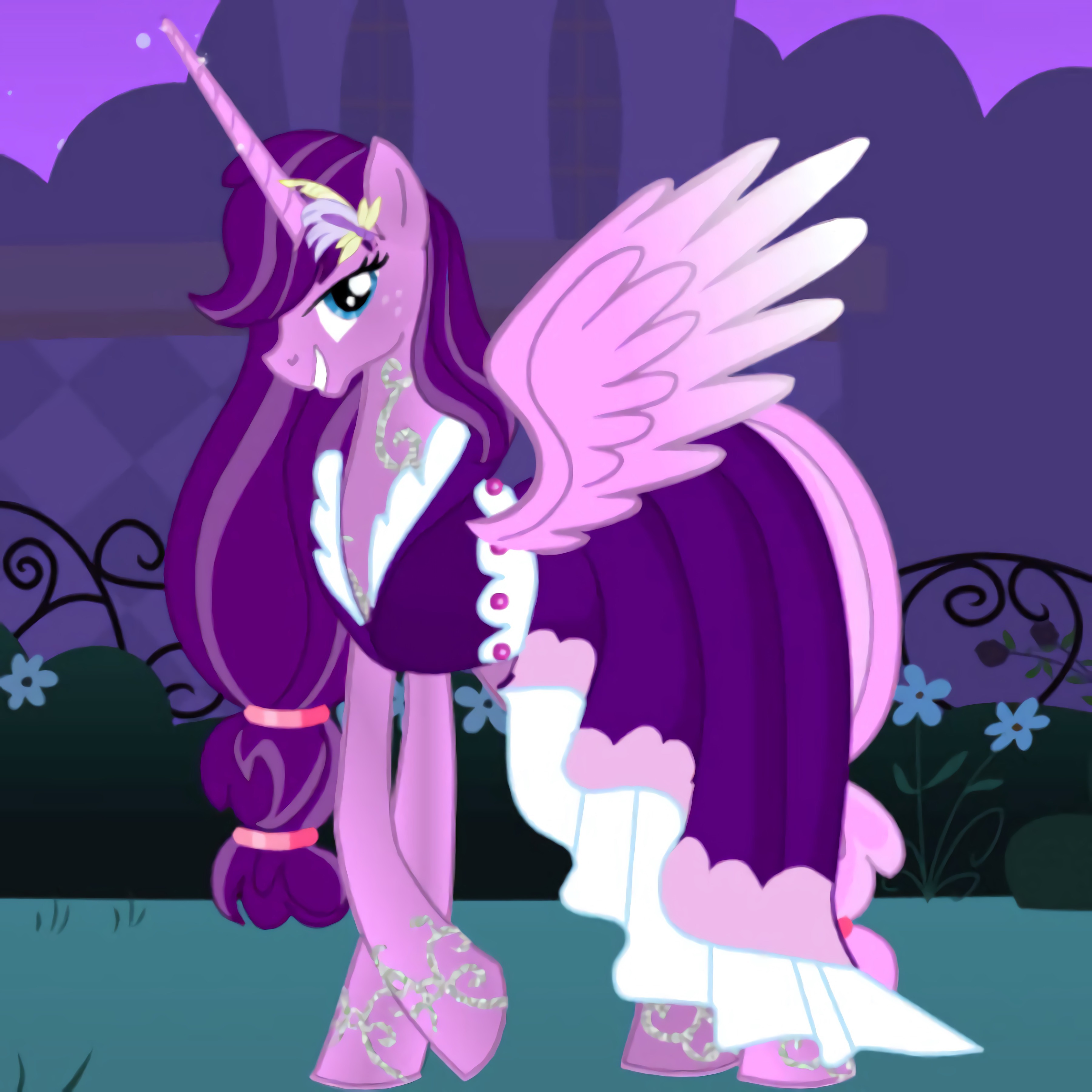 Developer: IG
Published: November 30, 2020
Controls: Mouse / Tap
Game Technology: html5, Javascript
Compatible Devices: Mobile (iOS, Android)
About My Pony Designer
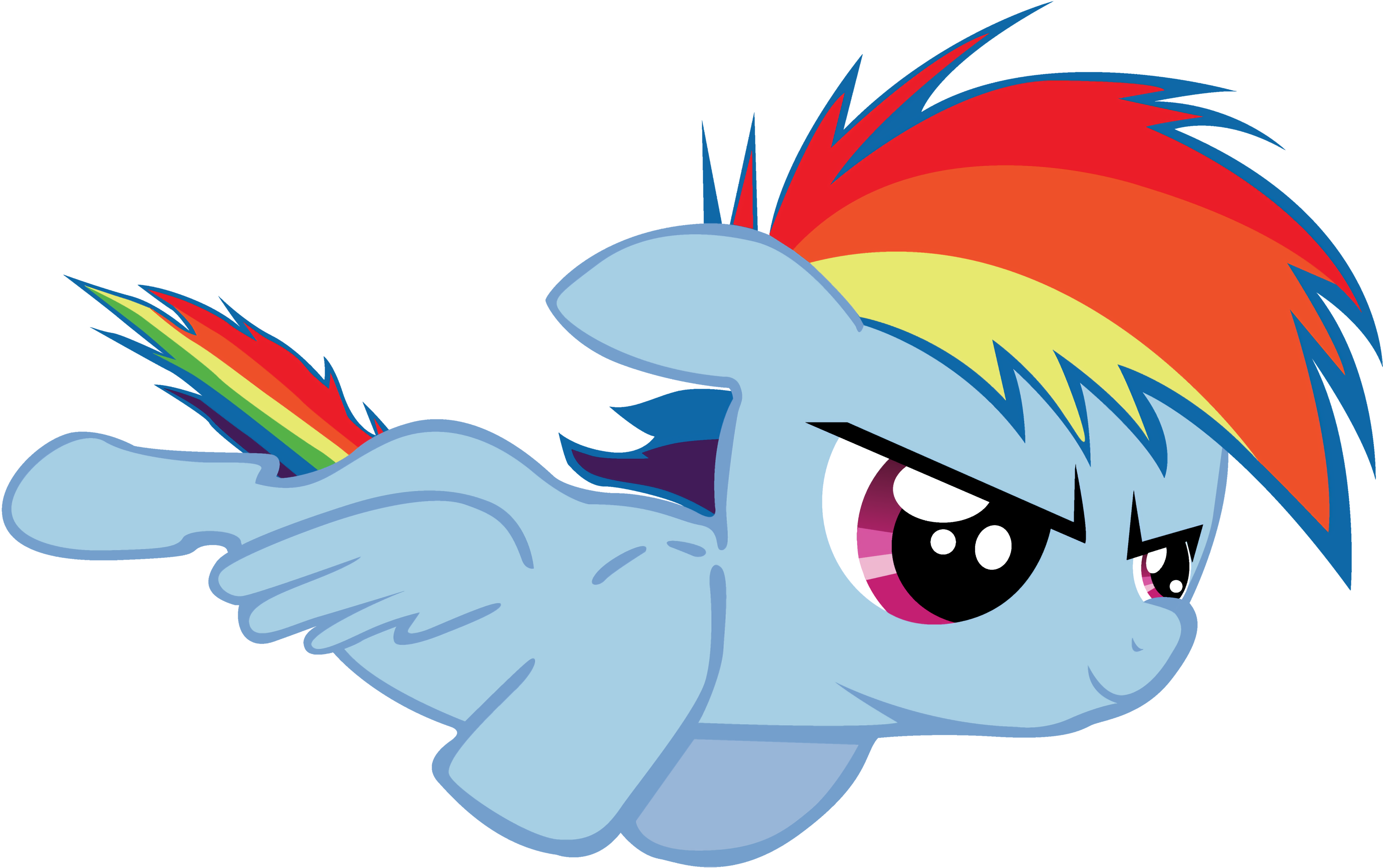
Shape a magical pony with sparkling wings, bright colors, garments, and stickers before saving its portrait. My Pony Designer turns a quiet pastel stable into a tiny art studio where every choice changes the creature on screen. Pick the wrong mix of colors or pile on too many decorations, and that dreamy pony can suddenly look crowded instead of magical.
This pony creator game focuses on creative customization, not scoring or racing. You adjust the head shape, body shape, tail style, wings, and garments, then use the coloring game tools to bring the design together. The reward is a magical portrait frame that can be saved as a photo download, ready to show friends or family.
Built with HTML5 and JavaScript, the creative dress-up title supports browser play with no download required. Mobile tap controls feel comfortable for touch screens, while desktop mouse controls give extra precision when placing stickers near a swishy rainbow tail or a sticker-covered mane. It is free online solo play with a beginner-friendly pace for kids and casual players who enjoy short creative sessions.
Gameplay
In My Pony Designer, each design step adds a new layer to your unicorn design. Start with the main body, then test mane colors, wing colors, and outfit pieces before adding final decorations. If the first color choice is too loud, the whole pony can feel messy, so the safest move is to build the look one layer at a time.
The dress-up mechanics are gentle, but choices still matter. A pale body with dark garments creates clear contrast, while too many stickers around the face can bury the expression. That tiny mistake hurts more when the portrait is almost finished and one extra star covers the cutest part of the mane.
Players who like creative animal pages may also enjoy Funny Monkeys Coloring for a different coloring game mood, or Descendants Hair Salon if makeover styling and hair details sound fun. This cute art game also fits naturally beside Dress Up Games and gentle Fashion Games on Desura.
How to Play
Begin with the pony’s shape before choosing small decorations. A balanced body shape and head shape give the rest of the design a clear direction, especially if you want a soft fairy look or a bold rainbow stable look. Skip that planning step, and the final pony may feel like three different ideas fighting in one frame.
Next, choose colors that support each other. Try one main color, one accent color, and one sparkle detail on the wings or tail. When the palette is too busy, the magical pony designer loses its cozy charm fast, like glitter spilled across the whole stable floor.
Finish with garments and stickers only after the colors feel settled. Place stickers where they frame the pony instead of covering its face, hooves, or wings. Then save the finished picture, because closing before the photo is taken means that carefully tuned unicorn makeover game design is gone.
Controls
- Mouse — select pony parts, colors, garments, wings, and stickers on desktop
- Tap — choose options and place decorations on mobile screens
Features
The pony customization game includes separate part choices, so the head, body, wings, tail, and outfit do not feel locked together. That gives replay value because one pony can become a soft moon creature, while the next can wear bright candy colors. One careless accessory choice can break the theme, so each new version asks for a fresh eye.
A pastel art style gives the whole page a cozy storybook look. Sparkling wings, a swishy rainbow tail, and a sticker-covered mane all stand out clearly against the stable background. The danger is visual clutter: overusing stickers can turn a sweet portrait into a noisy scrapbook.
The photo-saving feature is the final creative payoff. After finishing the design, you can take a picture and download it instead of leaving the pony trapped on the screen. That small save button matters, because the best-looking mix of colors and garments can be hard to recreate from memory.
Similar Games
If this coloring and design game is the kind of cozy creation page you like, Desura has more gentle styling choices nearby. The strongest matches focus on cute characters, outfit changes, art tools, or makeover details. Pick carefully, though; a game with the wrong mood can feel jarring after a quiet pastel stable.
- Unicorn Dress Up Girls — a fantasy dress-up page with unicorn styling, outfit choices, and soft magical details. It is a close match for players who want more wings, colors, and gentle creature design.
- Pop Star Dentist — a makeover game with character care and visual changes. The theme is different, but the step-by-step transformation will appeal to players who like seeing a design improve as each choice lands.
- Dr. Panda School — a cute character-based play space with a calm, playful tone. It works well after the pony creator because it keeps the mood friendly without switching into loud competition.
Advantages
- Creative choices cover shape, color, wings, garments, stickers, and final portrait saving.
- Touch and mouse input both support comfortable cross-platform play, so small decorations are easier to place on the device you prefer.
- Different pony styles encourage repeat designs, from soft pastel looks to bold rainbow creatures.
- Beginner design tips matter: start with body color, add accents, then use stickers sparingly before the picture becomes too crowded.
Frequently Asked Questions
What is My Pony Designer?
My Pony Designer is a creative pony maker game where you customize a magical pony with different shapes, colors, wings, clothes, and stickers.
How do you play this pony creator game?
You play by selecting each pony part, choosing colors and accessories, then finishing the design with stickers before saving a picture of your creation.
Can I play this unicorn makeover game without downloading it?
Yes, it runs in a browser with HTML5 and JavaScript, so you can play instantly on mobile or desktop without installing an app and then explore more free online creative games.
Video Gameplay - My Pony Designer
 Pixel Battlegrounds.IO
 Brawl Hero
 Uphill Rush 10
 City Defender
 Block Blasty Saga
 Police Stunt Car
 Run 3
Run 3
 Scared Silly - Clarence
 Star Wars Rebels: Special Ops
 Glam Dress Up
 Late For School Dress Up
 Christmas Hurly Burly
 Princess Collective Wedding
 Jack O Gunner
 DC Super Hero Girls: Bumblebee Robot Rescue
 Frontline Commando Survival
 Realistic Sim Car Park
 Fireboy and Watergirl 4: The Crystal Temple
 Baldi's Basics v1.4.3
 Surto
Surto
 Kick Trick
 Zombie Mission 4
 Super Brawl World
 Gun War Z2
 Cheerleader Magazine Dress Up
 City Taxi Driver Sim
 Garage Apocalypse
 Battleships Armada
 Burger Shop
 Beach Back Spa Salon
 Jeep Driver
 Ravens Nightmare - Teen Titans Go!
 Royal Society
 Mine-Craft.io
 Princess e-Girl vs Soft Girl
 Counter City Strike Commando Action 2020
 Offroad Car Race
 Baby Hazel Mischief Time
 Hello Kitty and Friends: Xmas Dinner
 Return Man Football
 Harlequin is Preparing an April Fools Rally
 Moto X3M 5 Pool Party
 Kingdom Rush