





Parkour Block 3D
 Developer: Poly Games
Published: July 18, 2021
Game Technology: unity
Compatible Devices: Mobile, Desktop
About Parkour Block 3D
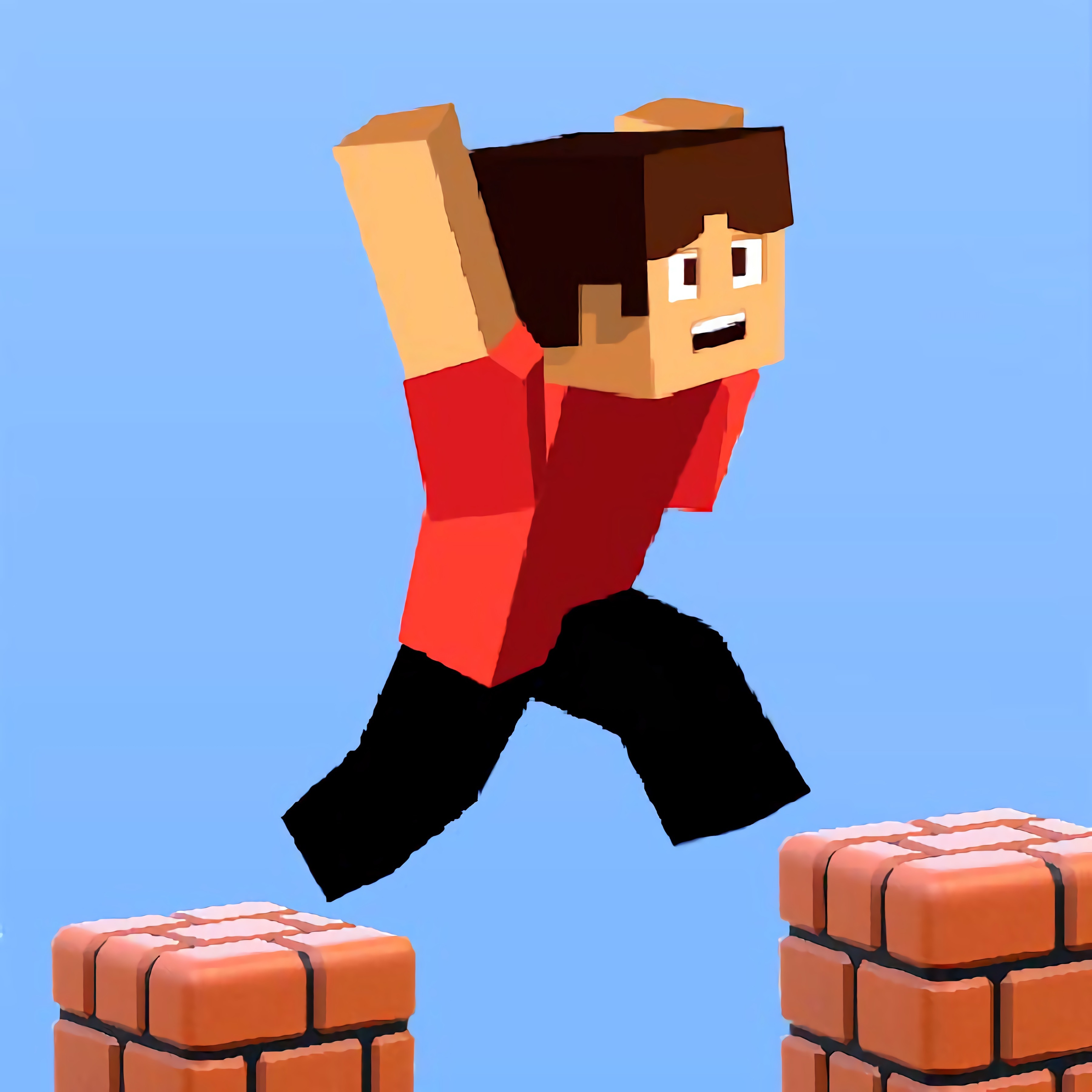
Leap across floating voxel blocks as Parkour Block 3D turns every gap into a timing test. This block parkour game drops solo players into square sky platforms, glowing lava gaps, and narrow voxel ledges where one sloppy landing sends the run straight into the heat. The Minecraft-inspired look gives it the familiar feel of custom parkour maps, but the pressure comes from your own hands.
Built by Poly Games in Unity, the browser parkour course supports browser play on mobile and desktop with no download required. It is free online, fast to restart, and sharp enough for skill-focused players who like casual short sessions with real consequences. Miss the edge by a block, and the portal finish zone suddenly feels miles away.
The game includes 35 levels, classic mode structure, and an arcade challenge rhythm that grows meaner as the platforms shrink. Voxel blocks hang in the air like stepping stones over lava pits, demanding first-person movement that feels close to Minecraft-style parkour maps without claiming any official connection. If you enjoy Parkour Games or Jumping Games, this hardcore arcade platformer is all about surviving the next jump.
Gameplay
The core of this voxel jumping challenge is precision jumping across an obstacle course made of floating stone blocks, tall pillars, and sudden drops. Timing matters because momentum carries you farther than expected, especially after climbing-style jumps from one raised platform to another. One overconfident sprint can launch you past the safe tile and into a glowing lava gap.
Checkpoints help, but they do not remove the sting of a bad move. The browser parkour course rewards level mastery: replaying a failed stage teaches where to pause, where to sprint, and where to feather movement before takeoff. Players who like sharp obstacle timing may also enjoy Geometry Vibes X-Ball, while block-world fans can try Noob VS Pro 1 for another voxel-style challenge.
How to Play
Before moving, line up the crosshair or view angle with the next block so your jump travels straight. A common beginner mistake is overcorrecting in midair; that tiny panic strafe can turn a safe landing into a fall past three platforms. For advanced jump timing, press jump at the block’s edge, not from the middle.
On a computer, first-person movement gives you tighter control for angled jumps and narrow landings. On a phone, smaller swipes and shorter taps help prevent sudden camera swings when the next platform is already close. When the gap widens, build momentum early, then commit.
Controls
Use careful inputs rather than frantic ones. One extra step can carry you off a narrow voxel ledge before the jump even starts, so reset your view whenever the next platform looks crooked.
- WASD / Arrow Keys — Move
- Space — Jump
- Mouse / Swipe — Look around and aim your landing
- Touch Buttons — Move and jump on mobile
Features
Across 35 levels, this 3D obstacle game adds pressure through changing platform shapes, uneven heights, and tighter landing zones. The portal finish zone gives every stage a clear target, but reaching it cleanly can feel brutal when the final block is barely wide enough for a steady landing. Hardcore difficulty shows up through layout, not clutter.
The visual setup stays readable: square sky platforms, bright lava pits, and block edges make hazards clear before you jump. That clarity matters when a platform looks safe until your momentum slides you toward the corner. Fans of Block Games will recognize the voxel-style spaces, while arcade challenge players get a stricter test of control.
Replay value comes from shaving mistakes out of each level. A stage that first feels impossible can become a clean route once you learn its rhythm, pause points, and takeoff angles. That mastery curve gives this skill-based jumping game its bite.
Similar Games
- Mad Skills BMX 2 — a timing-heavy obstacle ride where ramps punish late reactions. It fits players who enjoy reading terrain and landing under pressure.
- Bike Mania — a balance-based obstacle course with careful movement over uneven structures. One wrong lean can wreck a clean attempt.
- Scientist Runner — a runner with hazards, jumps, and quick decisions. It shares the need to react before the next obstacle closes in.
Advantages
- Instant browser access with no download, so failed runs can restart without extra setup.
- Mobile and desktop support lets players compare touch movement against keyboard precision.
- 35 levels create a steady climb from basic jumps to hardcore difficulty.
- Short retries keep the tension high because one bad landing has an immediate consequence.
Frequently Asked Questions
What is Parkour Block 3D?
It is a browser-based 3D parkour game where players jump across voxel platforms, avoid lava hazards, and clear increasingly difficult obstacle levels.
How do you play Parkour Block 3D?
You play by moving carefully, lining up jumps, controlling momentum, and reaching the portal or finish point without falling into the lava pits.
Can I play Parkour Block 3D without downloading?
Yes, it runs directly in a browser on desktop and mobile without installing an app or extra files, making it easy to try alongside other free online skill games.
Video Gameplay - Parkour Block 3D

 Battle Area
 Grand Prix Hero
 Dust Buster.io
 Sploop.io
 Bucket Crusher
 Gladiator True Story
 Interior Designer - Decor Life
 Army Commando
 Slendrina Must Die The House
 Wall Fixing
 How To Draw: Teen Titans Go
 Hockey Challenge 3D
 Baby Hazel Kitchen Time
 Wheely 8
 X Racer SciFi
 Little Mermaids Dress Up
 Wedding Planner
 Run 3
Run 3
 Circus Words
 Slope Unblocked
 Fireboy and Watergirl 1: Forest Temple
 Vampire Nose Doctor
 Rotate Bridge 3D
 Ping Pong
 Chained Tractor Bus Towing Duty
 Merge Cannon: Chicken Defense
 Mystery Pic
 MineStrike.fun
 Internet Fashionista Dress Up
 Cup Pong Challenge
 Easter Hurly Burly
 Match Arena
 Penalty Challenge Multiplayer
 Elisa Doll Creator
 Demolition Monster Truck Army 2020
 Basketball Stars 3
 Unikitty Save the Kingdom
 StackBall.io
 Bounce Master
 Offroad Jeep Simulator
 Nail Salon For Animals
 Tank Mayhem
 Wedding Planner Salon