


GT Highway Car Driving: Busy Roads Racer
 Developer: Flick Gamer
Published: May 22, 2020
Game Technology: html5, WebGL
Compatible Devices: Mobile (Android)
About GT Highway Car Driving: Busy Roads Racer
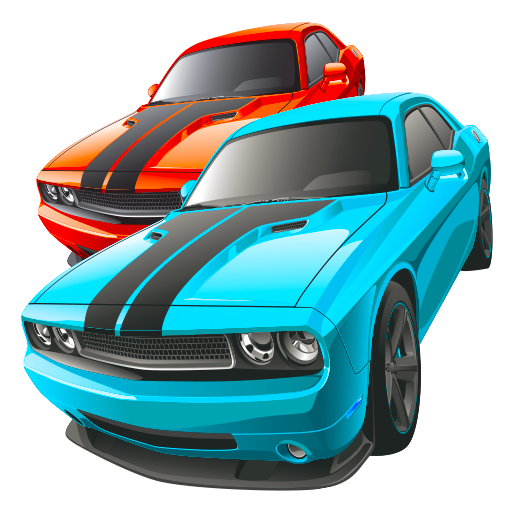
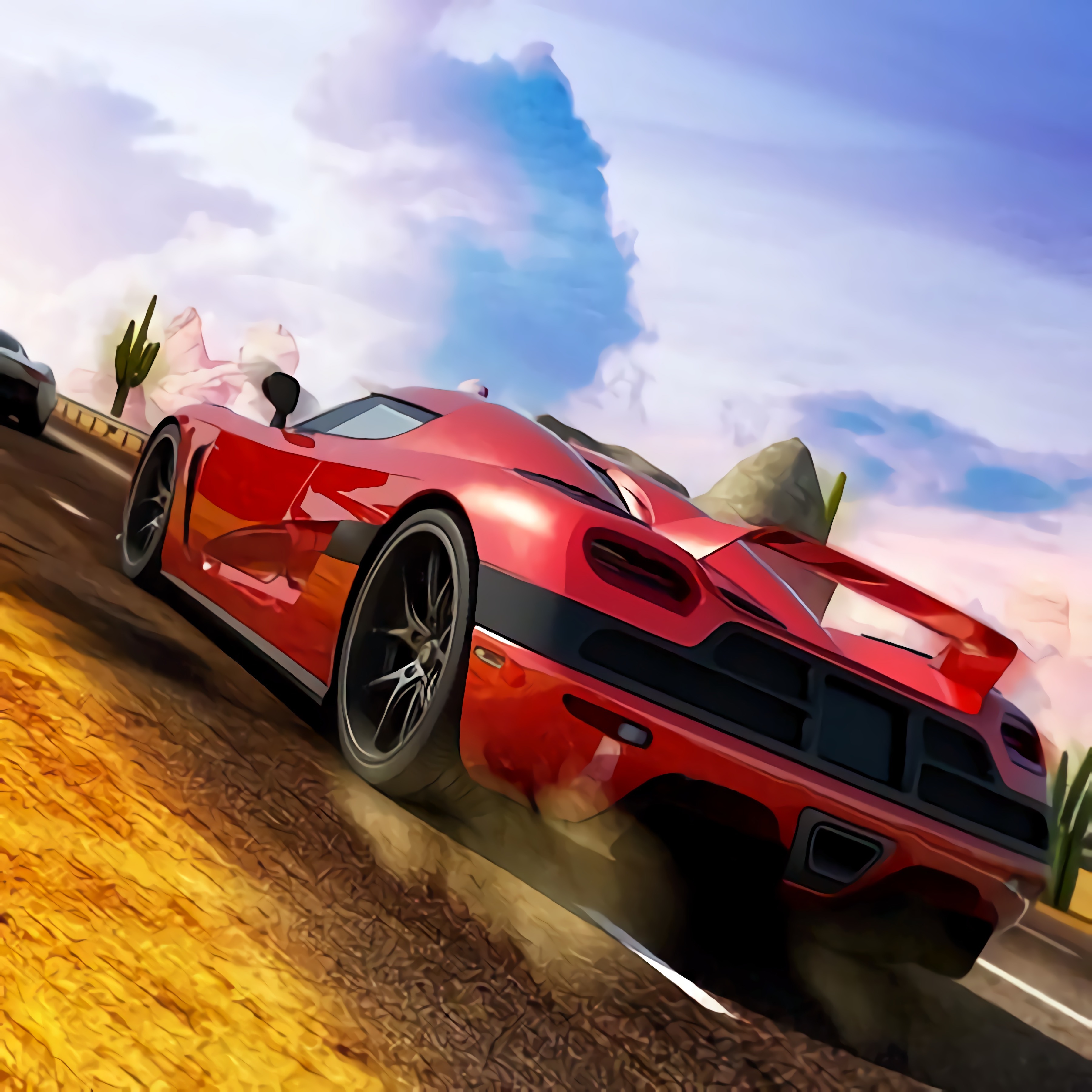
Cut through crowded highway lanes as traffic rushes past your speeding car on every side. GT Highway Car Driving: Busy Roads Racer puts you behind sports cars built for 3D racing, where glowing taillights and crowded asphalt lanes leave little room for panic steering. One late move can scrape a bumper, break your rhythm, and end a clean run just as the road opens up.
This highway racing game comes from Flick Gamer and runs in browser play with HTML5 and WebGL support, so there is no download before the first drive. The setting is an endless road packed with highway traffic, where speed control matters as much as raw acceleration. Push too hard, and a safe gap can shrink into a metal wall before the engine note settles.
Desura’s one-eyed mascot would probably blink twice at some of these sharp lane cuts. The busy road racer is built around overtaking, drifting, and reading traffic early instead of swerving at the last second. If you enjoy Racing Games with real pressure in every lane, this one keeps the road tense from the first stretch.
Gameplay
GT Highway Car Driving: Busy Roads Racer is about surviving speed while choosing the right opening in moving traffic. Cars slide into view at different distances, and the safest path is often the one you spot two lanes ahead. Wait too long, and your late lane change turns a smooth pass into a hard crash.
Overtaking gives each run its bite. A clean pass between two vehicles feels sharp, but a greedy move near a truck can leave no escape when the next car appears. Players who like vehicle pressure in Cargo Jeep Racing may enjoy how this high-speed traffic game asks for patience before every burst of speed.
Camera angles also change how the road feels. Sweeping camera angles can reveal more traffic space, while closer views make roaring engines and near-misses feel tighter. Pick the wrong view for a dense section, and a car hidden near the edge of the screen can ruin a promising run.
How to Play
Start by reading the road before you move. Beginner mistakes usually come from sudden steering, especially late lane changes made after the gap is already gone. When traffic bunches together, ease off instead of forcing the car through a slot that is closing fast.
Advanced overtaking works better when you plan two moves at once. Move behind a slower car, watch the next lane, then cut only when the opening stays clear long enough to carry your speed. One frame of impatience can send your car into a bumper instead of past it.
On mobile Android, touch control gives small steering adjustments a softer feel, while desktop input can feel more direct if the browser supports it. The 3D car driving game rewards steady hands more than wild corrections. Guiding lines can help you judge placement, but they will not save a reckless pass through packed traffic.
Controls
The raw commands are built around smooth driving, camera choice, and assisted road awareness. Use small inputs when traffic tightens; a huge swipe at high speed can throw the car across lanes before you can recover.
- Touch or drag — steer the car
- On-screen accelerator — increase speed
- On-screen brake — slow down for traffic gaps
- Camera button — switch camera angles
- Guiding lines — follow lane direction and positioning cues
Features
GT Highway Car Driving: Busy Roads Racer includes different environments, so the road does not feel locked to one stretch of asphalt. Lighting, lane width, and traffic density can change how early you spot danger. A bright road can still betray you when glowing taillights cluster in front of a blind curve.
Car customization adds replay value beyond a single high-speed run. You can adjust the look of your ride and return to modes with a different sense of style, which matters when you spend run after run chasing cleaner overtakes. A fresh car will not prevent a crash, but it makes each reset feel less routine.
Automated gear shifting keeps attention on traffic reading rather than manual shifting. That helps casual players and quick solo sessions, but it does not remove the pressure of speed control. If you want another browser drive with rougher vehicle handling, Fast Madness offers a different kind of road chaos.
Similar Games
Fans of the mobile driving racer often look for more Driving Games where vehicle control and timing decide the run. The games below stay close to cars, speed, and road handling rather than unrelated stunt or combat play. Pick poorly in any of them, and one bad turn can wipe out the progress you were building.
Some choices lean toward cargo balance or animal racers, while others keep the pressure on pace and steering. That variety helps when you want a break from highway traffic without leaving the driving lane completely. For more car-focused picks, Desura also has Car Games with different road rules and vehicle styles.
GT Highway Car Driving: Busy Roads Racer shares its strongest connection with games that punish sloppy steering. The near-miss feeling is the hook: tires drift, engines climb, and the next obstacle arrives before your hands relax. That is where each related game earns its place.
- Pickup Driver — a vehicle driving game focused on handling a pickup through road challenges. It is a good match if you want heavier steering and consequences for careless turns.
- Animal Buggy Racing — a buggy racer with lane movement, speed, and obstacle awareness. It has a lighter look, but a mistimed move can still cost the lead.
- Tractor Express — a driving challenge where control matters more than reckless speed. It suits players who want to practice smoother inputs before returning to faster traffic runs.
Advantages
- Runs with HTML5 and WebGL for instant browser play with no download required.
- Supports mobile Android play for players who prefer touch steering during fast road changes.
- Uses camera angles, guiding lines, and automated gear shifting to keep attention on traffic decisions.
- Offers replay value through modes, car customization, different environments, and repeated high-speed attempts.
- Builds tension through highway traffic, sharp lane cuts, overtaking choices, and crowded road spacing.
Frequently Asked Questions
What is GT Highway Car Driving: Busy Roads Racer?
It is a 3D highway racing game where you drive through busy traffic, overtake vehicles, and chase high-speed runs across different road environments.
How do you play the busy road racer?
You steer through traffic, manage speed, use smooth lane changes, follow guiding lines when needed, and choose camera angles that help you avoid crashes while maintaining momentum.
Can I play this WebGL driving title without downloading?
Yes, it runs with HTML5 and WebGL technology, so you can play instantly in a supported browser without a separate download and keep exploring more free driving games on Desura.
 Sudoku Village
 Sandwich Tower: Be Cool Scooby-Doo
 Gangsters
 Skate Hooligans
 The Night Begins to Shine - Teen Titans Go!
 Gangster Vegas
 Super Buddy Kick 2
 Monster Truck Racing
 Red Ball Forever
 Tank Stars
 Torture the Trollface
 Egg Adventure 2
 Sudoku Challenge
 Emoji Drop Themes
 Airplane IO
 Bike Rush
 Super Late - DC Super Hero Girls
 Supercars Speed Race
 Horse Jumping Show 3D
 Multiplayer Tanks
 Kingdom Rush
 Knives Extreme
 Pool Ball 3D
 Viking Pub
 Glow Hockey 3D
 Soft Teacher Dress Up
 Wild Hunter Sniper Buck
 Clash Blade IO
 Batman Fall Guys
 Classical Hippo Hunting
 Deathmatch Combat io
 Funny Puppy Care
 Run 3
Run 3
 Cute Unicorn Jigsaw
 Fireboy and Watergirl 3: The Ice Temple
 Baby Elsa Puppy Surgery
 LOL: Spot the Difference
 Circus Words
 Baking Apple Cake
 Princess Collective Wedding
 Baby Hazel Newborn Vaccination
 Penguin.io
 OffRoad Truck Simulator Hill Climb