
Typing Games
 Defend The Beach
 Microsoft Word Twister
 Guess My Sketch
 Zombie Number
 Typing Fighter
 Fishing Guru
 Zombie Typing
 Math vs Bat
 Monster Typer








 Tic Tac Toe Paper Note
 Yummy Churros Ice Cream
 Baby Hazel Newborn Vaccination
 Wild Animal Hunting
 Captain Marvel: Galactic Flight
 Baby Hazel Harvest Festival
 Funny Nose Surgery
 Cheese Swipe
 Hungry Shark Arena
 Traffic Jam 3D
 Superman Nuclear Rescue
 Cheerleader Magazine Dress Up
 Short Life
 Defend the Sewers - Craig of the Creek
 Fireboy and Watergirl 3: The Ice Temple
 Among Us - Impostor.iO
 Squid Challenge
 The Floor is Lava! Apple & Onion
 City Stunt Cars
 Gumball Water Sons
What Are Typing Games?
Keyboard games turn text input into a playable challenge. Instead of only filling a blank page, you react to letters, words, clues, and phrases on the screen. On Desura, titles like Microsoft Word Twister connect spelling, vocabulary, and word recognition in a simple browser format.
Some games ask you to type quickly, while others reward careful reading. In Monster Typer, each correct entry helps you handle the next target. That makes the genre useful for kids, beginners, and casual players who want practice without a long lesson.
Controls can be simple and flexible. You may use a physical keyboard, tap a virtual keyboard on mobile, or click letters and buttons when a game supports it. This keeps the learning curve friendly for touchscreen users and desktop players alike.
How Typing Games Build Speed, Accuracy, and Vocabulary
Typing practice games train more than words per minute. A timed typing test can measure WPM, but accuracy matters just as much when mistakes cost time or attempts. Games like Zombie Typing make each letter feel important because one wrong key can slow your response.
Speed typing challenges also support focus and hand-eye coordination. Your eyes track the prompt, your hands find the right keys, and your brain checks spelling before you submit. In Typing Fighter, that rhythm turns keyboard skill into a clear cause-and-effect loop.
Vocabulary games build pattern recognition through repeated exposure. You start noticing prefixes, endings, short words, and tricky letter pairs faster. If you enjoy clue-based practice, Word Games on Desura can be a natural next stop after keyboard skill games.
Types of Typing Challenges to Try
Speed tests, word puzzles, and typing adventures
Speed tests are built for quick measurement. They usually focus on WPM, timed challenges, leaderboards, and clean prompts that tell you exactly what to enter. These are a good fit when you want short sessions and a clear score to compare with your last run.
Word puzzles move at a more thoughtful pace. They may ask you to spot hidden letters, rearrange tiles, or solve clues before entering an answer. Guess My Sketch leans on word recognition, while Fishing Guru adds a relaxed setting to spelling practice.
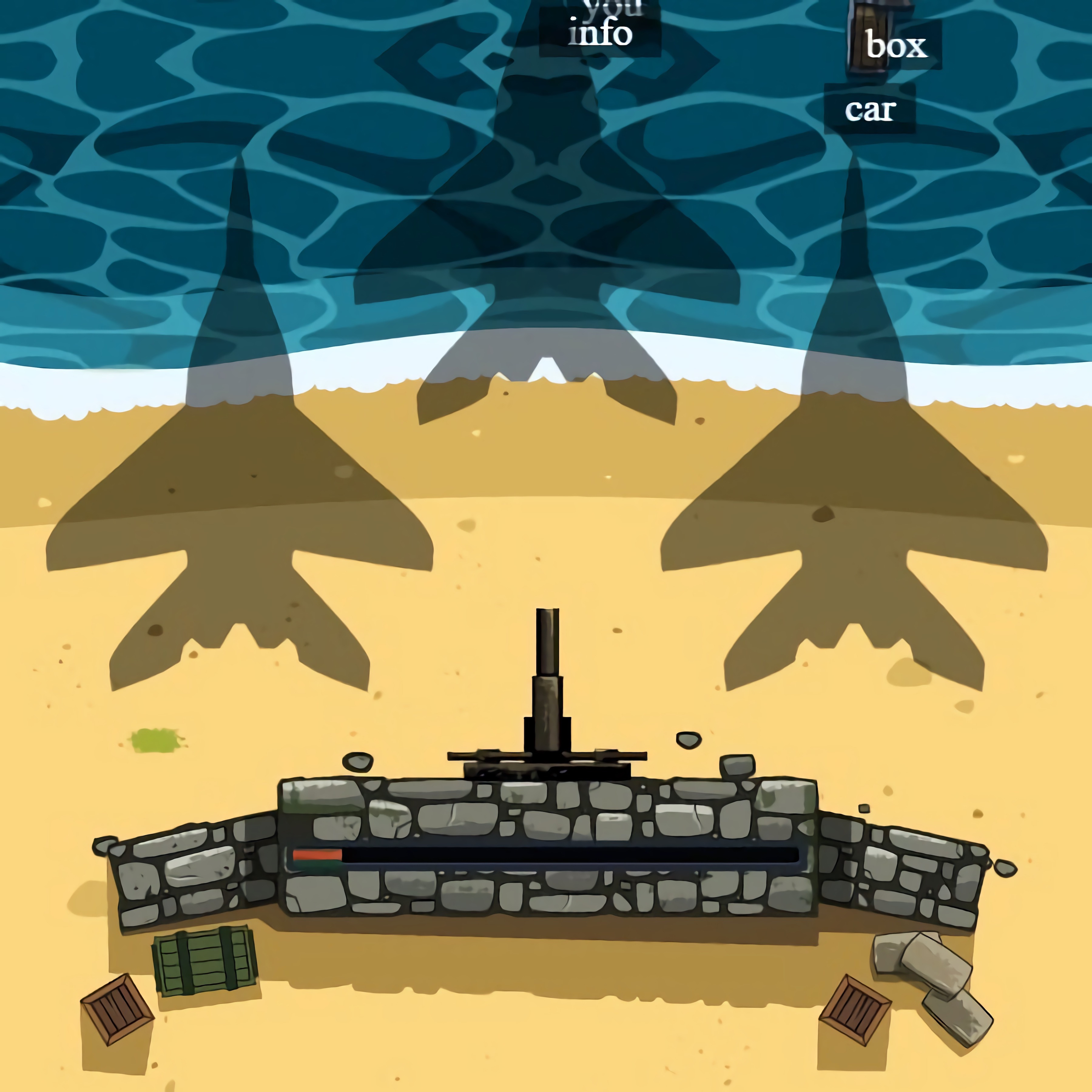
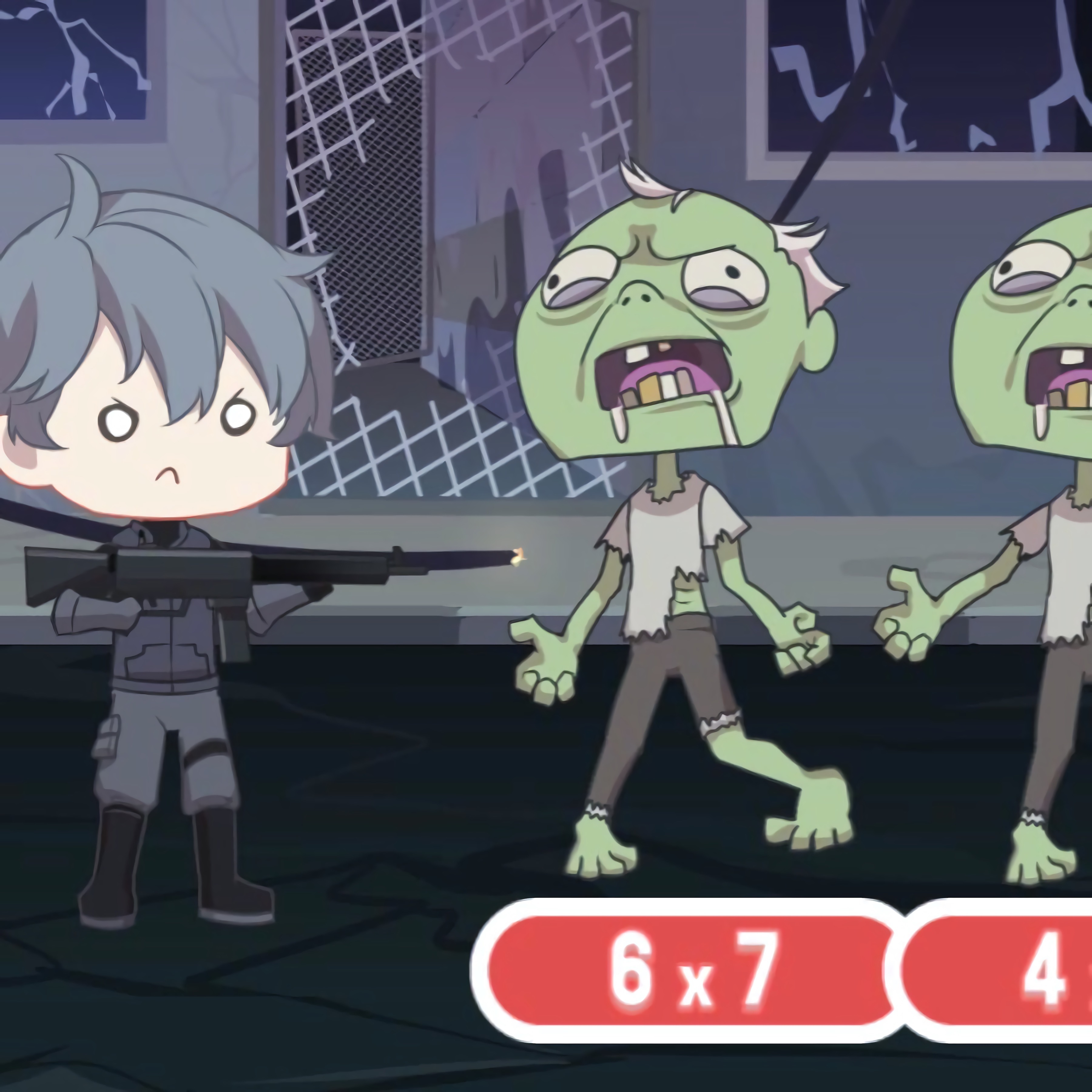
Adventure levels add goals beyond the next word. In Defend The Beach, correct entries help you protect your position, so reading speed and accuracy work together. Number-row drills such as Zombie Number can also help players become more comfortable with keyboard placement and quick input.
Play Typing Games Online on Any Device
Desura’s browser games are made for instant play. Many run in HTML5, which means no download is needed before you start. You can open a game, practice for a few minutes, and return later without setting up extra software.
Desktop players often get the clearest keyboard practice because every key is ready under their fingers. Mobile and tablet players can still join with taps, virtual keyboards, and touch-friendly menus. If you prefer portable play, the broader Mobile Games section has more browser options that work well on smaller screens.
Choose your practice style based on your goal. Use WPM games when you want speed, spelling games when you want cleaner answers, and word puzzles when you want vocabulary growth. Players who enjoy time pressure may also like Speed Games, especially after building confidence with text-based challenges like Math vs Bat.
Frequently Asked Questions
What are typing games?
They are browser games where players enter letters, words, numbers, or phrases to complete challenges while improving keyboard speed, spelling, vocabulary, and accuracy.
How do you play typing games?
You read prompts on the screen and enter the correct response with a physical keyboard, virtual keyboard, taps, or simple clicks before time or attempts run out.
Can I play typing games for free without downloading anything?
Yes, you can play them free online in a browser with no download, and many titles work instantly on desktop, laptop, tablet, or mobile devices.
What are the most popular free online Typing Games to play?
- Defend The Beach
- Microsoft Word Twister
- Guess My Sketch
- Zombie Number
- Typing Fighter
- Fishing Guru
- Zombie Typing
- Math vs Bat
- Monster Typer