
Word Games


 Hangman
 Crocword Crossword Puzzle Game
 Defend The Beach
 Amazing Word Twist
 Microsoft Word Twister
 Crossword Puzzles
 Guess My Sketch
 Drawing Master
 In Short
 Circus Words
 Wordle Unlimited
 Wordsoccer.io
 Fishing Guru
 Word Finding Puzzle Game
 Zombie Typing
 Word Cross Jungle
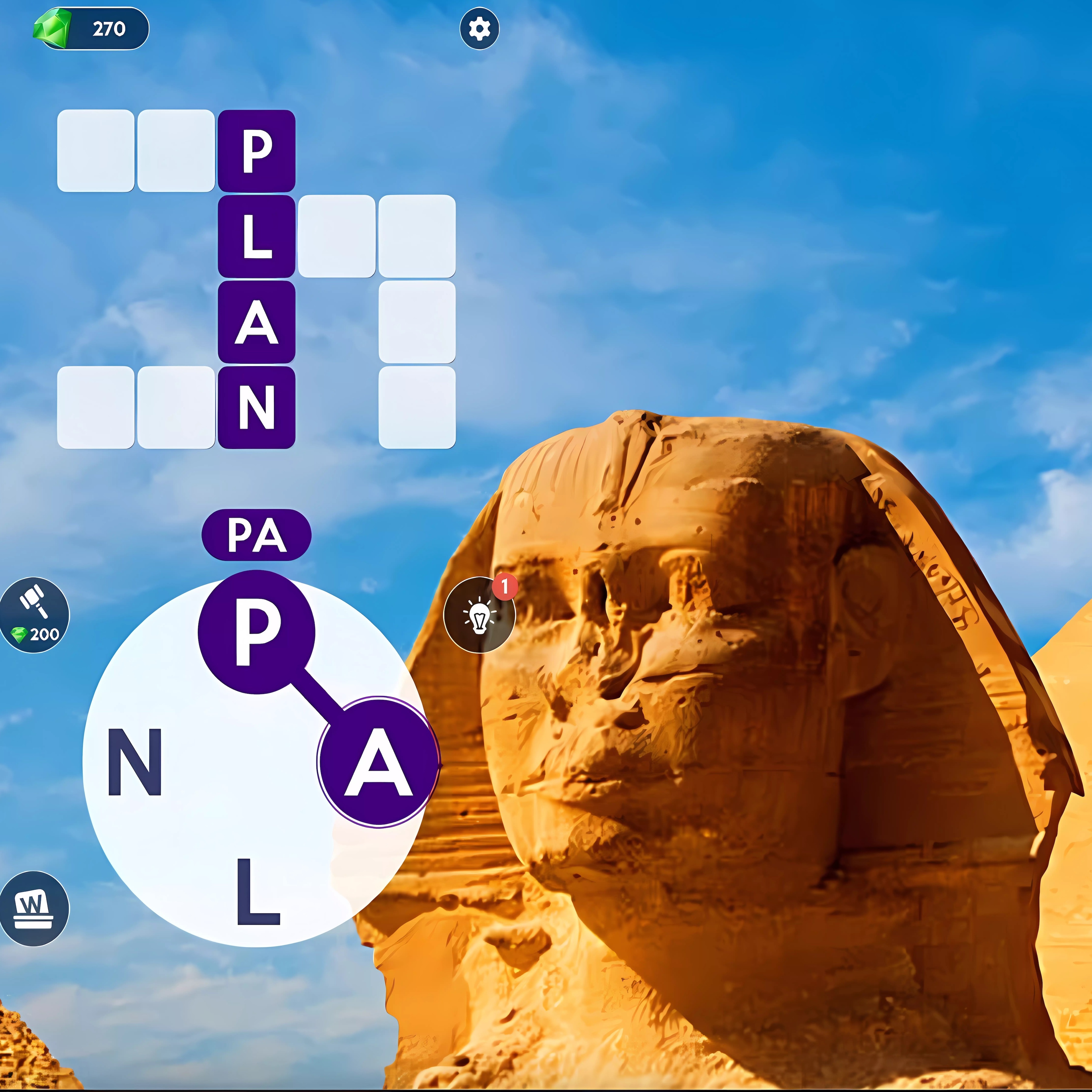 Words of Wonders
 Mystery Pic
 Microsoft Wordament
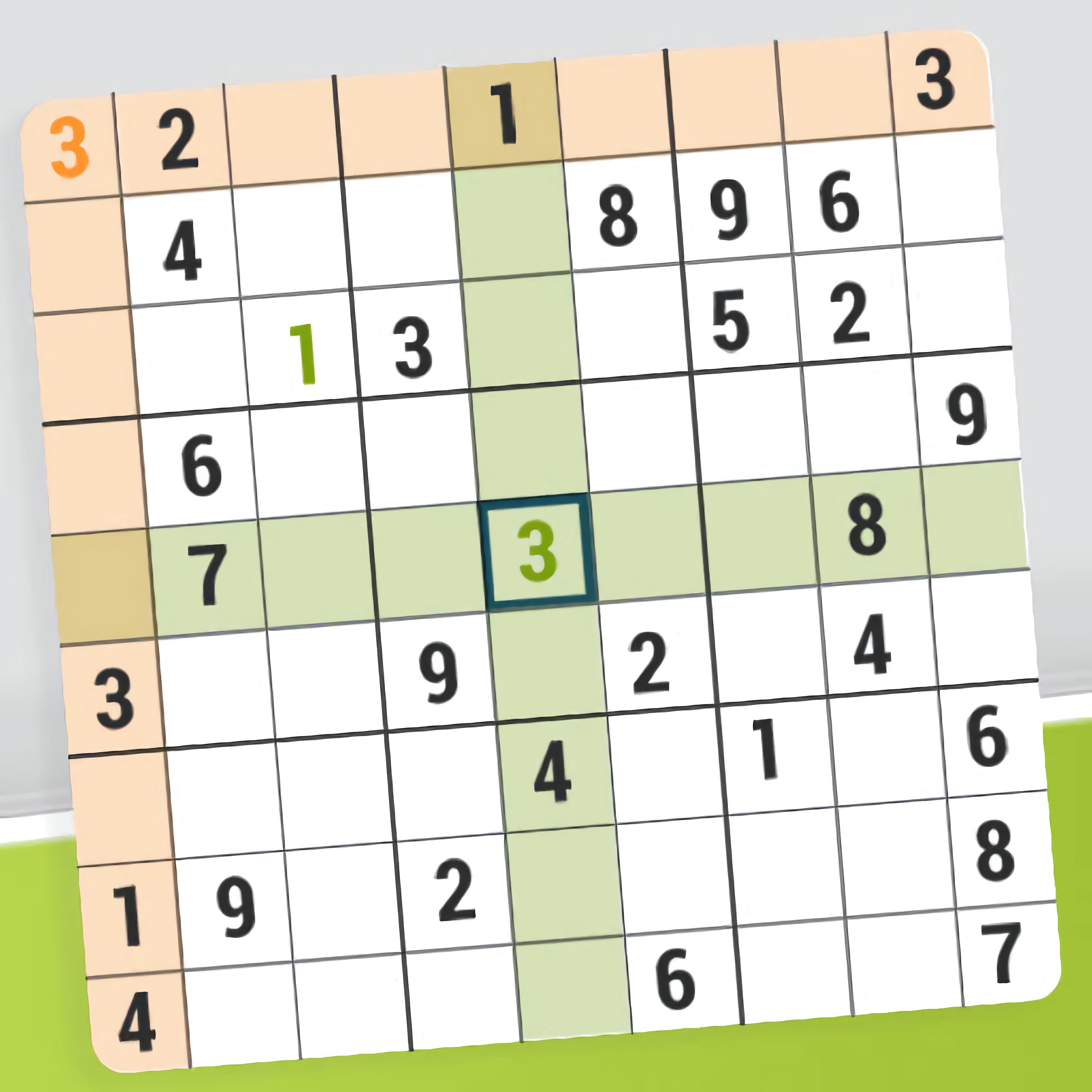 Dagelijkse Sudoku
 Monster Typer
 Find Birds Names
 Quick Sudoku
 Wordseeker
 Xmas Wondering
 Smart Sudoku
 Sudoku Deluxe







 Unicorn Dress Up Girls
 Sleepy Princess: Twin Birth
 Victor & Valentino: Taco Terror
 Bubble Trouble - Summer Camp Island
 Zombie Hunters Arena
 Minecraft Remake
 Glam Dress Up
 MineStrike.fun
 Moto X3M 5 Pool Party
 CrazySteve.io
 Office Dress Up
 Stickman: Dinosaur Arena
 Bank Robbery
 Bakery & Bravery - Adventure Time
 Cook Chinese Food Asian Cooking
 Morning Mayhem - Powerpuff Girls
 Crazy Car Racing Stunts
 Red Carpet Dress Up Girls
 Battleship War Multiplayer
 Car Eats Car: Winter Adventure
What Are Word Games?
Word games turn letters into quick, readable challenges where vocabulary, spelling, and pattern recognition all matter. Some ask you to find hidden words, while others ask you to build terms from scrambled letters or solve clues in a crossword-style grid. On Desura, these puzzles run in your browser, so you can jump into a round without setup.
The category includes vocabulary games, spelling games, crosswords, anagrams, word search, trivia, and tile placement challenges. A round might feel calm and thoughtful, or it might push you with a timed mode and a score to beat. That range makes the genre friendly for beginners, casual players, and anyone who likes short sessions.
You can start with familiar picks like Hangman if you enjoy guessing letters one at a time. If you prefer rearranging letters into new answers, Microsoft Word Twister and Circus Words focus on anagrams and steady word building. These formats keep the rules simple while still giving your memory a useful workout.
How Word Games Play: Searches, Crosswords, Anagrams, and Tiles
Most letter games use simple controls: click a letter, drag across a path, swipe on mobile, or tap tiles in the right order. That makes them easy to read on desktop and mobile, especially when the letter grid is clear and the buttons are large enough to select without strain. The controls stay light, but the choices can still become tricky as the board fills up.
Subgenres feel different in play. Word search games are about scanning, crosswords are about clue solving, anagram games reward flexible thinking, trivia checks what you know, and tile games add placement strategy. If you like broader logic challenges too, this category sits naturally beside Puzzle Games on Desura.
Because many titles are built in HTML5, they support instant play with no download on a modern browser. You can open a free online puzzle during a break, finish a daily challenge, or return later to protect streaks. The one-eyed Desura mascot may be playful, but the puzzles still reward focus.
Grid puzzles and hidden words
Grid-based word puzzles ask you to search rows, columns, and diagonals for hidden words. In Word Finding Puzzle Game, your eyes move across the board looking for familiar patterns before you mark the answer. Wordseeker uses a similar recognition loop, making it a good fit when you want calm concentration.
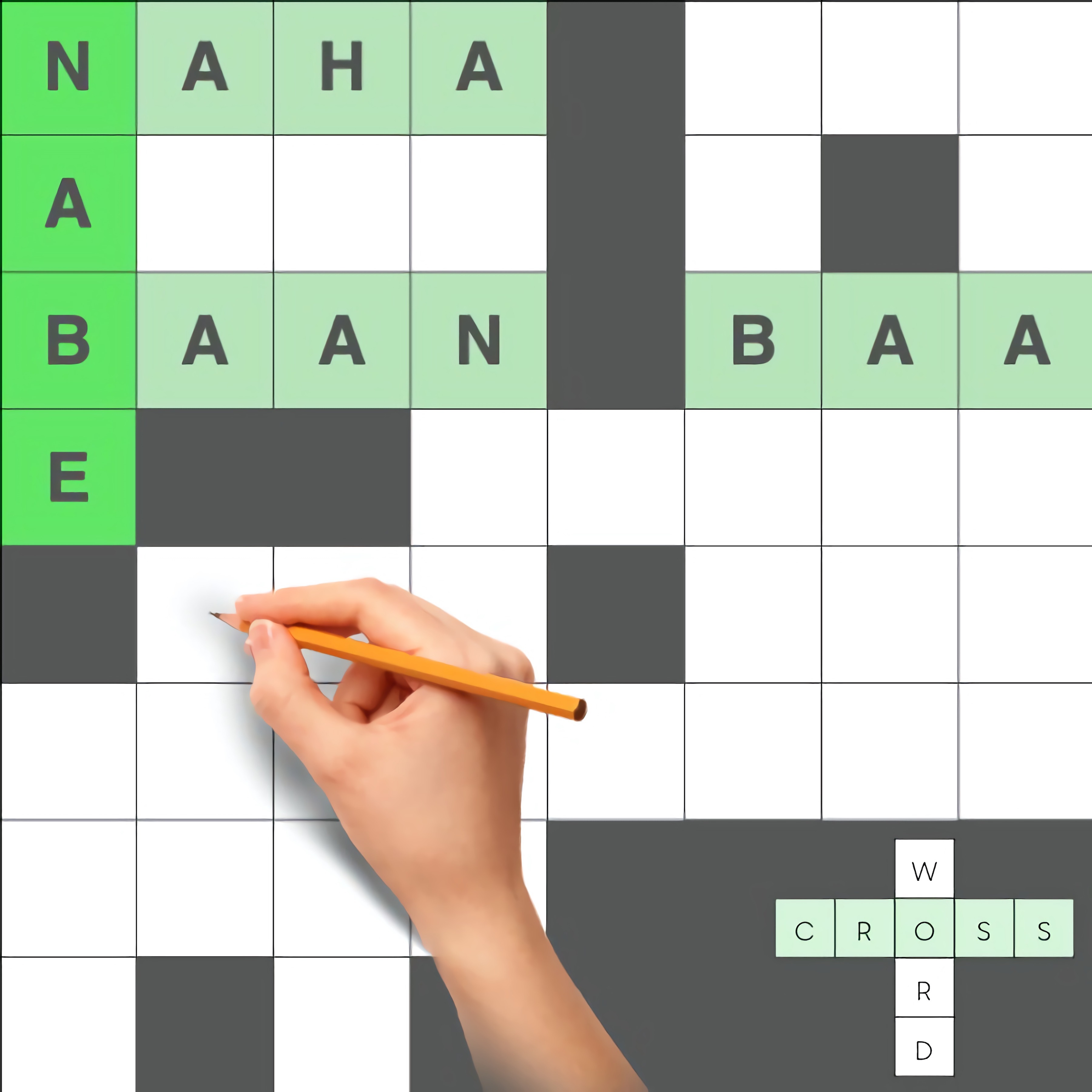
Crossword games add clues, empty spaces, and a stronger memory test. Crossword Puzzles keeps that classic clue-and-answer rhythm, while Crocword Crossword Puzzle Game blends crossword layouts with letter combining. These games help reinforce spelling because every letter has to fit both the clue and the grid.
Letter connecting and word building
Connecting games ask you to form answers from a small set of letters, often by dragging or swiping through them in sequence. Word Cross Jungle and Words of Wonders are built around that loop, where one set of letters can hide several possible answers. The fun comes from noticing prefixes, endings, and unusual combinations.
Some brain games add pressure through speed or limited guesses. Wordle Unlimited focuses on deduction, letter placement, and repeated guesses, while Microsoft Wordament turns a board of letters into a score chase. If you like typing under pressure, Zombie Typing connects spelling accuracy with quick keyboard reactions.
Why Play Word Games in Your Browser?
Why Play Word Games on Desura? They are quick to open, easy to understand, and suited to both short breaks and longer puzzle runs. Since they play in a browser, you do not need to install files or manage extra software.
Browser play also makes switching devices simple. You can solve a clue on desktop, tap letters on a tablet, or swipe through a mobile grid while waiting in line. The same basic controls work across many formats, which helps make the category accessible for casual players.
These spelling games can support useful skills without feeling like homework. You practice vocabulary when you discover new words, memory when you recall clues, and pattern recognition when you spot repeated letter shapes. Readable grids, clear contrast, and simple click, drag, swipe, and tap actions help more players settle into the puzzle quickly.
Choosing the Right Word Puzzle for Your Session
Pick a puzzle based on how much time and focus you have. A word search is a good choice for short sessions because you can scan the grid and make progress in small bursts. A crossword usually asks for more patience, especially when clues connect across the board.
If you want a faster challenge, anagrams and scrambled letters keep your hands moving. Games like Monster Typer are better when you want typing practice, while tile placement and score-based boards fit players who enjoy planning. Trivia-based word puzzles are useful when you want to test knowledge instead of only spelling.
For relaxed focus, choose larger letters, clear spaces, and puzzles without a strict timer. For a sharper session, look for timed mode, limited guesses, or a daily challenge that encourages a return visit. The right format depends on whether you want a quiet vocabulary drill, a memory test, or a quick score to improve.
Frequently Asked Questions
What are word games?
They are puzzle games built around letters, vocabulary, spelling, and word recognition, where players find, form, guess, or arrange words to complete a challenge.
How do you play word games online?
You play by clicking, dragging, swiping, or tapping letters to create answers, solve clues, fill grids, answer trivia, or score points before a timer or move limit runs out.
Can I play word games for free without downloading anything?
Yes, many can be played for free in a web browser with no download, so you can start a quick puzzle on desktop, tablet, or mobile whenever you want a new challenge.
What are the most popular free online Word Games to play?
- Hangman
- Crocword Crossword Puzzle Game
- Defend The Beach
- Amazing Word Twist
- Microsoft Word Twister
- Crossword Puzzles
- Guess My Sketch
- Drawing Master
- In Short
- Circus Words