





Word Finding Puzzle Game
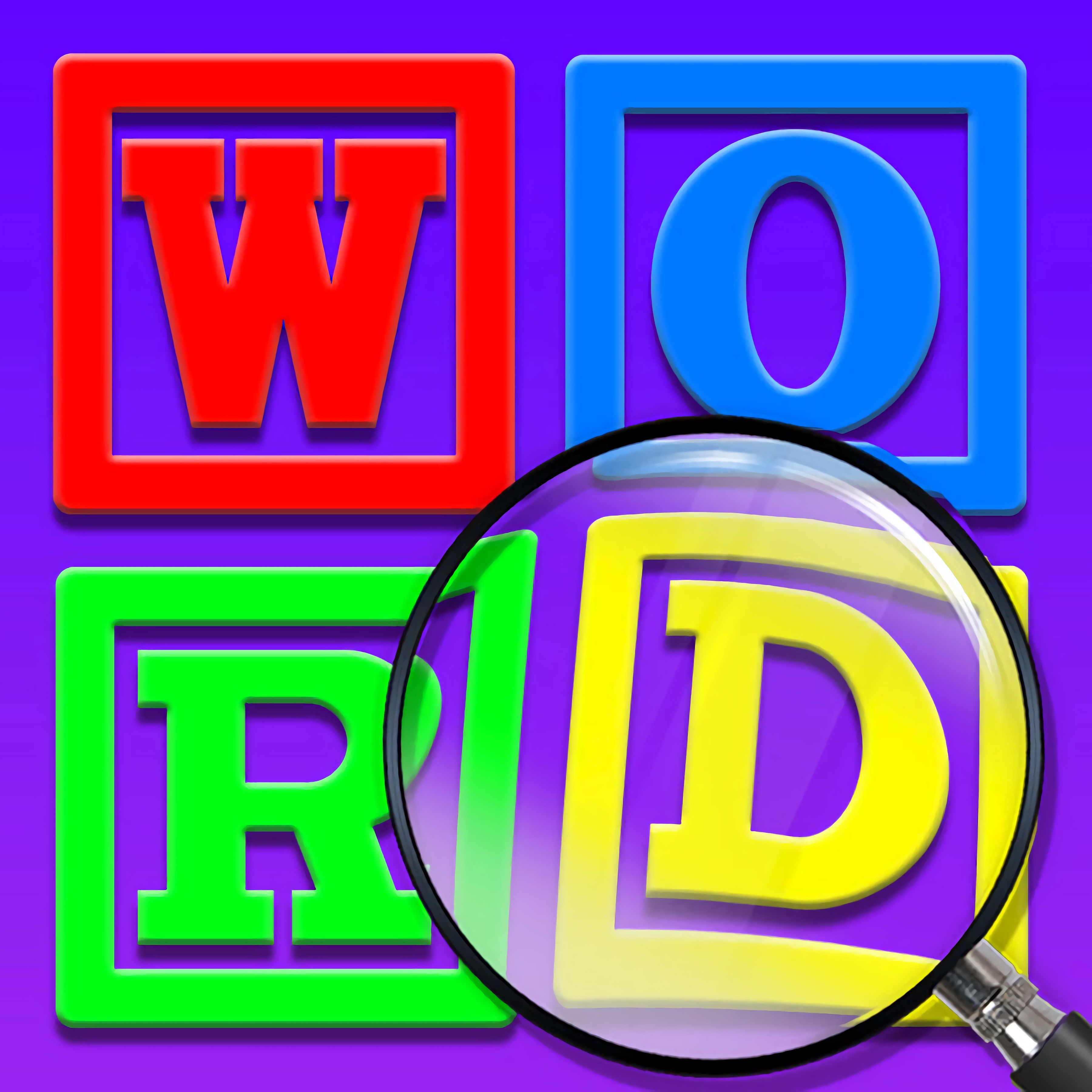 Developer: Silly Game Studio
Published: July 18, 2021
Controls: Swipe
Game Technology: html5, WebGL
Compatible Devices: Mobile (Android)
About Word Finding Puzzle Game
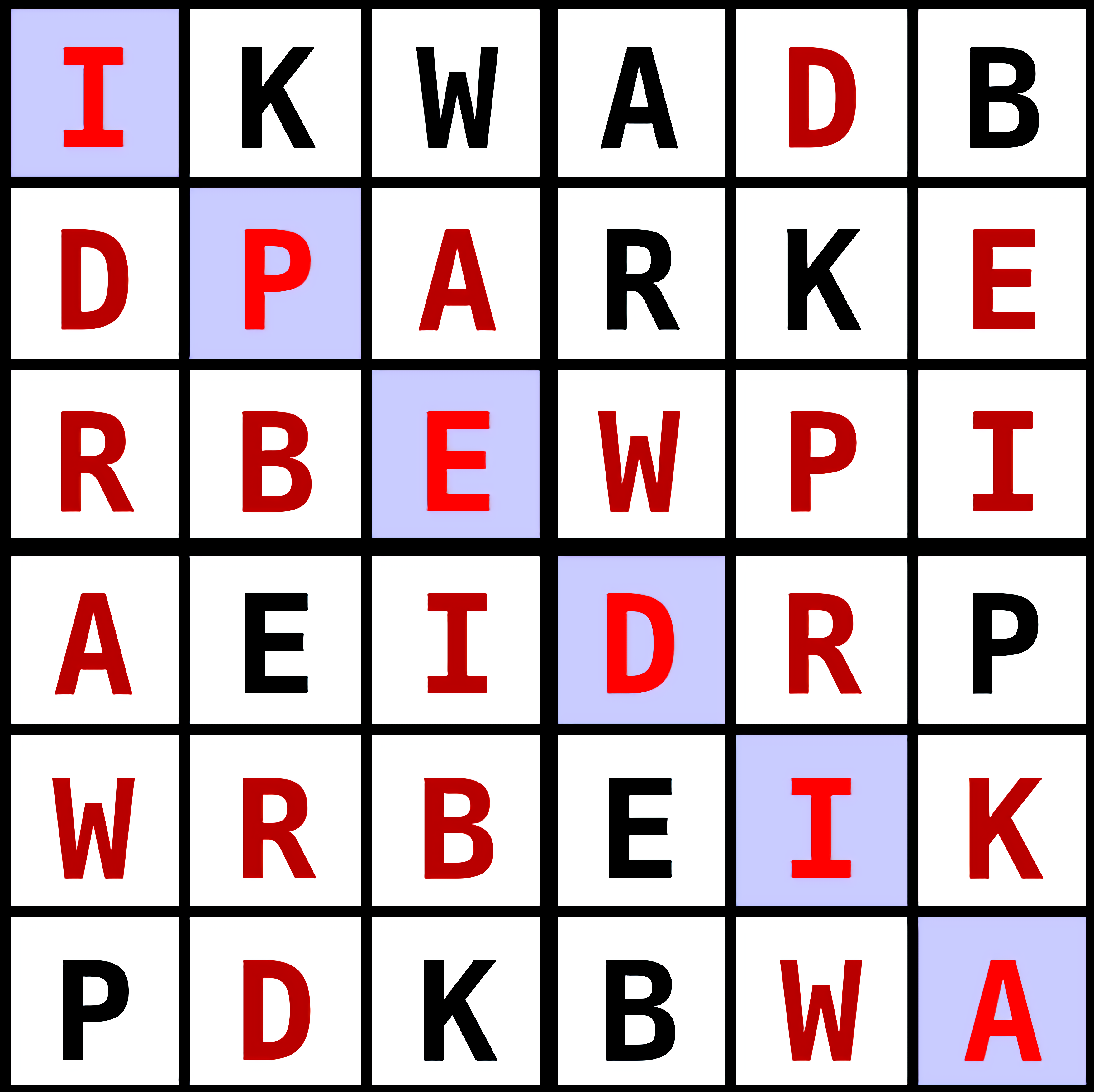
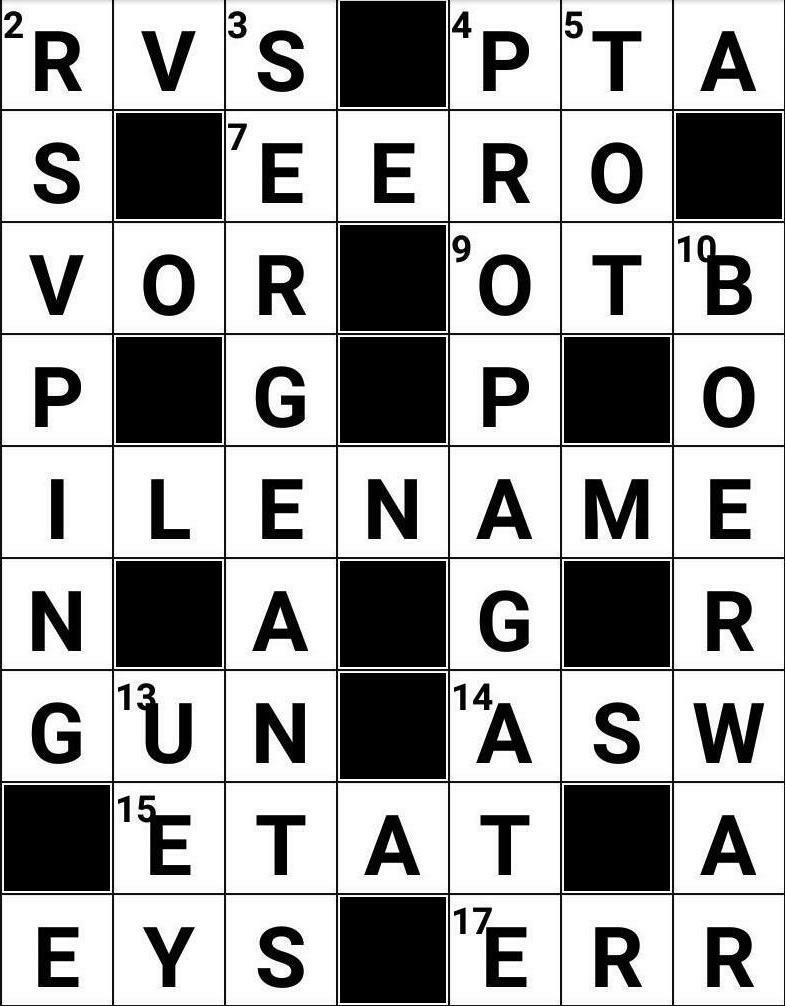
Scan the letter grid and swipe hidden words in every direction before the board is complete. Each cluster of letters can hide a clean answer or a trap for tired eyes, and one rushed swipe may leave you circling the same corner again. The calm pace helps, but the completed word list will not fill itself.
In Word Finding Puzzle Game, the classic word search becomes a focused browser play activity with HTML5 and WebGL support. You look for horizontal words, vertical words, and diagonal words across a compact board, including forward spelling and backward spelling. It is free online with no download, and it supports Android mobile play for quick sessions of solo play.
This beginner-friendly vocabulary puzzle feels close to classic word search puzzles, but the swipe input gives each discovery a clear highlighted word trail. The tension is quiet: a word seems obvious, then the last letter sits one row lower than expected. Players who enjoy language-focused Word Games on Desura can settle into steady vocabulary building without timers shouting at them.
Gameplay
The main task is to find hidden words inside clustered letters, then connect each one with a precise swipe. A diagonal swipe can save a stuck round, especially when the obvious rows stop giving answers. Miss the angle by a square, and the word trail breaks before the final letter.
Pattern recognition matters more than speed. Look for uncommon first letters, repeated endings, and small word shapes that stand out against the letter grid. If you like educational searching with a moving-letter twist, Alphabetic Train offers another gentle way to practice letters under pressure.
Advanced scanning strategies help when the board looks empty. Check diagonals early, then scan backward from rare final letters when obvious words are missing. The reward is small but satisfying: one careful pass can turn a half-empty completed word list into a nearly finished board.
How to Play
Start by reading the word list, then search the grid for the first and last letters of each target. Swipe across connected letters in any of the eight directions: up, down, left, right, and all diagonals. A careless drag can select the wrong path, so lift your finger only when the full word is lined up.
Common beginner mistakes include staring only at horizontal rows or ignoring backward spelling. When a word refuses to appear, rotate your thinking instead of your device: check vertical words from bottom to top and diagonal words from both corners. That one missing word often hides in plain sight.
On small screens, use shorter swipes and keep your fingertip slightly below the letters you want to select. This accessibility tip keeps the highlighted word trail visible while you move. Fans of word-building puzzles may also enjoy Circus Words, where vocabulary clues become the pressure point.
Controls
The controls are built around direct selection, so every move should feel deliberate. If your swipe starts one tile off, the board will not forgive the mistake; reset your finger and trace the word again with a steadier path.
- Mouse — Click and drag across letters to select a hidden word
- Touchscreen — Swipe letters horizontally, vertically, diagonally, forward, or backward
Features
Replay value comes from different grids, not from memorizing one solution. A fresh letter grid changes where the pressure lands, and the same word can feel easy in one round but slippery in the next. That keeps each hidden word game from becoming a copy of the last attempt.
The completed word list gives clear progress without cluttering the screen. As words disappear from the hunt, the remaining targets become more intense because every wrong guess wastes attention. In Word Finding Puzzle Game, that final unfound word can make the calm board feel surprisingly stubborn.
The game also supports brain exercise through vocabulary building rather than reflex-heavy play. As an online word puzzle, it rewards patient scanning, memory, and careful letter matching. Players who want broader logic practice can browse Puzzle Games, while Flags Maniac adds knowledge recall to the same thoughtful pace.
Similar Games
- Math And Dice Kids Educational Game — a calm learning game built around number recognition and careful choices. A wrong answer breaks the rhythm, much like selecting the wrong letters in a word search puzzle.
- Multiplication Simulation — a focused brain training game for players who like quick mental checks. It trades hidden words for math facts, but the same steady attention prevents small mistakes from piling up.
- Snack Mahjong — a grid-based matching puzzle where players scan the board for useful pairs. It suits players who enjoy searching clustered symbols and spotting patterns before the board locks them into a bad move.
Advantages
- Supports vocabulary building through repeated exposure to hidden words and varied spelling directions.
- Encourages brain exercise with calm pattern recognition instead of noisy distractions.
- Uses browser play with no download, so a missed word is the only thing slowing you down.
- Fits Android mobile play with touch swipes that make each selected path clear and readable.
Frequently Asked Questions
What is Word Finding Puzzle Game?
It is a casual word search puzzle where players find hidden words inside a letter grid by swiping across connected letters. The goal is to complete the word list without overlooking horizontal, vertical, or diagonal answers.
How do you play Word Finding Puzzle Game?
You play by scanning the grid and swiping letters horizontally, vertically, diagonally, forward, or backward to complete each hidden word. If a word seems missing, check backward spelling and diagonals before giving up.
Can I play Word Finding Puzzle Game without downloading?
Yes, this swipe word game runs instantly as an HTML5/WebGL browser game with support for mobile play on Android devices. Desura also has more free online word and puzzle choices for players who want another board to solve.



 Super Cowboy Run
 Golf Cars Simulator
 Princess Slime Factory
 Car Eats Car: Winter Adventure
 Craig Of The Creek: Hydro Blast
 Soccer Skills Runner
 Basketball Strike
 Spacy Hunter
 Grand Prix Hero
 Vampire Dress Up
 Transport Dinos To The Dino Zoo
 City Bus Driver
 Idle Arks: Sail and Build
 Save the Girl
 Bubble Shooter Candy 2
 BomberMan
 Mini Golf Adventure
 Super Late - DC Super Hero Girls
 Monster Truck 3D
 Pro Cricket Champion
 Five Nights at Freddy's 2 Remaster
 Eg Air Battles
 Car Traffic
 Masked Io
 Dinosaur Hunting Dino Attack 3d
 Toon Cup 2019
 Crazy Dentist
 Baby Hazel Learns Vehicles
 Transformers Jigsaw Puzzle Collection
 Princess Ready For Adventure's Date
 Commander Assualt Duty 2
 My Shark Show
 Offroad Snow Jeep Passenger Mountain Uphill Drivin
 Ice Hockey Shootout
 Catch the Candy
 Nubik and 5 nights with Herobrine
 Indian Cargo Truck Simulator
 Formula Drag
 Brilliant Popstar Girls Dress Up
 Fireboy and Watergirl 5: Elements
 Knight Of Magic
 Victor & Valentino: Taco Terror
 Frosty Ice Cream. Icy Desert