







Angry Sharks
 Developer: Inlogic Software
Published: May 12, 2021
Controls: Mouse
Game Technology: html5, Javascript
Compatible Devices: Mobile (iOS, Android)
About Angry Sharks
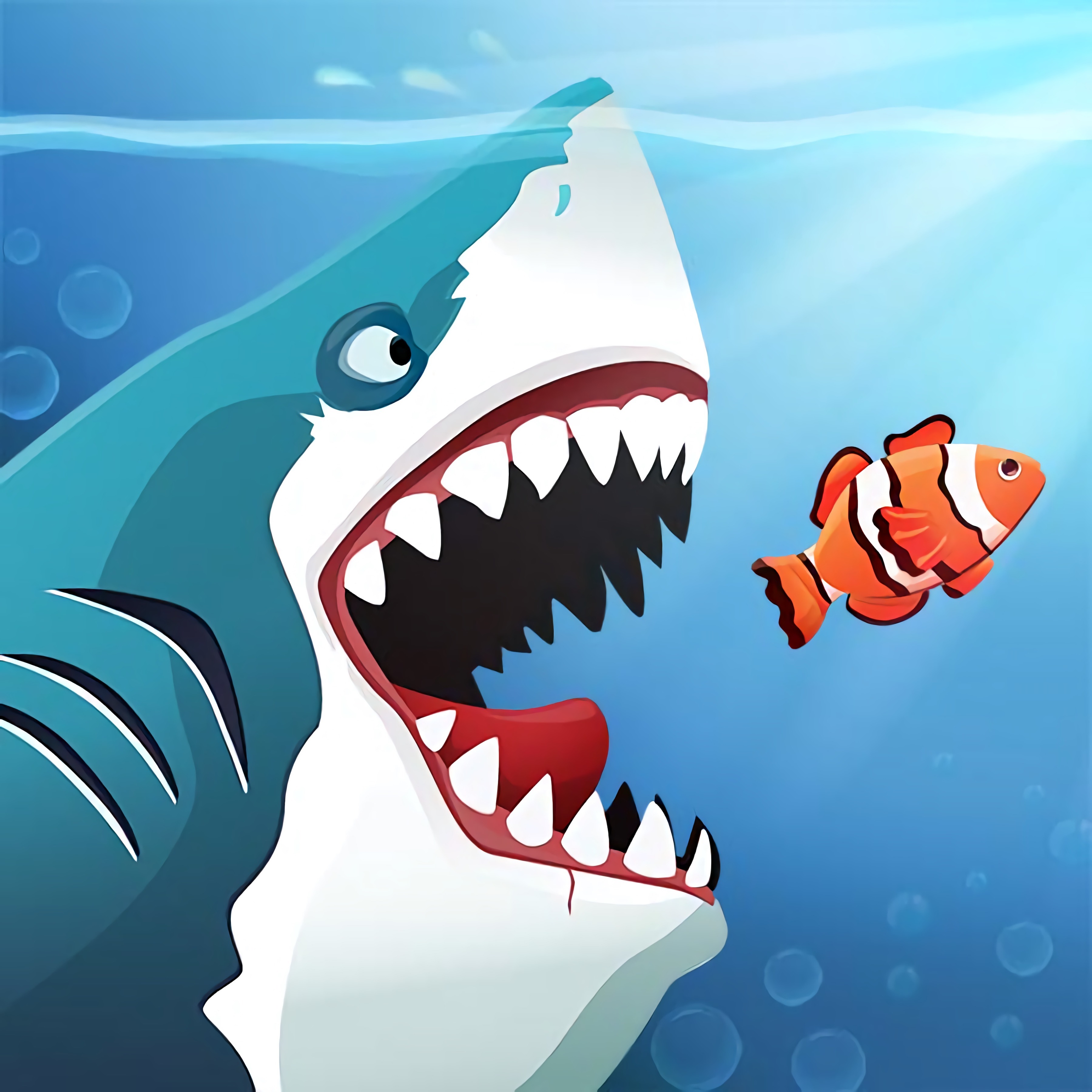
In Angry Sharks, a glowing mutated shark tears through the ocean, swallowing fish while dodging mines, spears, and larger predators. Radiation has twisted this sea hunter into something bigger, meaner, and harder to stop. Humans are afraid of the creature, so the water is packed with floating toxic barrels, drifting sea mines, and sharp attacks meant to end the hunt fast.
This mutated shark game is more about survival decisions than careless eating. A small fish near open water is safe food, but one near a mine can turn into a trap. Chase too hard, and the panicked underwater chase ends with your shark smashed by metal or snapped up by a bigger fish.
The ocean survival setup runs through HTML5 and JavaScript for browser play with no download. It also supports mobile controls on iOS and Android, so the same arcade adventure can shift from mouse cursor movement to finger swiping. That cross-platform feel matters when one tight turn keeps the shark alive.
Gameplay
Angry Sharks turns fish eating into predator-prey gameplay where every bite changes the danger around you. Smaller fish help trigger the growth mechanic, while bigger fish and a spiky fish swarm punish greedy movement. The level target size gives each stage a clear goal, but the shortest path is not always the safest one.
Risk-reward strategy sits at the center of this underwater growth game. Eat small fish in open lanes, then pull away before barrels, mines, or spears close the route. Casual players can enjoy quick sessions, but a single reckless chase can erase a good run in seconds.
Compared with a lighter fish-eating arcade game like Happy Fishing, this shark adventure leans harder into ocean survival. The water feels hostile, not peaceful. If you enjoy dodge-heavy movement in games such as Ski Safari, the same split-second route reading helps here when hazards crowd the screen.
How to Play
Start by guiding the shark toward fish that are clearly smaller than you. Let unsafe targets go. A common beginner mistake is chasing fish into mines, spears, or larger enemies, and that one extra bite can send the glowing mutated shark straight into a blast.
Mouse cursor control gives you smooth direction changes on desktop, while finger swiping on mobile feels more direct and physical. On a phone, your thumb can block part of the water, so look slightly ahead instead of staring at the shark. Beginner-friendly timing means learning when to turn away before the screen becomes crowded.
Replay value comes from improving survival time and reaching size targets faster. After a failed run, notice where the trap formed: was it a floating toxic barrel, a spiky fish, or a greedy turn toward food? Fixing that one habit can make the next attempt last much longer.
Controls
Move with small, controlled motions instead of wide swings. The shark reacts quickly, and overcorrecting near a mine can be just as dangerous as swimming straight into it.
- Mouse cursor — Control the shark on desktop
- Finger movement — Control the shark on mobile screens
Features
The level target size creates steady pressure because growth is measured, not guessed. You can feel the run shift when the shark becomes large enough to hunt targets that were dangerous moments earlier. Miss the size goal, though, and the sea keeps tightening around you.
Hazards come in several forms, which keeps the route from feeling flat. Barrels drift like bait, mines punish crowded paths, and spears turn open water into a sudden danger zone. The spiky fish swarm is especially nasty because it looks edible until it ruins the line you were building.
Solo gameplay makes every mistake yours to read and correct. There are no teammates to save the run when the shark gets boxed in by larger enemies. That makes each clean escape feel earned, especially when you slip between two hazards with barely enough room to turn.
Similar Games
Angry Sharks shares space with games that test survival instincts, fast avoidance, and pressure under attack. Not every related pick is underwater, but each one rewards players who read danger early instead of reacting too late. One bad move can still collapse the run, whether the threat is a predator, a zombie wave, or a trap-filled path.
- Zombie Plague — a survival game where threats keep closing in and movement choices decide how long you last. It fits players who like the hunted-monster tension of this sea monster challenge.
- Cat Gunner Vs Zombies — a creature-against-horde game with constant danger from advancing enemies. The pressure feels different, but the need to avoid being surrounded is familiar.
- Zombinators — a hazard-heavy survival ride where timing and route choice matter. If you enjoy escaping trouble by a narrow margin, this pick carries a similar sense of consequence.
Advantages
- The mobile shark game supports browser play with no download, making it easy to start on supported iOS and Android devices.
- The growth mechanic gives every bite a purpose, so progress is visible as the shark becomes more dangerous.
- Hazards force careful steering instead of blind collecting, which makes survival feel earned.
- The ocean survival game rewards repeat attempts through better routes, faster size gains, and cleaner escapes from danger.
Frequently Asked Questions
What is Angry Sharks?
It is a free online shark adventure game where you control a radiation-mutated shark, eat fish to grow, and survive attacks from humans and sea hazards.
How do you play Angry Sharks?
You move the shark with your mouse or finger, eat smaller fish to increase size, avoid bigger or spiky fish, and dodge barrels, mines, spears, and other obstacles until you reach the level’s required size.
Can I play Angry Sharks without downloading it?
Yes, it runs in HTML5 and JavaScript, so you can play instantly in a browser on supported mobile devices without installing an app.


 Bad Girls Makeover
 Mine-Craft.io
 Hero 5 Katana Slice
 Slenderman Must Die Silent Forest
 Mystery Chase - Scooby Doo
 Real Chess
 Egg Adventure
 The Simpson
 Sploop.io
 Noob VS Pro 4: Lucky Block
 Christmas Defense For Gifts
 Baby Taylor Skiing Dress Up
 Fireboy and Watergirl 1: Forest Temple
 My Farm Life
 Sudoku Challenge
 Princess E-girl Fashion
 Fairy Pony Caring Adventure
 Hello Kitty and Friends: Xmas Dinner
 Knight Vs Samurai
 Elementals - Adventure Time
 Robot Mania
 Hello Kitty: Good Night
 Baby Elsa Puppy Surgery
 Real Fishing
 Healing Rush
 Funny Nose Surgery
 Tweety's Pipe Pranks: Looney Tunes
 Cellcraft.io
 Microsoft Jigsaw
 HOTGEAR
 Black Hole Billiard
 Infinity Battlefield Ops
 Endless Boundary
 Kingdom Defense
 Dora Diamond Hunt
 Supra Crash Shooting Fly Cars
 Fairy Dress Up
 Move Balloon Safely
 Tank Mayhem
 Fishing Boy
 Titanic Heartbreak - Teen Titans Go!
 Super Onion Boy
 Princess Collective Wedding