





Microsoft Word Twister
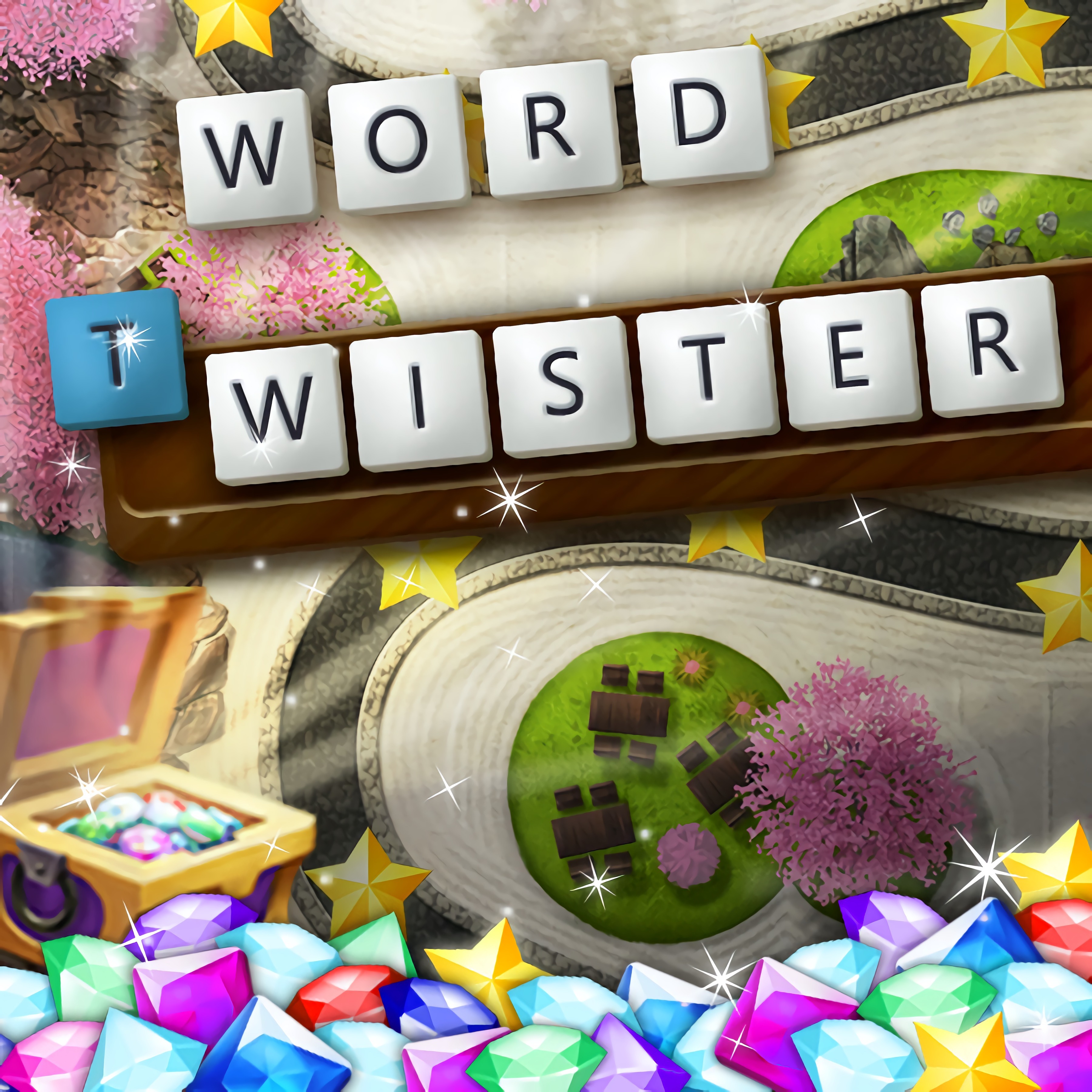
About Microsoft Word Twister
Shuffle the letter tiles in Microsoft Word Twister and turn a messy alphabet row into sharp, high-scoring words. This word puzzle gives you a clean, Microsoft-style layout where the blinking word box waits for your next guess. Miss an obvious plural or short filler word, and the rising score counter feels just out of reach.
The browser word game is built around scrambled words, spelling, and quick thinking rather than long crossword clues. Each round asks you to read the shuffled alphabet row, test combinations, and fill a word list before time slips away. One blank space near the end can sting when the answer was sitting in plain sight.
Because it runs as a browser game with no download, it supports instant play on desktop and mobile. The tidy puzzle grid makes solo play easy to follow, while the short sessions format gives each attempt a clear beginning and end. For casual puzzle fans, the pressure comes from knowing that one missed pattern can cost a stronger score.
Gameplay
The word-twisting game centers on an anagram puzzle: you receive letter tiles, then build as many valid words as possible. Short answers help fill the board, while longer words push the score higher. When timed rounds tighten, hesitation turns into empty boxes and a lower final tally.
Pattern recognition matters more than random guessing. Look for common prefixes like re-, un-, and pre-, then check suffixes such as -ed, -er, and -ing. A player who spots those pieces early can turn a stubborn pile of letters into a steady run of answers.
Compared with slower word games, this vocabulary puzzle moves with a sharper rhythm. You are not waiting on clue interpretation; you are scanning, testing, and adjusting. Players who enjoy alphabet-based challenges may also like Alphabetic Train, where recognizing letters quickly can keep the run from falling apart.
How to Play
Start by studying every letter before typing the first answer. Beginners often chase the longest word too early, leaving easy two-, three-, or four-letter words behind. That mistake hurts when the word list still has gaps and the timer is nearly gone.
Advanced anagram strategies come from breaking the row into chunks. Separate vowels, pair common consonants, and test plural forms before moving to rarer spellings. If the blinking word box rejects a guess, reset your eyes instead of hammering the same pattern again.
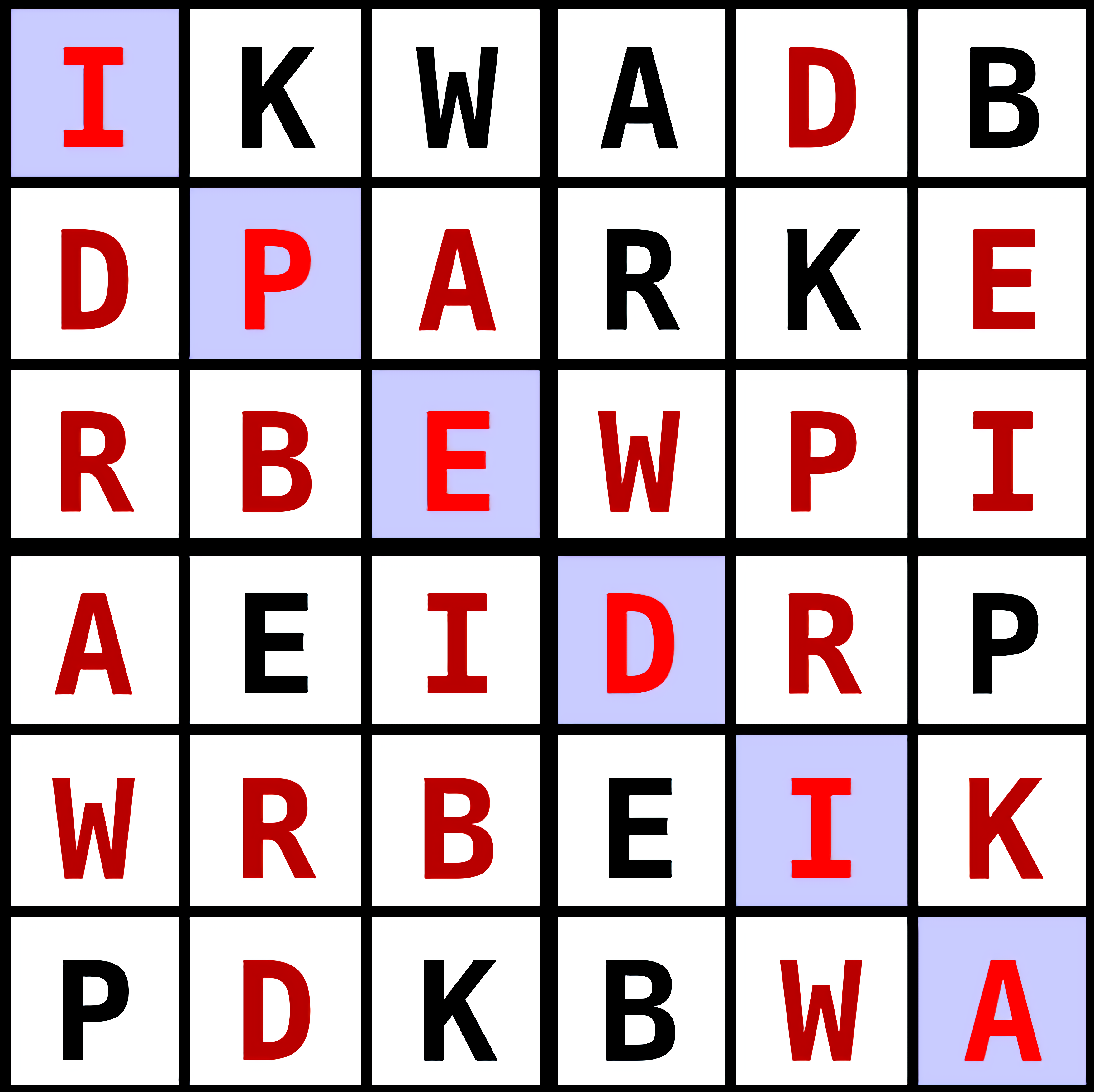
For accessibility, read the scrambled letter tiles from both directions and group similar shapes visually. On a small mobile screen, this helps prevent mixing up letters that sit close together. On desktop, the wider view can make the tidy puzzle grid easier to scan under pressure.
Features
The letter-arranging game rewards vocabulary building with visible progress. Each accepted answer fills part of the word list, so the board slowly changes from empty spaces into a solved set. That moment feels good, especially when one final word saves a round that looked lost.
Score chasing gives the game its replay value. A familiar set of letters can still produce a better result when you find a longer word, submit answers faster, or notice a suffix you missed before. One extra discovery can push the rising score counter past your previous mark.
The polished presentation keeps distractions low: a shuffled alphabet row, a clear entry field, and readable feedback after each attempt. This casual brain teaser sits comfortably beside other Word Games on Desura, but its pace is closer to rapid anagram solving than clue-heavy puzzle pages.
Similar Games
If Microsoft Word Twister leaves you wanting more letter work, Desura has several nearby puzzle choices with different kinds of pressure. Some focus on spelling, some lean into memory or recognition, and others use educational problem solving. The wrong pick can feel too slow or too far from wordplay, so the closest matches are listed first.
- Circus Words — a word-building puzzle built around forming answers from available letters. It suits players who like filling a word list and squeezing one more solution from a limited set.
- Flags Maniac — a recognition quiz where fast visual recall matters. It is not an anagram game, but it shares the same pressure of choosing the right answer before confidence slips.
- Quiz Squid Round — a question-based challenge for players who enjoy quick mental checks. A wrong response can end momentum quickly, which gives each choice a little bite.
- Math And Dice Kids Educational Game — an educational puzzle with clear answers and score-focused practice. It works well for players who like learning through short problem sets.
- Pokemon Spot the Differences — a visual search game that rewards careful scanning. While it uses images instead of letters, it builds the same habit of slowing down before a costly miss.
Advantages
- Fast letter scanning supports spelling practice, vocabulary building, and sharper pattern recognition.
- Beginner-friendly rules make the first round clear without removing the tension of timed rounds.
- Replay value comes from score chasing, longer answers, and finding missed words on another attempt.
- Desktop and mobile support let players choose a comfortable screen for reading letter patterns.
Frequently Asked Questions
What is Microsoft Word Twister?
It is a browser-based word game where players rearrange scrambled letters to form valid words, fill a word list, and improve their score.
How do you play Microsoft Word Twister?
You study the available letters, type or select possible words, submit valid answers, and search for longer combinations before the round ends.
Can I play Microsoft Word Twister without downloading?
Yes. The game can be played in a browser without downloading software, making it easy to start a word puzzle round on supported devices.
Video Gameplay - Microsoft Word Twister


 Monster Truck Rally
 Snake Land
 Princess Winter Style
 Physics Drop
 Parking Space
 Airport Clash 3D
 Titanic Heartbreak - Teen Titans Go!
 CrazySteve.io
 Temple Quest
 Words of Wonders
 Geometry Quiz
 Billie Eilish Makeover
 Realistic Sim Car Park
 Tic Tac Toe Paper Note
 FRAGEN
 Amazing Dominoes
 Grand Zombie Swarm
 Urban Derby Stunt And Drift
 Idle Mining Empire
 Alien Shoot Zombies
 Top Down Cars
 Stinkfly Showtime - Ben 10
 Gumball Water Sons
 Sniper Attack
 Adam and Eve Aliens
 Move Balloon Safely
 Color Galaxy
 Five Nights at Huggy
 World Cup: Find The Difference
 Crazy Descent
 Heroic Quest
 City Stunt Cars
 Gumball Strike Ultimate Bowling
 Minecraft Remake
 Castle Defender Saga
 Microsoft Jigsaw
 Super Onion Boy
 Baby Halen Winter Dress Up
 Winter Clash 3D
 Cheerleader Magazine Dress Up
 City Minibus Driver
 Princess E-girl Fashion
 Real Gangster Simulator Grand City