






Words of Wonders
 Game Technology: HTML5
Compatible Devices: Mobile, Desktop
About Words of Wonders
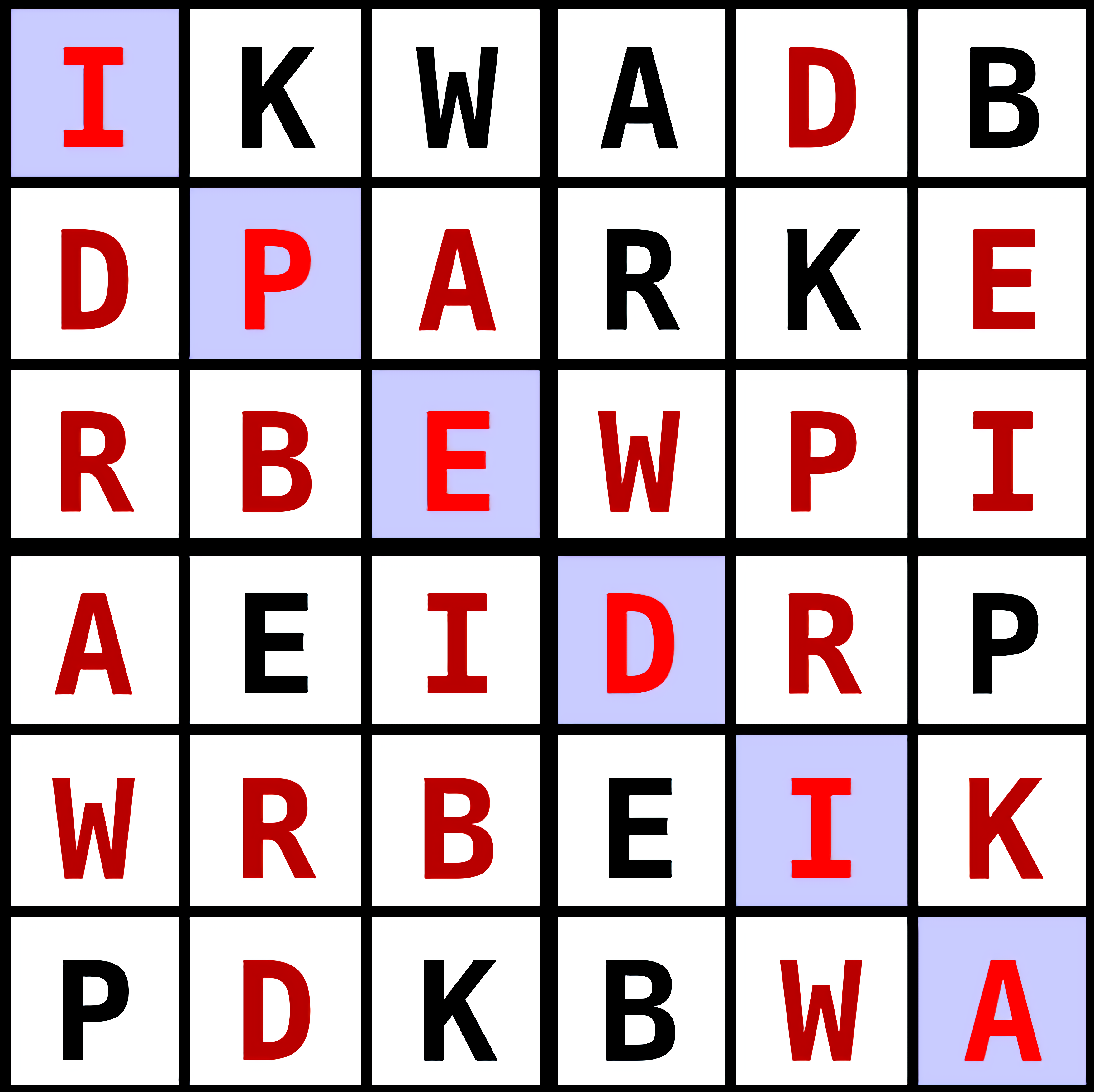
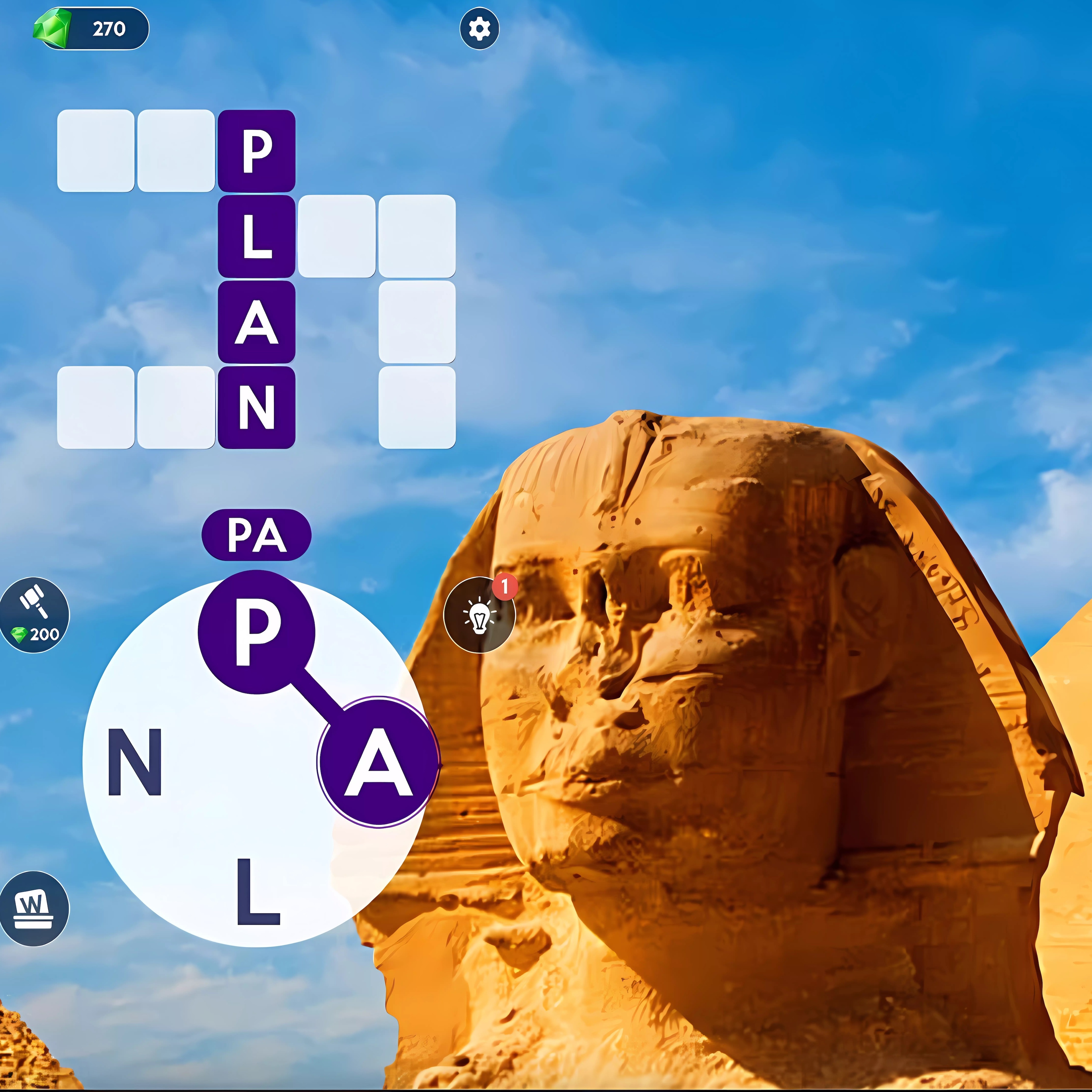
In Words of Wonders, connect letters across landmark-themed puzzles to uncover hidden words one grid at a time. The calm travel theme turns each crossword grid into a small stop near world landmarks, with crossword tiles waiting to be filled. A wrong guess does not explode the board, but it does leave that stubborn blank staring back at you.
This free online word title runs on HTML5, so browser play starts with no download on mobile or desktop. The letter wheel sits below the grid, and each swipe creates glowing word paths that either lock into place or vanish if the word is not accepted. That tiny pause before the tiles fill can feel tense when only one answer is missing.
The casual difficulty makes early puzzle solving relaxed, but level progression gradually turns each vocabulary test sharper. Solo play gives you space to think, while quick sessions let you clear a few boards without committing to a long run. If you enjoy calmer Crossword Games, the pressure here comes from your own word discovery, not from a noisy countdown.
Gameplay
Words of Wonders centers on a letter wheel, a crossword grid, and the hidden words that connect them. You drag from letter to letter to form a word, then watch the crossword tiles fill if the answer fits. When the gap looks obvious but your swipe is one letter off, the path disappears and the board keeps its secret.
Each stage adds a new arrangement, so the same letters can feel fresh when the grid shape changes. Short answers may open the corner of the puzzle, while longer words often depend on prefixes, endings, and repeated letters. Players who like alphabet practice with a moving twist can also try Alphabetic Train, where letters matter under a different kind of pressure.
How to Play
Start by scanning the grid before guessing. A common beginner mistake is swiping random combinations without checking prefixes, empty tile lengths, or likely endings. One rushed guess can send you in circles, while a careful look at the pattern may reveal the first clean word.
Find short words first, then use those filled letters to attack the longer answers. If a word begins with “re” or ends with “ing,” test that idea against the available letters instead of forcing every possible swipe. For a lighter knowledge-based break, Flags Maniac offers another memory test where one wrong choice can make you second-guess the next answer.
Controls
- Mouse — Click and drag across letters to connect a word, then release to submit it.
- Touch — Swipe across the letter wheel on mobile to build a word path.
- Backtrack — Move back over the path before releasing if you notice a wrong letter.
Features
World monuments and travel-themed backdrops give each cluster of puzzles a quiet sense of place. The scenery does not solve the board for you, but it makes each completed grid feel like another stamped page in a word journal. Missing one final answer after filling most of the tiles can feel like standing at the gate of a landmark with the key just out of reach.
Replay value comes from harder vocabulary and tighter letter sets as you move forward. Later challenging levels may hide familiar words in unfamiliar shapes, rewarding players who slow down and read the grid pattern instead of racing the swipe. That accessibility habit helps on both mobile and desktop, especially when a small screen makes two neighboring letters easy to confuse.
Similar Games
If the letter-linking puzzle is your favorite part, Desura has a few nearby choices built around thinking, memory, and careful answers. Words of Wonders is more focused on crossword-style word building, while the games below lean into related brain training styles. One missed clue, wrong calculation, or overlooked pattern can still turn a confident run into a quiet reset.
- Circus Words — a word-building puzzle where letters become the path to hidden answers. It is a close match for players who enjoy forming words from a small letter set.
- Math And Dice Kids Educational Game — a calm educational puzzle built around quick mental decisions. It suits players who like the brain-training side of vocabulary challenges.
- Multiplication Simulation — a number-focused practice game where accuracy matters more than speed. The pressure feels familiar when one careless answer breaks an otherwise clean streak.
Advantages
- Free online access through browser play means you can start without installing anything.
- The letter wheel and grid layout make word discovery readable on both mobile and desktop.
- Short boards fit quick sessions, while later puzzles support longer vocabulary progression.
- The calm presentation keeps the mood thoughtful, even when one missing word blocks the level.
- Fans of Connect Games and Hidden Object Games may enjoy tracing letters and uncovering answers piece by piece.
Frequently Asked Questions
What is Words of Wonders?
It is a free online word puzzle where players connect letters to reveal hidden words and complete crossword-style grids.
How do you play Words of Wonders?
You play by dragging across letters to form valid words, filling the crossword grid, and using discovered answers to progress through each level. If a word does not fit, the tiles stay empty, so scanning the pattern matters.
Can I play Words of Wonders without downloading?
Yes. This brain-training game runs in an HTML5 browser, so you can play instantly on desktop or mobile without downloading an app.
Video Gameplay - Words of Wonders

 EG Little Broccoli
 Frozen Rush
 Blob Tank Wars
 Rainbow Pony Caring
 Lol Surprise Millennials
 Mahjong Match
 Spot the Differences
 Penalty Power 3
 LOLBeans
 Draw Climber Online
 Animal Buggy Racing
 CrazySteve.io
 Euro Cargo Transporter Truck Driver Simulator 2019
 Vsco Girl Fashion
 Wedding Planner
 Penalty Shooters 2
 Bubble Shooter Gold Mining
 Crazy Dentist
 Tower Lockdown - Teen Titans Go
 Stickman Street Fighter 3D
 Supra Crash Shooting Fly Cars
 Bridal Shower Party for Moana
 Christmas Defense For Gifts
 Unikitty Save the Kingdom
 Dr. Panda Airport
 Sky Car Stunt 3D
 Parking Space
 Princess e-Girl vs Soft Girl
 Cannon Shot
 Tic Tac Toe Paper Note
 Santa Gift Shooter
 Wild Animal Hunting
 Baby Hazel Harvest Festival
 Frenzy Chicken Farming
 Vehicle Wars Multiplayer 2020
 We Bare Bears: Bearsketball
 Drunken Duel
 Offroad Climb Racing
 Bus Mountain Drive
 My Sister's Perfect Wedding
 Hangman
 Superhero Dentist
 Death Car Racing 2020: Highway Racing