






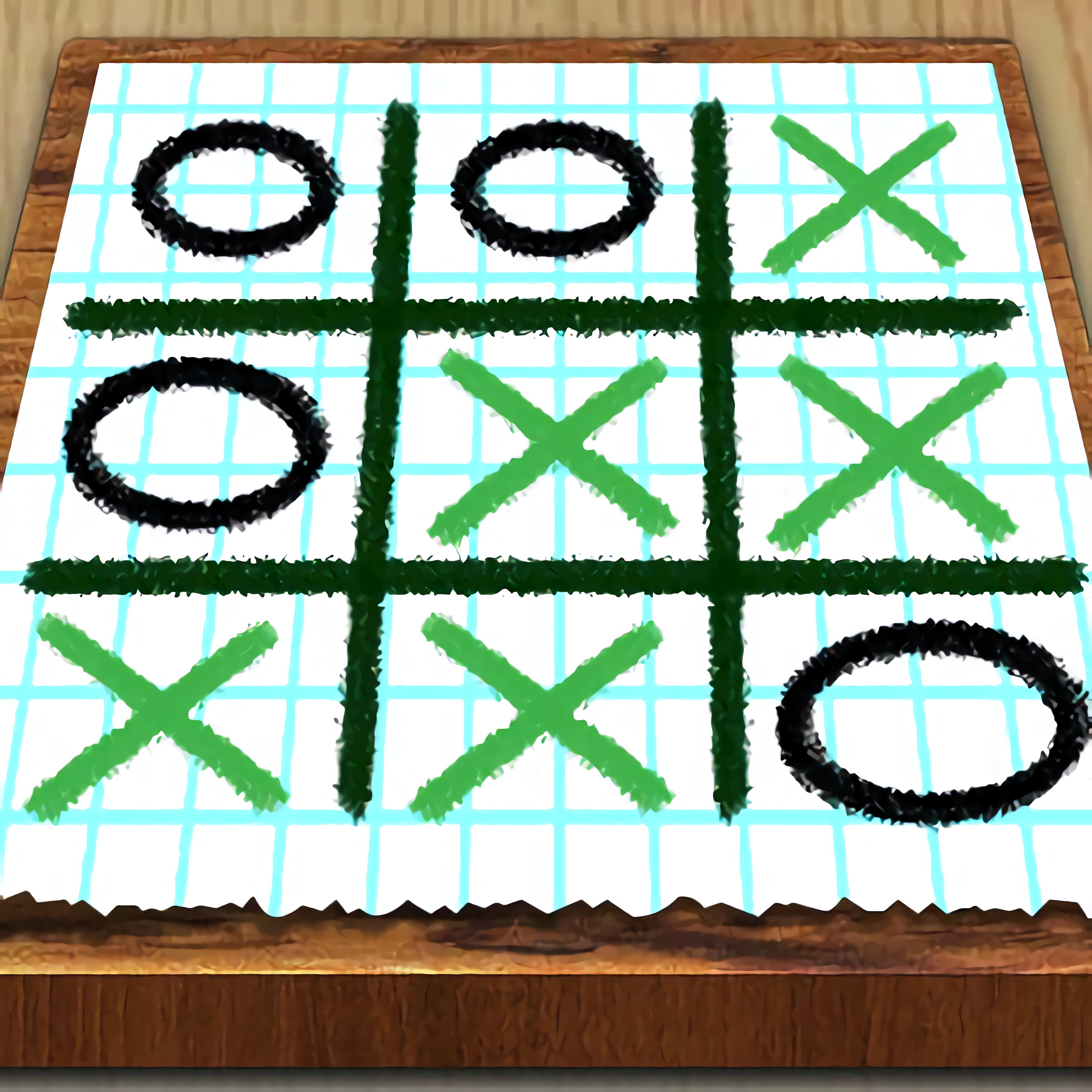
Ping
 Developer: Yizhiyuan Network Technology Co., Ltd.
Published: December 11, 2025
Game Technology: html5, Cocos
Compatible Devices: Mobile (iOS, Android)
About Ping
Gather around one phone as Ping throws friends into quick-fire mini-game battles. This party battle game turns a mobile browser into a tiny table of bright mini-game tiles, tapping duels, and pocket-sized arenas where one bad move can hand the lead to someone sitting right beside you. Developed by Yizhiyuan Network Technology Co., Ltd., it runs in HTML5 with the Cocos engine on iOS and Android with no download.
The game supports local multiplayer for 2-4 players, but it also works as solo or multiplayer play thanks to an AI opponent. That means you can switch from friend battles to solo AI rounds without changing the setup. The same-device multiplayer setup is the point: one screen, quick rounds, and couch-play chaos when everyone reaches for the next win.
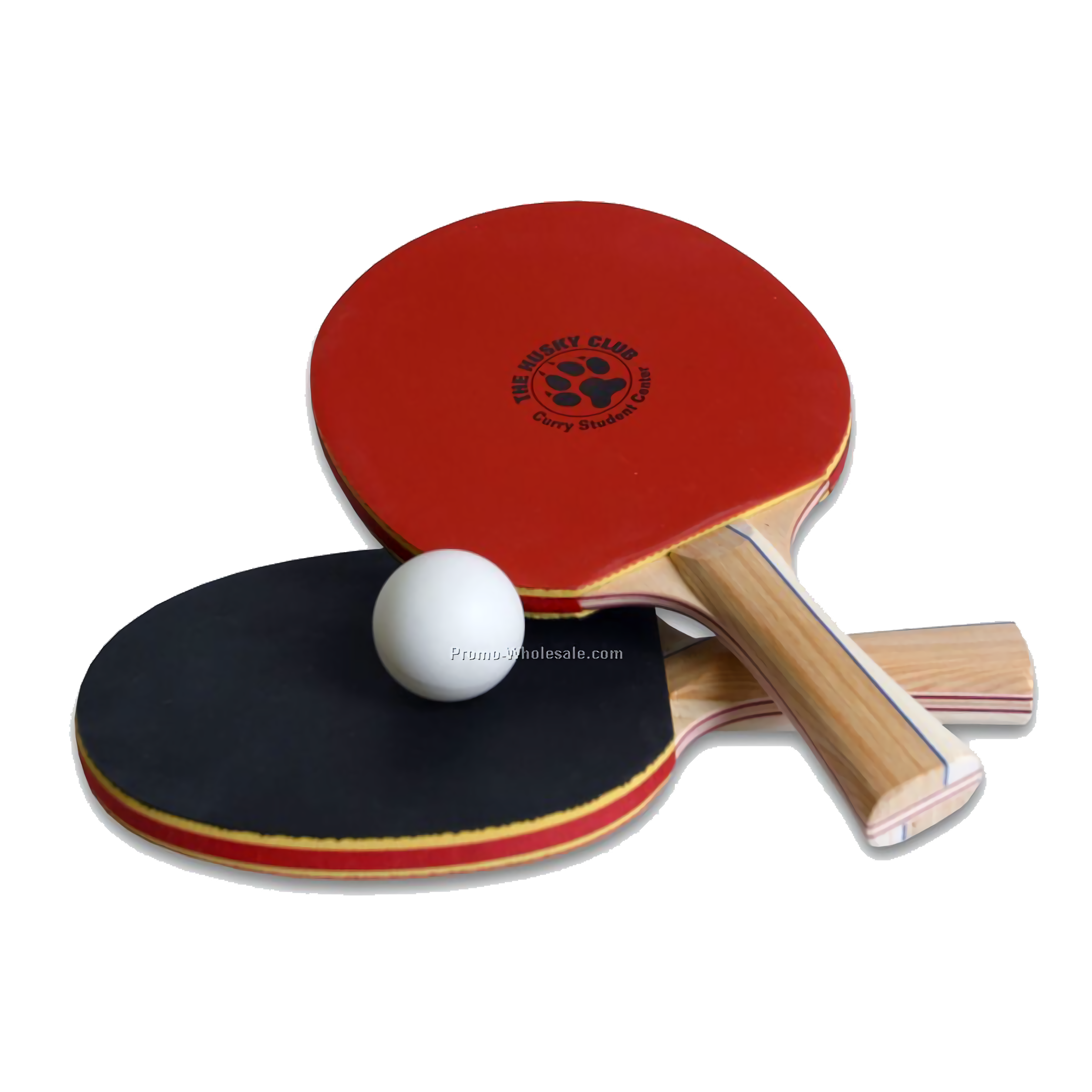
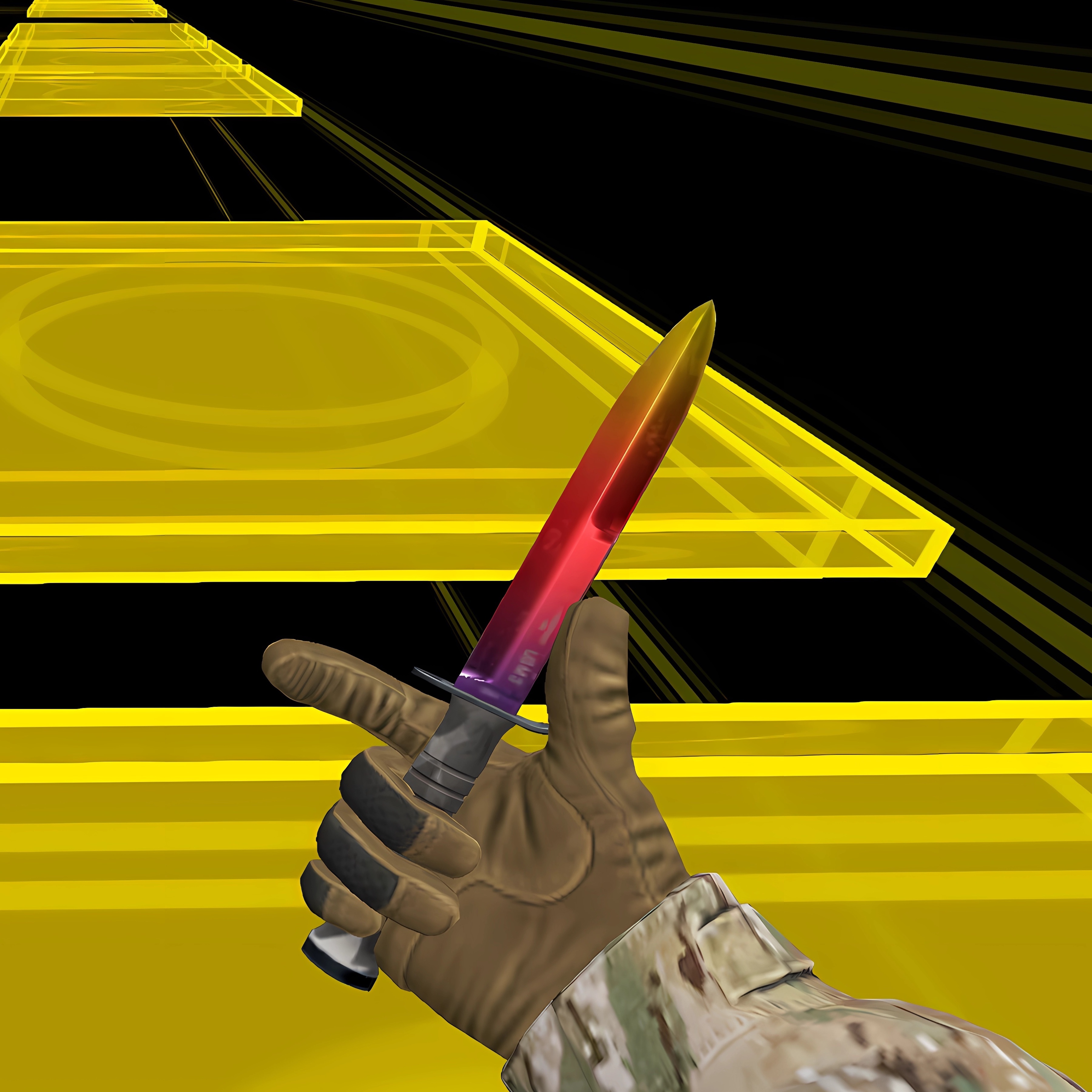
Unlike single-genre party games that stay with one sport or puzzle, this local multiplayer mini-game collection jumps between board game elements, ping-pong challenges, tic-tac-toe, parkour tasks, and other fast contests. The bouncing scoreboard makes every mistake visible. Miss one prompt, and the room knows it before you do.
Gameplay
In Ping, every round asks players to notice the goal before reacting. A parkour task may punish a late jump, while a tic-tac-toe board can flip from safe to lost after one careless square. The competitive scoring gives each mini-game weight, so even a tiny tapping duel can feel loud when the score is tied.
There are 30 mini-games, which gives the collection real replay value instead of repeating one trick. Beginners often lose because they ignore each mini-game’s objective and tap like every round works the same way. Slow down for one second. That second can save the match.
How to Play
Choose whether you want local multiplayer with friends and family or a solo match against the AI opponent. In same-device play, players share the screen, take their side, and follow the prompt for the current mini-game. A wrong tap, a late swipe, or a missed block can swing the round before anyone has time to laugh.
This 2-player and 4-player game is at its best when players treat each challenge as its own rule set. Some rounds reward timing, others reward aim, memory, or quick reading. If your group enjoys rapid party battles, Quiz Squid Round brings another fast reaction test with tense elimination moments.
Controls
Watch the on-screen instruction before moving. The control style changes by mini-game, and pressing early can cost a point before the pocket-sized arena even feels dangerous.
- Touchscreen — Tap, swipe, or hold according to the current mini-game prompt
- Same device — Share the screen for 2-4 players in local multiplayer
- Solo mode — Start a round against the AI opponent when no friends are nearby
Features
The bright mini-game tiles make each round feel distinct before the first move. One tile might lead to a board-style decision, while the next drops players into a quick arcade challenge where the timer squeezes every reaction. That variety helps the HTML5 party game avoid feeling like a single ping-pong match stretched too far.
Family-friendly play is supported by short sessions and a casual skill level, but the scoreboard still bites. A child can win a tapping race, an adult can overthink tic-tac-toe, and the AI can steal a point if everyone gets sloppy. For another light competitive pick, Party Cat! has playful movement and quick goals that suit relaxed group play.
Similar Games
- Math And Dice Kids Educational Game — a light same-screen style pick built around quick number decisions and family-friendly competition. It matches the board game elements side of this casual family battle game.
- Bowling Fun 2019 — a compact scoring challenge where one mistimed release can ruin a frame. It fits players who enjoy quick rounds with clear wins and losses.
- Basketball Challenge — a fast aim-and-score game with short attempts and instant feedback. Good for players who like pocket-sized arenas where a miss feels costly.
- Geometry Vibes X-Ball — a sharp reaction game where tight movement and sudden hazards decide the run. It connects well with parkour tasks and quick arcade challenge fans.
Advantages
- Supports same-device play, so friends can compete around one mobile screen without extra setup.
- Includes 30 mini-games, giving each rematch a different rhythm instead of repeating one rule.
- Offers solo AI and friend battles, so the game still moves when no group is nearby.
- Runs in a mobile browser on iOS and Android with no download required.
- Mixes tapping duels, board choices, and movement tests, so one weak round does not decide the whole mood.
Frequently Asked Questions
What is Ping?
It is a mobile HTML5 party battle game with quick mini-games for solo play against AI or local multiplayer sessions with friends and family on the same device.
How do you play Ping with friends?
You play with friends by sharing one mobile device, choosing a mini-game or battle mode, and reacting quickly to each round’s clear objective and touch controls.
Can I play Ping without downloading it?
Yes, it can be played instantly in a mobile browser without a download, making it easy to start a short solo or same-device multiplayer session.



 Craig Of The Creek: Hydro Blast
 Mommy Cinderella Body Makeover
 Dexomon
 Nubik and 5 nights with Herobrine
 Idle Craft 3D
 Sheep Party
 Ant-Man and The Wasp Robot Rumble
 Christmas Survival
 We Bare Bears: Bearsketball
 Slendrina Must Die The House
 Inca Adventure
 Oil Tankers Transporter Truck
 Tank Stars
 Gunslinger Duel
 The Last Warrior
 Sky Battle
 Infinity Battlefield Ops
 Baby Hazel Kitchen Time
 Monkey Teacher
 Bowling
 Drac & Franc: Dungeon Adventure
 Royal Offense 2
 Ben 10 Egypt Mystery
 Wild Wolves Hunger Attack
 Pool Ball 3D
 Bunnicula in Rescuing Harold
 Drunken Wrestle
 Microsoft Jigsaw
 Princess Ready For Adventure's Date
 Winter Clash 3D
 Multiplayer Tanks
 Pill Soccer
 Angry Snakes
 Penalty Shootout Multi League
 Save the Girl
 Cakes Mahjong Connect
 Cake Master Shop
 Transport Dinos To The Dino Zoo
 Run 3
Run 3
 Space Shooter Alien
 Truck Loads Simulator 3D
 Find The Way Home Maze Game
 Bart Simpson Dress Up