





Funny Eye Surgery
 Developer: iclickgames
Published: September 14, 2020
Game Technology: HTML5
Compatible Devices: Mobile, Desktop
About Funny Eye Surgery
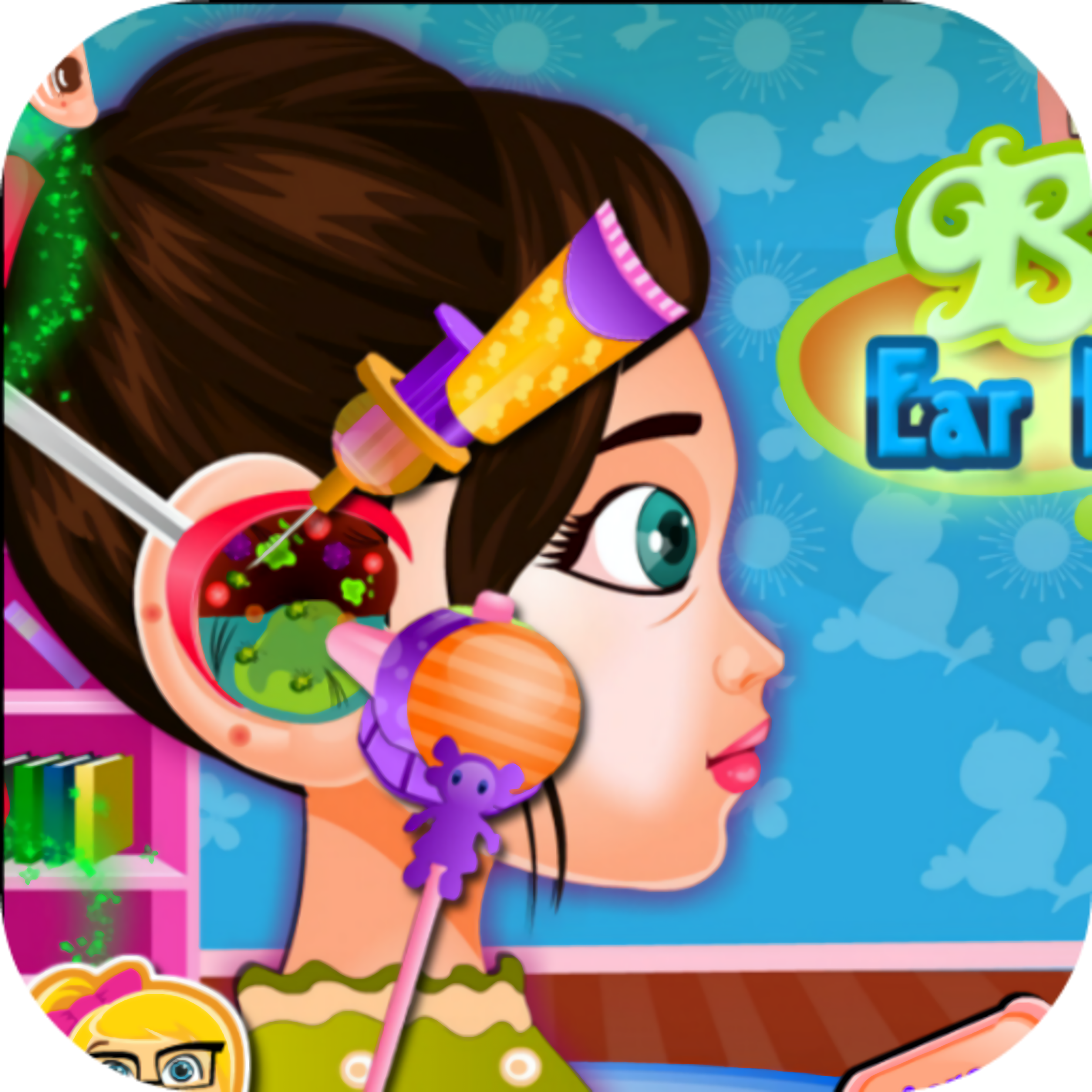
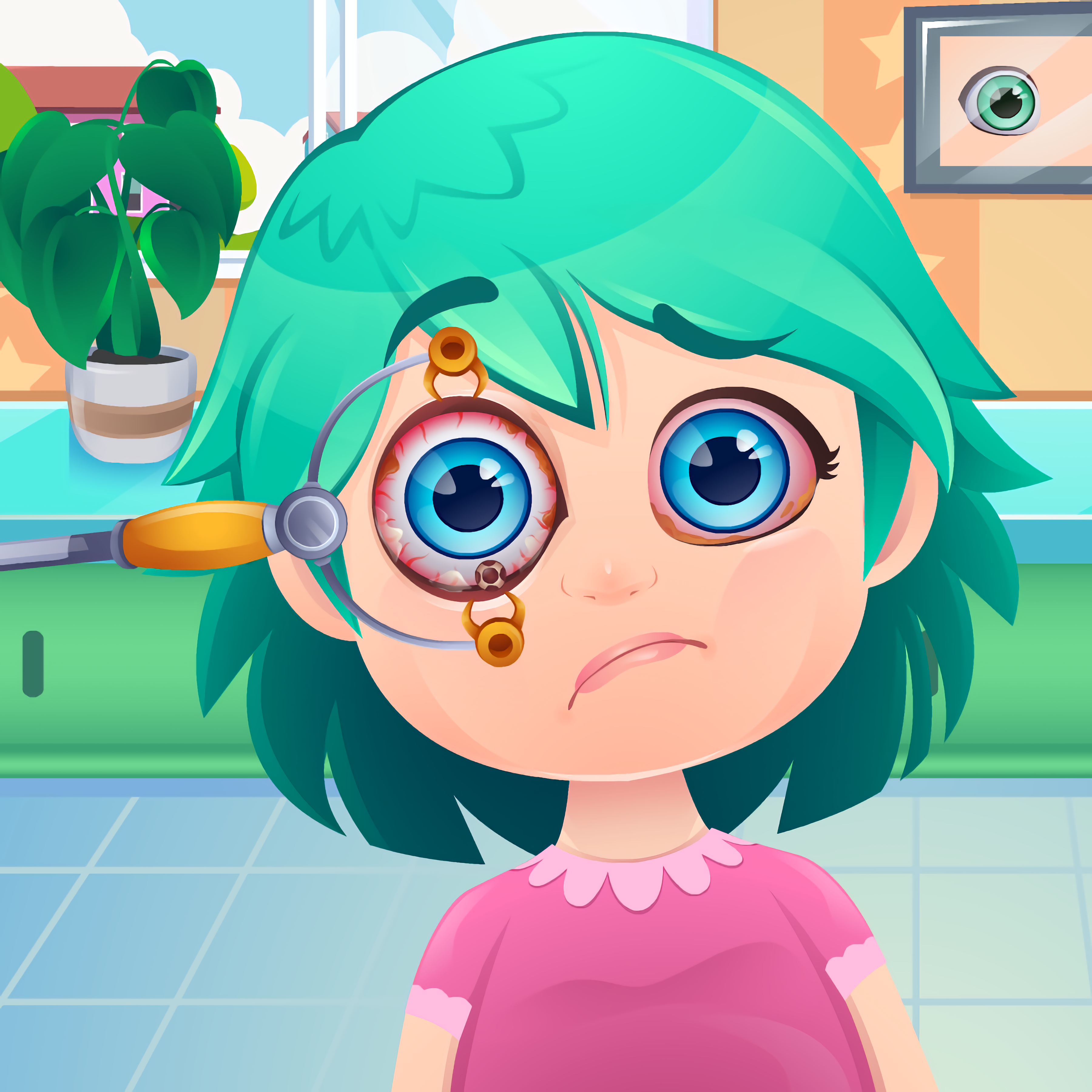
Guide Luke and Lora through a bright eye clinic, using doctor tools to clear up their blurry vision. Their sleepy cartoon eyes tell the whole story: too much tablet use, TV in the dark, and not enough eye rest have finally caught up with them. Funny Eye Surgery turns that problem into a gentle care game where the goal is to help, not scare. Miss a step, and the kids keep blinking at the screen with cloudy, uncomfortable eyes.
This eye doctor game is built around friendly treatment scenes instead of graphic surgery. The eye doctor uses tiny medical tools, clear blue eye drops, and careful cleaning steps to make each patient feel better. Because it runs in HTML5, the browser doctor title plays free online with no download on mobile or desktop. It feels made for solo play, short sessions, and casual kids who want simple objectives.
The eye treatment game also has a useful screen-time lesson tucked inside the jokes. Luke and Lora are not sick from monsters or magic; their problem comes from everyday habits like staring at a glowing tablet screen for too long. That makes the cartoon clinic game stand apart from many general Makeover Games, because every tap is connected to eye care. If you rush the tool order, the scene can stall just when the patient is almost seeing clearly again.
Gameplay
Funny Eye Surgery plays like a calm clinic checklist with small surprises along the way. Each scene asks you to notice what Luke or Lora needs, then pick the right tool before moving to the next treatment. A wrong choice does not turn the room scary, but it does break the flow, leaving the patient blinking while you correct the mistake. That tiny pause makes the next clean step feel satisfying.
The mini surgery tasks focus on washing, treating, and clearing the eyes rather than dramatic operating-room moments. You may clean away irritation, apply eye drops, or use a tool that helps the eye doctor finish a delicate task. One careless click can make you repeat a step, and the near-miss is easy to feel when the eyes are almost bright again. Players who like gentle clinic routines may also enjoy Pop Star Dentist, which uses patient-care tools in a similar step-by-step way.
The pace stays beginner-friendly because each action is short and visible. There is no confusing menu maze between you and the next treatment. Still, the order matters: rushing from drops to tools before the cleaning steps are done can leave the patient stuck in that watery-eyed moment. This casual medical game rewards patience more than speed.
How to Play
Start by choosing the patient and watching the clinic prompts. The game shows what needs attention first, so follow the simple objectives instead of guessing ahead. When the eyes look irritated, clean them before using stronger treatment items. Skip that early care, and Luke or Lora may keep squinting through the next task.
Use the highlighted medical tools only when they match the current problem. The safest rhythm is observe, select, apply, then wait for the next prompt. Beginner mistakes usually come from rushing the tool order, especially when the next object looks obvious but the eye is not ready. If you prefer character-care games with dressing and cleanup steps, Descendants Hair Salon has a related makeover-care structure.
Pay attention to the gentle feedback after each action. A clear eye, calmer expression, or new tool prompt means you can continue. If nothing changes, you probably picked too soon or missed a small cleaning spot. That little delay can feel tense when the patient is so close to seeing properly again.
Controls
The simple mouse and tap setup gives the game strong accessibility value. Younger players do not need keyboard combos, and a single careful click can handle most clinic actions. Move too quickly, though, and you may grab the wrong item while the patient waits with blurry vision.
- Mouse — select tools, apply treatments, and explore the clinic scene
- Tap — choose items and complete eye-care steps on mobile
Features
The bright eye clinic uses soft colors, large icons, and expressive cartoon patients so the medical theme stays friendly. Luke and Lora react with sleepy cartoon eyes, blinking faces, and clearer looks as treatment improves. Those small changes matter because they show progress without needing scary surgery language. When the cloudiness fades, the reward is immediate.
The tool tray gives this kids’ surgery game its charm. Tiny medical tools sit beside clear blue eye drops, making each object easy to recognize before you use it. The game frames every task as care, cleaning, or repair, not as a realistic operation. Choose poorly, and the scene simply nudges you back toward the safer step.
Replay value comes from the quick treatment steps and the satisfaction of doing them in a cleaner order. You can return to the eye clinic to finish the process with fewer hesitations and smoother tool choices. The unique eye-care theme also gives the browser doctor title a different feel from broad hospital games. It is about screen habits, rest, and helping two cartoon kids see again.
Similar Games
- Dr. Panda School — a gentle kids’ game with friendly routines, bright rooms, and low-pressure tasks. It is a good follow-up when you want caring play without tense consequences, though a missed step can still leave a classroom activity unfinished.
- Unicorn Dress Up Girls — a colorful character-care game with makeover choices and soft visual feedback. It connects well for players who like helping a cute character look better after a few careful selections.
- Funny Monkeys Coloring — a relaxed creative game with cartoon faces and simple mouse or tap actions. It does not use clinic tools, but it shares the same calm pace where one rushed choice can spoil a neat result.
These picks lean toward patient care, gentle routines, and makeover-style interactions instead of racing or combat. That makes them easier to pair with the cartoon clinic game because the pressure comes from accuracy, not danger. A wrong click might not end everything, but it can break a clean sequence right before the finish. For players who enjoy helping characters recover, tidy up, or look refreshed, the connection feels natural.
Desura’s one-eyed mascot would probably approve of a game about eye rest. The theme is funny without making the treatment feel harsh, and that matters for younger players who may be nervous around medical scenes. The tension stays small: a blinking patient, a missed tool, a cloudy eye waiting for care. The payoff is seeing Luke and Lora look comfortable again.
Advantages
- Gentle medical framing keeps the surgery theme friendly, with cleaning, drops, and care steps replacing scary details.
- Simple mouse and tap controls help beginners focus on the patient instead of fighting the input.
- Short treatment stages make it easy to replay a scene and improve the order of your choices.
- The screen-time story gives the game a useful eye-rest message, so a bad habit has a visible consequence.
- Playable free online in a browser on mobile or desktop, with no download needed before helping the patients.
Frequently Asked Questions
What is Funny Eye Surgery?
It is a free online eye doctor game where players help Luke and Lora recover from blurry vision caused by too much screen time, TV in the dark, and poor eye rest.
How do you play Funny Eye Surgery?
You follow the on-screen clinic steps, choose the correct tools, clean the eyes, apply treatments, and complete each mini medical task in order. Rushing can make you repeat a step before the patient’s eyes clear up.
Can I play Funny Eye Surgery without downloading?
Yes, Funny Eye Surgery runs in an HTML5 browser, so you can play instantly on desktop or mobile without downloading an app. Desura also has more free online care and doctor-style games to try after this one.
Video Gameplay - Funny Eye Surgery

 Baby Hazel Skin Care
 City Taxi Driver Sim
 Toon Cup 2019
 Finn and Bones - Adventure Time
 Disneyland Fashion
 Pill Soccer
 Fireboy and Watergirl 2: Light Temple
 Airport Clash 3D
 Craftmine
 Shark Hunter2
 Offroad Grand Monster Truck Hill Drive
 Glam Dress Up
 Among Them - Find Us
 Funny Dentist Surgery
 Zookeeper Caper - Clarence
 Mission to Monte Macabre - Victor and Valentino
 Dora Exploring Jigsaw
 Captain Marvel: Galactic Flight
 Slenderman Must Die Silent Forest
 Mao Mao: Aces Of Pure Heart
 Moto X3M Spooky Land
 Earth Invaders
 Car Traffic Command
 Pinball VS
 Police Chase
 Samurai Fight Hidden
 The Legendary Trials - Craig of the Creek
 City Drive
 Zombie Last Castle 5
 Boomerang Sports
 Super Pork
 Bubble Shooter Classic
 Happy Fun Rider Wheels
 OffRoad Racing Adventure
 Crazy Car Racing Stunts
 Ubisoft All Star Blast
 Power Boat Racing 3D
 Power Surge - Ben 10
 Mineworld Horror
 My Dolphin Show 9
 Jack O Gunner
 The Last Warrior
 ICC T20 World Cup