






Kids Zoo Fun
 Developer: Inlogic Software
Published: August 01, 2019
Game Technology: html5, Javascript
Compatible Devices: Mobile (iOS, Android)
About Kids Zoo Fun
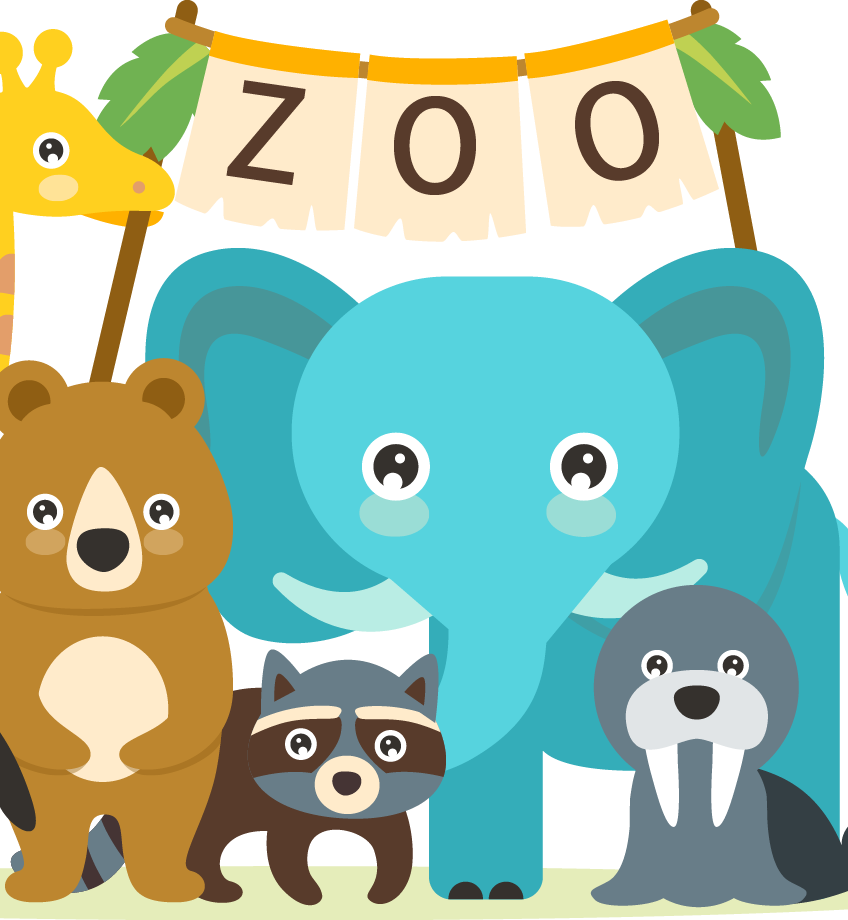
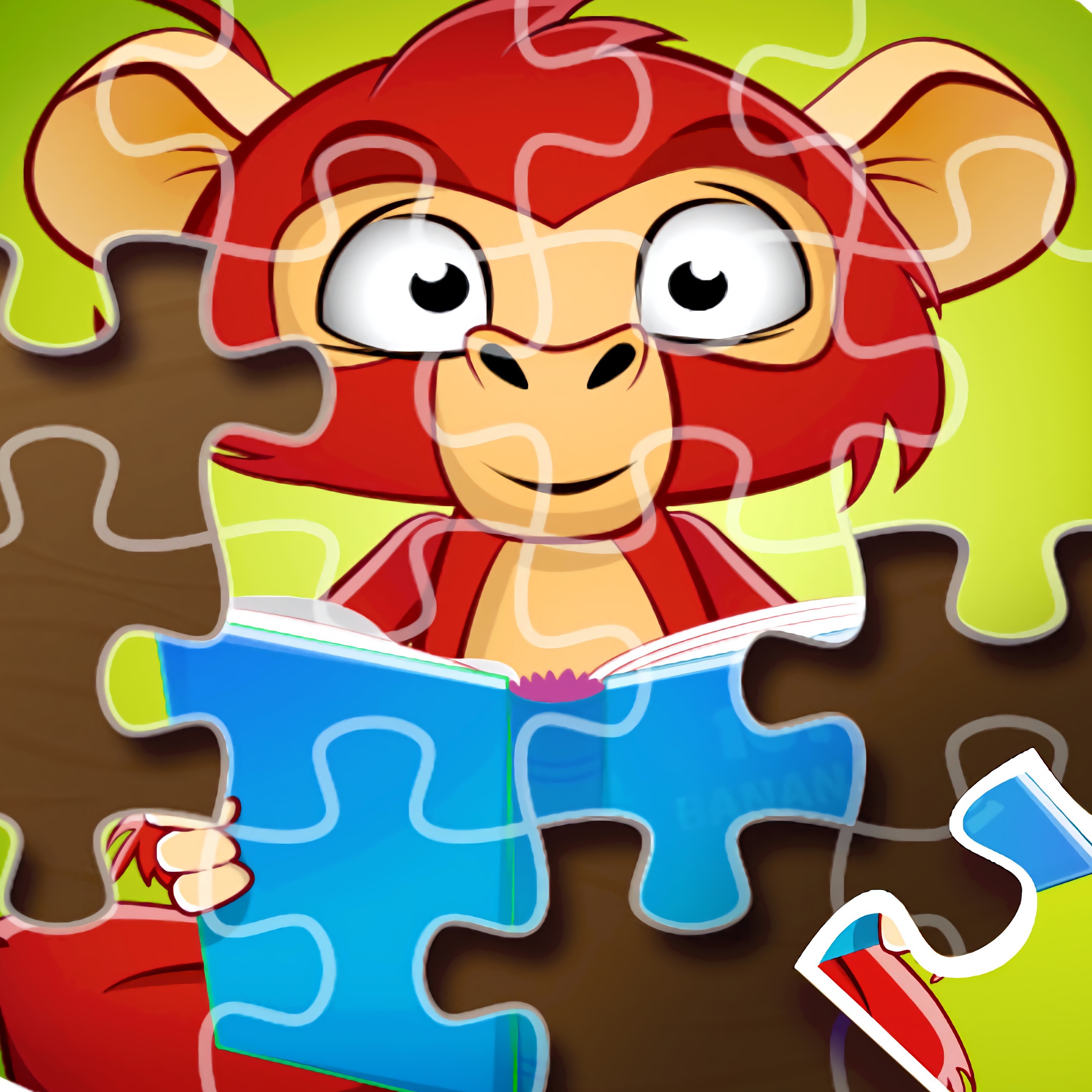
Match bright puzzle pieces to reveal smiling zoo animals in a calm, kid-friendly jigsaw scene. This animal jigsaw game from Inlogic Software turns animal pictures into gentle picture assembly rounds, with a smiling lion cub, a sleepy panda picture, and other cheerful zoo scene images waiting underneath the scattered shapes. One misplaced corner can make the whole picture feel confusing for a moment, but fixing it gives children that quiet “I found it” reward.
The zoo puzzle runs in an HTML5 and JavaScript browser setup, so it is free online with no download needed. Mobile play is supported on iOS and Android, letting children and parents use a phone or tablet for solo play or parent-child play. If a child starts tapping pieces too fast, the image can look messier than before, which makes patience and focus part of the lesson.
This family-friendly puzzle supports cognitive skills, fine motor skills, and beginner-friendly problem solving without loud pressure. The parental lock adds settings protection, so curious little hands do not wander into instructions or options by accident. For families browsing Games For Kids or gentle Zoo Games on Desura, the cute animal game feels cozy and safe.
Gameplay
Each round begins with tiny animal portraits or a larger animal picture split into puzzle pieces. Children look for matching colors, animal faces, and outline shapes, then move each tile into place. When the bright puzzle tiles finally line up, the hidden picture appears with a small sense of victory.
The three difficulty levels change how many pieces must be arranged, which gives different ages a better fit. Younger children may enjoy fewer pieces, while older players can try harder layouts that demand more focus. If the piece count is too high too soon, frustration can sneak in before the picture starts making sense.
Players who enjoy calm learning games may also like Alphabetic Train, where recognition and timing guide the play. For a broader school-themed activity, Dr. Panda School offers gentle exploration with child-friendly tasks. Both pair nicely with this browser puzzle because the reward comes from noticing details, not rushing.
How to Play
Choose an animal picture first, then select a difficulty level that matches the child’s age or patience span. For younger players, start with the smallest piece count and celebrate edge matches, faces, and bright color groups. Jumping straight into the hardest layout can turn a cheerful zoo scene into a pile of confusing shapes.
A helpful parent-assisted play tip is to ask guiding questions instead of solving the jigsaw puzzle immediately. Try “Where does the panda’s ear go?” or “Do you see another green corner?” This keeps children thinking while giving them enough support to avoid feeling stuck.
Common beginner mistakes include placing edge pieces randomly or dragging every tile around the board without looking at the full image. Slow down. A single wrong tile near the center can make the next three pieces feel impossible, while one correct border can unlock the whole picture.
Controls
The controls are built around simple tap and drag actions, which helps accessibility for small hands and early learners. Children can move pieces without memorizing button combos, while parents can step in gently if a tile keeps slipping into the wrong spot.
- Mouse — Drag puzzle pieces into position
- Touchscreen — Tap and drag pieces on mobile devices
- Picture menu — Choose an animal image
- Difficulty selector — Pick the number of pieces
- Parental lock — Protect settings and instructions
Features
The children’s jigsaw title includes multiple cute zoo animals in various situations, so each finished image feels like a new little discovery. A sleepy panda picture asks for softer shape matching, while a smiling lion cub may be easier to recognize from the face first. If a child guesses by color alone, the final few pieces may refuse to fit.
Replay value comes from trying harder piece counts after an easier image is solved. The same animal picture can feel very different when the board has more pieces and fewer obvious matches. Clearing that jump without help is a proud moment for children and parents alike.
The parental lock is a practical feature for shared devices. Settings protection keeps the puzzle area calm, even when a child gets curious and starts tapping beyond the board. That small boundary prevents a near-win from turning into a lost setup screen.
Similar Games
- Funny Monkeys Coloring — a gentle animal-themed creativity game with friendly monkey images. It suits players who like cute animal faces and calm visual choices after finishing a puzzle.
- Math And Dice Kids Educational Game — a child-friendly learning game built around numbers, dice, and practice. It connects well for families who want cognitive skills to grow through play.
- Pokemon Spot the Differences — a visual comparison game where players scan pictures for small changes. Missing one tiny detail can hold up the round, which makes careful observation feel important.
Advantages
- Offers difficulty selection for different ages, so children can build confidence before trying more pieces.
- Supports fine motor skills through repeated tap and drag movement.
- Encourages patience when a piece looks close but does not quite fit.
- Allows casual sessions for children and parents without setup time.
- Uses settings protection to reduce accidental changes during play.
Frequently Asked Questions
What is Kids Zoo Fun?
Kids Zoo Fun is a child-friendly animal jigsaw puzzle game where players assemble cute zoo pictures by placing pieces in the correct positions.
How do you play Kids Zoo Fun?
You choose a picture and difficulty level, then drag or tap puzzle pieces until the full animal image is complete.
Can I play Kids Zoo Fun without downloading?
Yes, this kids puzzle game can be played online in a browser with no download, making it easy for children and parents to start a short puzzle round.



 Cookie Crush Christmas 2
 Cars Driver
 Ant-Man and The Wasp Robot Rumble
 Sandwich Tower: Be Cool Scooby-Doo
 Zombie Hunters Arena
 Hungry Shark World
 Slope Unblocked
 Skate Rush
 Tom and Jerry Jigsaw Puzzle Collection
 Two Aliens Adventure
 Among Rampage
 Bubble Shooter Classic
 Football.io
 Traffic Jam 3D
 Ungravity
 Color Race Obby
 ATV Stunts 2
 Glam Dress Up
 Brilliant Popstar Girls Dress Up
 Batman Fall Guys
 Mission to Monte Macabre - Victor and Valentino
 Elsa Princess Beauty Surgery
 Princesses BFF Rush to School
 MineStrike.fun
 Perfect Salon
 Color Roller
 Cannon Shot
 Simpsons Jigsaw Puzzle Collection
 Bakery & Bravery - Adventure Time
 Mini Rally Racing
 Healing Rush
 Funny Dentist Surgery
 Star vs the Dungeon of Evil
 Football Brawl
 Unicorn Chef Design Cake
 Arabian Nights 1001
 Tank Defender
 Penalty Shooters 2
 Italian Brainrot Obby Parkour
 Skibidi Toilet IO
 Golf Cars Simulator
 Jigsaw Puzzle: 100.000+ Fun Puzzles
 Tractors Hidden Tires