

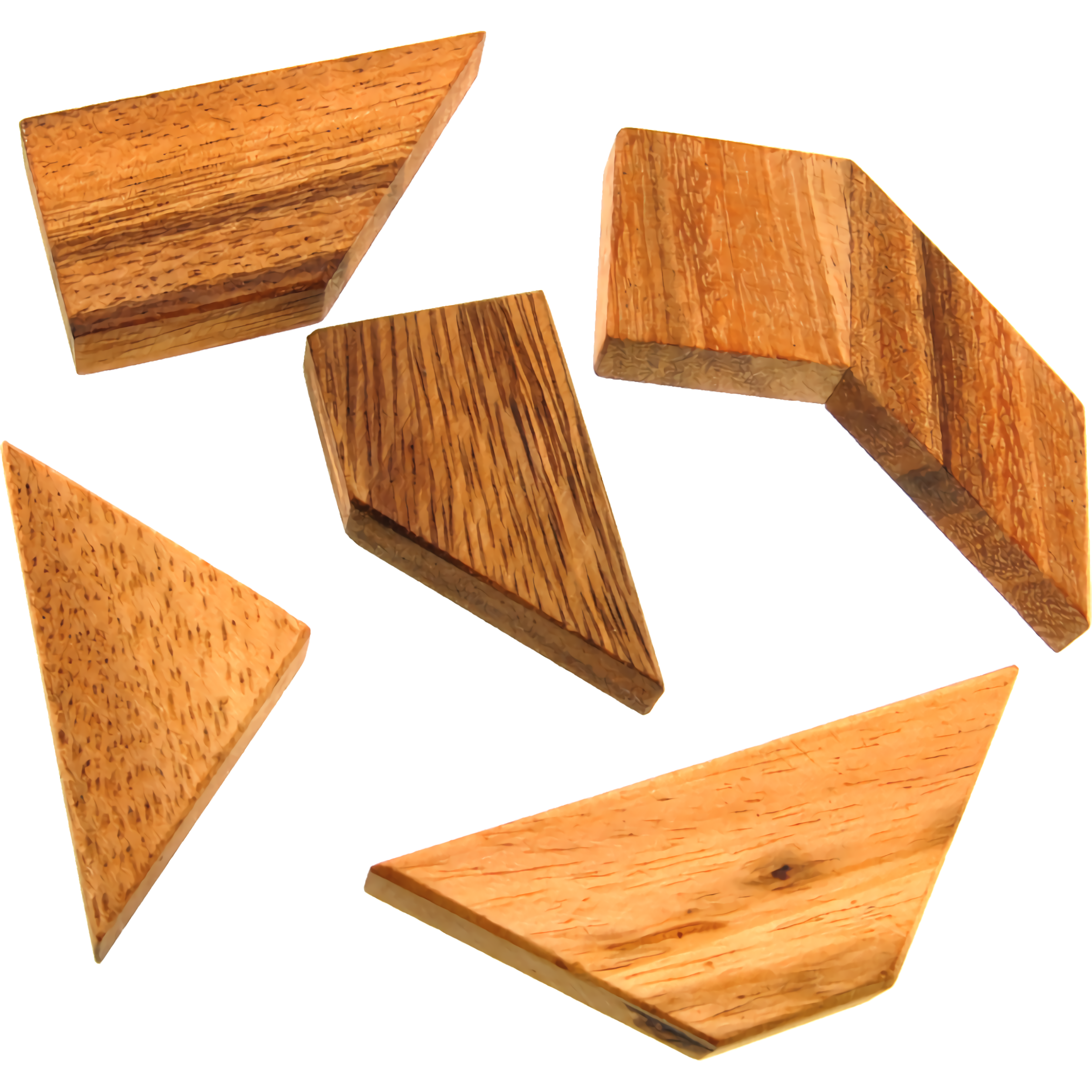





Jigsaw Puzzle: 100.000+ Fun Puzzles
 Developer: Holger Sindbaek
Published: May 27, 2021
Controls: Drag
Game Technology: html5, Javascript
About Jigsaw Puzzle: 100.000+ Fun Puzzles
Sort scattered picture pieces into a complete scene, one satisfying click at a time. Jigsaw Puzzle: 100.000+ Fun Puzzles turns browser play into a cozy puzzle table filled with crisp photo preview art, calm solo play, and colorful puzzle collections. The moment two shapes meet with a soft click connection, the messy board starts to feel like a finished picture reveal waiting to happen.
This online puzzle collection includes more than 100,000 picture puzzles across thousands of puzzle collections, so replay value comes from choosing a new theme rather than repeating the same image. Piece-count difficulty scaling lets casual players start small, then raise the piece count when they want a longer solve. Go too high too early, and one tiny corner piece can hide in plain sight while the whole board feels frozen.
Built with HTML5 and JavaScript, this HTML5 puzzle game runs free online with no download on desktop and mobile-friendly browsers. It is beginner-friendly for all ages, but it still rewards patient sorting and careful looking. Players who enjoy gentle image-based play may also like Pokemon Spot the Differences or the calm creativity of Funny Monkeys Coloring.
Gameplay
In Jigsaw Puzzle: 100.000+ Fun Puzzles, each round begins by choosing a collection, selecting a picture, and setting the piece count. The relaxing picture puzzle then spreads its shapes across the board, inviting you to compare colors, edges, and tiny details. Start without sorting edges, and the first few minutes can turn into a quiet scramble of mismatched corners.
Snapping pieces together feels clear because matching shapes connect and stay grouped. Rotation adds another layer: a piece may look wrong until a single turn reveals the missing curve. When the final section closes, the congratulations screen gives that small gallery-wall payoff.
How to Play
Begin with the preview image. It gives you the big color zones before the board becomes a sea of loose pieces. Then use the border toggle to find the frame, because skipping edge sorting is the classic beginner mistake that makes the center feel much harder than it should.
For stronger results, combine preview, borders, and rotate pieces instead of relying on shape alone. Shuffle pieces when the table feels crowded, mute with the sound toggle if you want quiet focus, and use timer hiding when pressure starts pulling your eyes away from the image. One rushed placement can leave a nearly finished sky with a stubborn gap.
Controls
The piece-matching game uses mouse or touch actions that feel natural on a puzzle board. Click-and-drag movement helps you test shapes quickly, while rotation keeps oddly angled pieces from becoming invisible problems.
- Mouse click or tap — select a collection, choose a puzzle, and press Start Puzzle
- Click and drag — move pieces around the board
- Right-click — rotate pieces
- Settings buttons — shuffle pieces, show preview, toggle borders, toggle sound, or hide time
Features
Jigsaw Puzzle: 100.000+ Fun Puzzles stands out through its huge library, beautiful graphics, and flexible settings. Thousands of collections create a gallery-like rhythm, where animals, landscapes, objects, and bright scenes can all become the next finished picture reveal. Pick the wrong difficulty for your mood, though, and a peaceful solve can become a table full of stubborn fragments.
Accessibility choices matter here. Timer hiding removes the little clock pressure, and the sound toggle helps players who prefer quiet concentration. This casual puzzle experience also supports quick or extended sessions, depending on whether you choose a small piece count or settle in for a denser image.
Similar Games
If Jigsaw Puzzle: 100.000+ Fun Puzzles puts you in the mood for more calm problem solving, Desura has other gentle choices in Puzzle Games and Jigsaw Puzzles Games. These picks lean toward picture recognition, board-style logic, or relaxed thinking rather than speed. A wrong answer may not explode the screen, but it can still break your rhythm.
- Transformers Earth Wars Forged to Fight Puzzle — a picture-completion game built around assembling character art. It suits players who like seeing an image come together piece by piece.
- Snack Mahjong — a board-style matching puzzle with a slower, thoughtful pace. It shares the same careful scanning and tidy clearing satisfaction.
- Wall Fixing — a shape-placement puzzle where each decision affects the final arrangement. One misplaced part can make the remaining space feel suddenly too tight.
- Math And Dice Kids Educational Game — a gentle logic game with clear goals and friendly pacing. It is a good option when you want thinking play without a crowded board.
Advantages
- More than 100,000 jigsaw puzzles across colorful puzzle collections.
- Adjustable piece count for easier starts or deeper concentration.
- Preview image, border toggle, shuffle pieces, sound toggle, and timer hiding support different play styles.
- Free online browser play with no download on desktop and mobile-friendly devices.
- Solo play that rewards patience, sorting, and careful visual memory.
Frequently Asked Questions
What is Jigsaw Puzzle: 100.000+ Fun Puzzles?
It is a free online jigsaw game with thousands of themed puzzle collections and more than 100,000 picture puzzles to solve in your browser.
How do you solve puzzles in this jigsaw puzzle game?
You choose a collection, select a puzzle, set the number of pieces, then drag, rotate, and connect matching pieces until the full picture is complete.
Can I play this browser jigsaw title without downloading?
Yes, it runs in a browser using HTML5 and JavaScript, so you can play instantly without installing anything and then explore more free puzzle games on Desura.


 FNAF Shooter: Animatronics attack!
 Jungle Dino Hunter
 Baldi's Basics v1.4.3
 Baby Hazel Doctor Play
 My Dolphin Show: Christmas Edition
 Age Of War
 Cool Arabian Princess Dress Up
 Super Sniper Assassin
 Morning Mayhem - Powerpuff Girls
 Grand Prix Hero
 Zombie Hunters Arena
 WaterPark Slide.io
 Bacteria Monster Shooter
 Bob The Robber 2
 Merge Ships
 Monster Truck 3D
 Unicorn Beauty Salon
 Sudoku Christmas
 Infinite Mario
 Squid Challenge
 Jump Joust 2
 Snail Bob
 The Floor is Lava! Apple & Onion
 Zootopia: Hopps Pursuit
 Dora Hand Doctor for Girls
 Classical Hippo Hunting
 Offroad Climb Racing
 Little Mermaids Dress Up
 Gumball - BMX Champions
 Hangout Coin
 Baby Hazel Mischief Time
 Car Eats Car: Winter Adventure
 Monster High Toralei Stripe Dress Up
 Rocket Stunt Car
 Real Impossible Tracks Race
 High Shoes
 Hypermotion
 Subway Bullet Train Simulator
 Obby Rainbow Tower
 Combat Rescue Officer
 Sky Train Simulator: Elevated Train Driving
 Johnny Revenge
 Alien Hunter 2