







Junior Chess
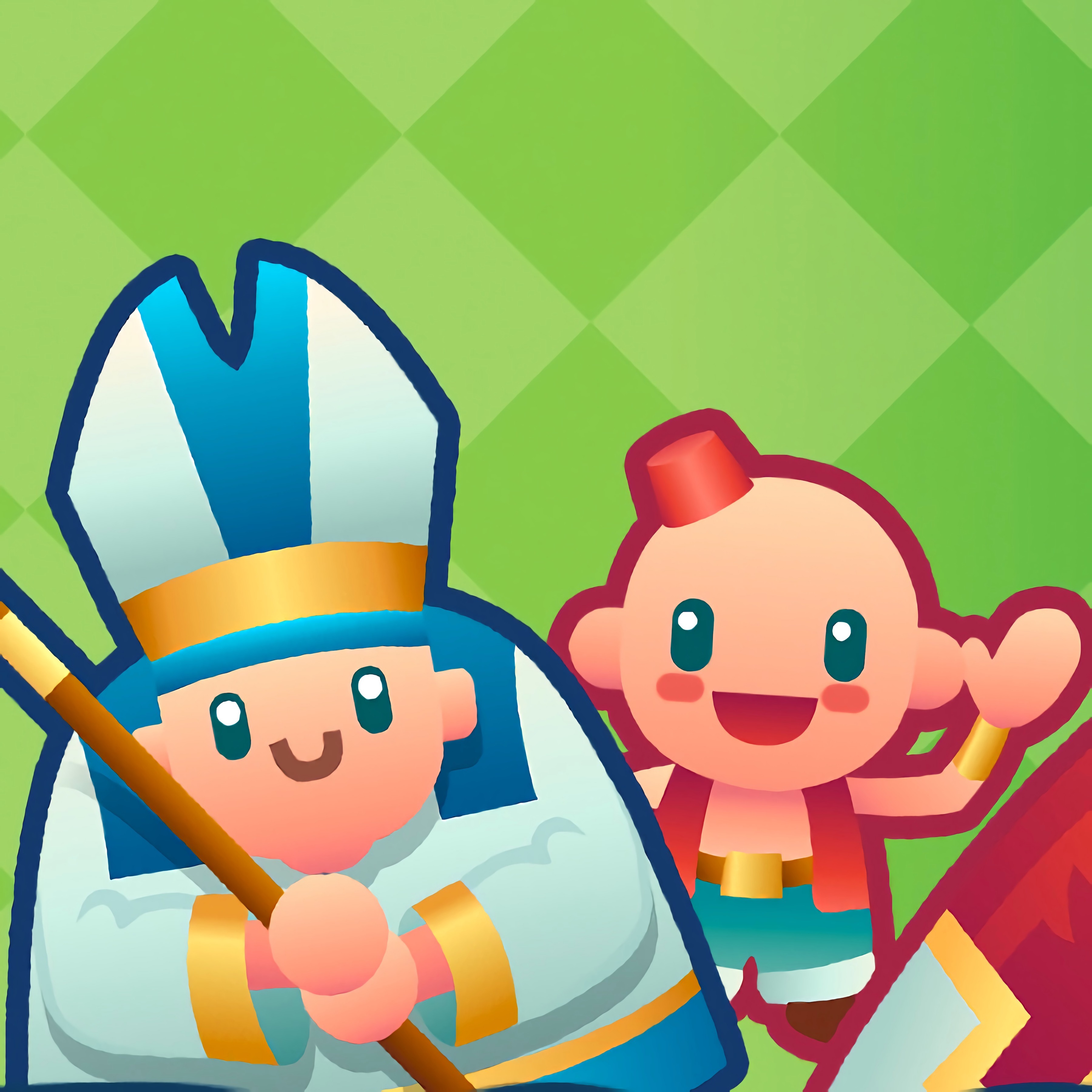 Developer: RavalMatic
Published: December 13, 2019
Game Technology: unity
Compatible Devices: Mobile, Desktop
About Junior Chess
Move your tiny chess army across the checkered board and help a young player discover checkmate. Junior Chess turns the classic strategy game into a calm lesson where every pawn, knight, bishop, rook, queen, and king has a job. One careless opening can leave the guarded king exposed, but one careful opening move can make the whole board feel clearer.
This beginner chess game was developed by RavalMatic and runs in Unity directly in the browser. It is free online with no download, and it supports mobile and desktop play, so a mouse on a laptop or a touchscreen on a phone both feel natural. If a child taps too quickly, a piece may wander into danger; slowing down makes each legal move easier to understand.
The tone is patient, not punishing. Kids and beginners can use short practice sessions for solo learning, trying one idea at a time instead of memorizing everything at once. For more board-focused thinking on Desura, the Chess Games category is a good place to continue building beginner strategy.
Gameplay
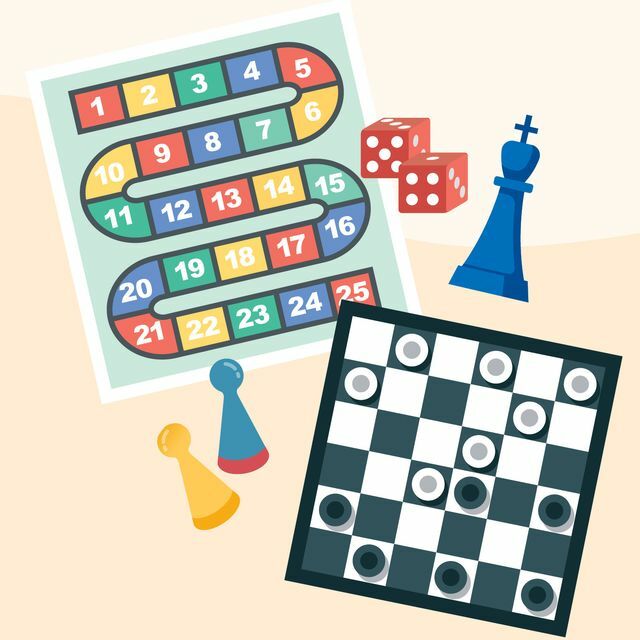
The browser chess game follows turn-based play on a clean checkered board. Each side moves one piece at a time, looking for captures, defense, and eventually checkmate. Move the queen too early and she may become a target, leaving the rest of the wooden pieces undeveloped.
A strong first plan is to protect pieces and control the center squares. Pawns can open paths, knights can jump into useful spots, and bishops become dangerous when their diagonals are clear. One loose rook in the corner can disappear before a player notices the trap.
Skill improvement comes from seeing small patterns repeat. A fork, a pin, or a blocked escape square can decide the position. Clearing a path to the opposing king feels rewarding because the win comes from planning, not luck.
How to Play
Choose a piece, view its legal moves, and place it where it helps your position. The goal is to keep your king safe while building pressure on the other side. If the king has no escape from attack, the game ends in checkmate.
Beginners should avoid rushing the queen into the open. That move looks powerful, but a knight or bishop can chase her around while the opponent gains time. A better start is to bring out smaller pieces and keep the guarded king secure.
Touchscreen players can tap carefully from piece to square, while mouse players can click with more precision. Either way, pause before confirming a move. One fast tap can trade away a defender and turn a safe position into trouble.
Controls
Controls stay light so players can think about the board instead of the interface. Take a moment before each input, because a rushed selection can place a piece on a square it cannot survive.
- Mouse / Tap — Select a chess piece
- Mouse / Tap — Choose a legal destination square
- Menu button — Explore game options
Features
This kids’ chess title uses a readable board layout that helps players separate ranks, files, and diagonals. The tiny chess army is easy to follow, even when several pieces gather near the center. A crowded position can look harmless until one bishop suddenly cuts across the board.
The educational board game supports repeated practice without turning learning into a lecture. Losing a queen, missing a capture, or walking into check becomes a lesson for the next attempt. That replay value matters because chess understanding grows through familiar mistakes.
Visual clarity also helps children connect each piece with its movement pattern. Knights jump, rooks travel straight, and bishops slide along color-bound diagonals. When the king is boxed in, the final position shows exactly why escape is gone.
Similar Games
Players who like calm learning and careful choices may also enjoy Math And Dice Kids Educational Game, where counting and planning matter more than speed. For another thoughtful tabletop-style puzzle, Snack Mahjong asks players to scan the board before removing tiles, and one wrong pairing can block the next useful match.
- Multiplication Simulation — a number practice game with a steady learning rhythm. It suits players who enjoy building confidence through repeated attempts.
- Alphabetic Train — an educational game about recognizing letters and making careful selections. A missed choice can break the lesson flow, much like a careless chess move.
- Flags Maniac — a knowledge-based challenge where memory and observation guide each answer. It connects well with players who like thinking before acting.
Advantages
- Clear chess rules help kids and beginners understand piece movement without extra clutter.
- Solo learning gives players room to test openings, defenses, and checkmate ideas at their own pace.
- Mobile and desktop support makes practice comfortable with either taps or clicks.
- Repeated games turn beginner mistakes into visible progress instead of sudden frustration.
Frequently Asked Questions
What is Junior Chess?
This beginner chess game is an online board game that helps younger players learn chess through clear piece movement, turn-based play, and checkmate goals.
How do you play Junior Chess?
You play by selecting pieces, making legal moves, protecting your king, capturing opponent pieces, and trying to create checkmate before your own king is trapped.
Can I play Junior Chess without downloading it?
Yes, this online chess game runs in a web browser on mobile and desktop with no separate download, making it easy to keep practicing and explore more free online games.
Video Gameplay - Junior Chess

 Panda Hero Fighter
 Unicorn Dress Up Girls
 Drunken Boxing 2
 OffRoad Racing Adventure
 Burger Shop
 Vampire Nose Doctor
 Knightfall
 Adam and Eve GO
 Terrorist Shootout
 Circus Mystery
 We Bare Bears: French Fry Frenzy
 Pregnant Anna And Baby Care
 Squid Challenge
 Agent P: Rebel Spy
 Crazy Car Racing Stunts
 Princesses BFF Rush to School
 Monster Truck Rally
 Pregnant Kardashians
 Car Eats Car: Winter Adventure
 Archer vs Zombies Among Us
 18 Wheeler Truck Parking
 Anime Couples Dress Up
 GT Ghost Racing
 Fruit Ninja
 Real Football Challenge
 Boxing Random
 Extreme Baseball
 Princess Salon Frozen Party
 Anime Fantasy RPG Dress Up
 One Night at Flumpty's
 Dumb Pacman
 Roller Coaster Cave
 Real Fishing
 Baby Hazel Pet Care
 Space Adventure Pinball
 Dragon City Destroyer
 Epic Racing - Descent on Cars
 Jump Joust 2
 Champions FC
 Kawaii High School Teacher Dress Up
 Naruto: Shippuden Flip Game - Endless Hook Online
 Gangster Story: Underworld Criminal Empire Mafia
 LOL: Spot the Difference