









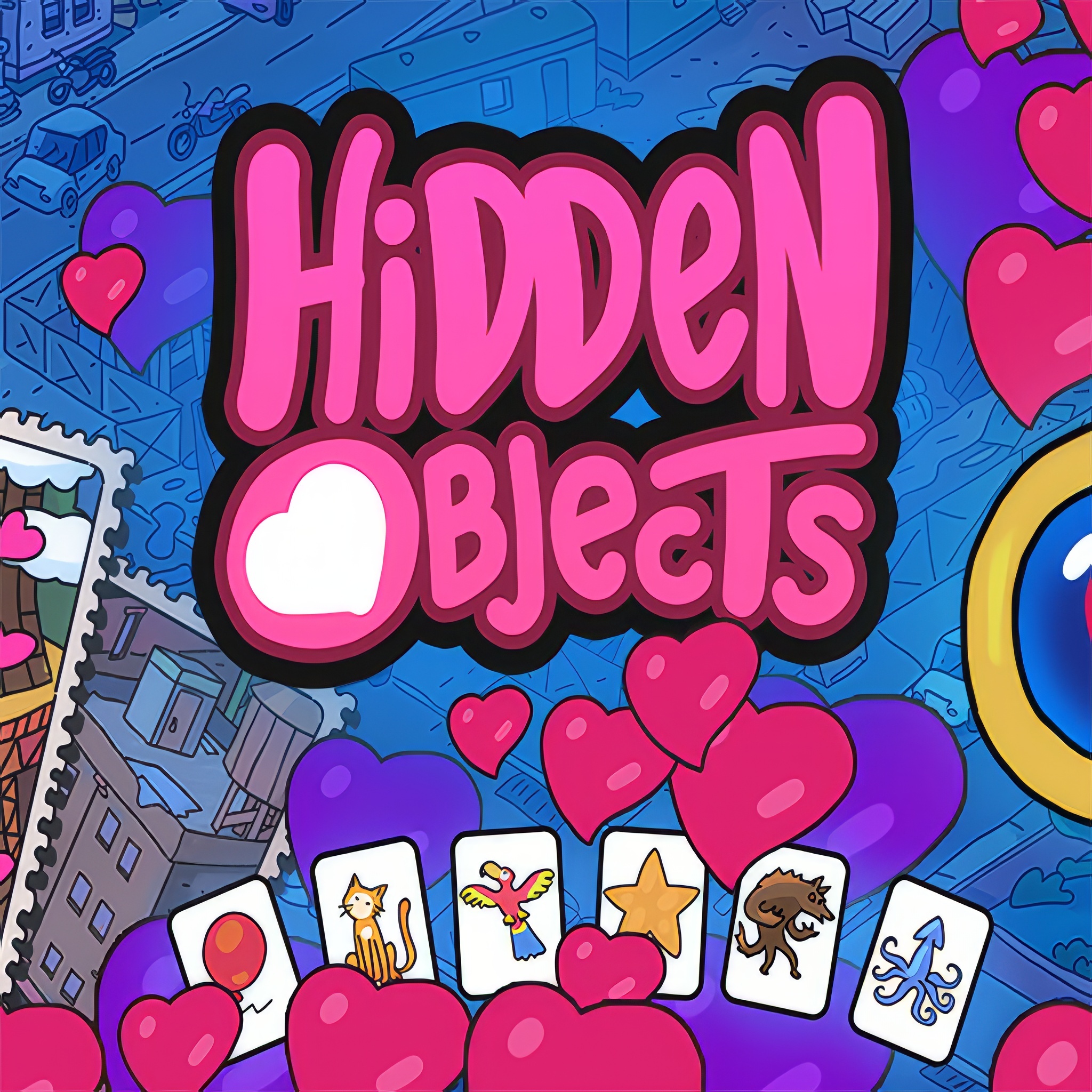
Hidden Objects
 Developer: Mirra Games
Published: April 23, 2026
Game Technology: WebGL
Compatible Devices: Mobile, Desktop
About Hidden Objects
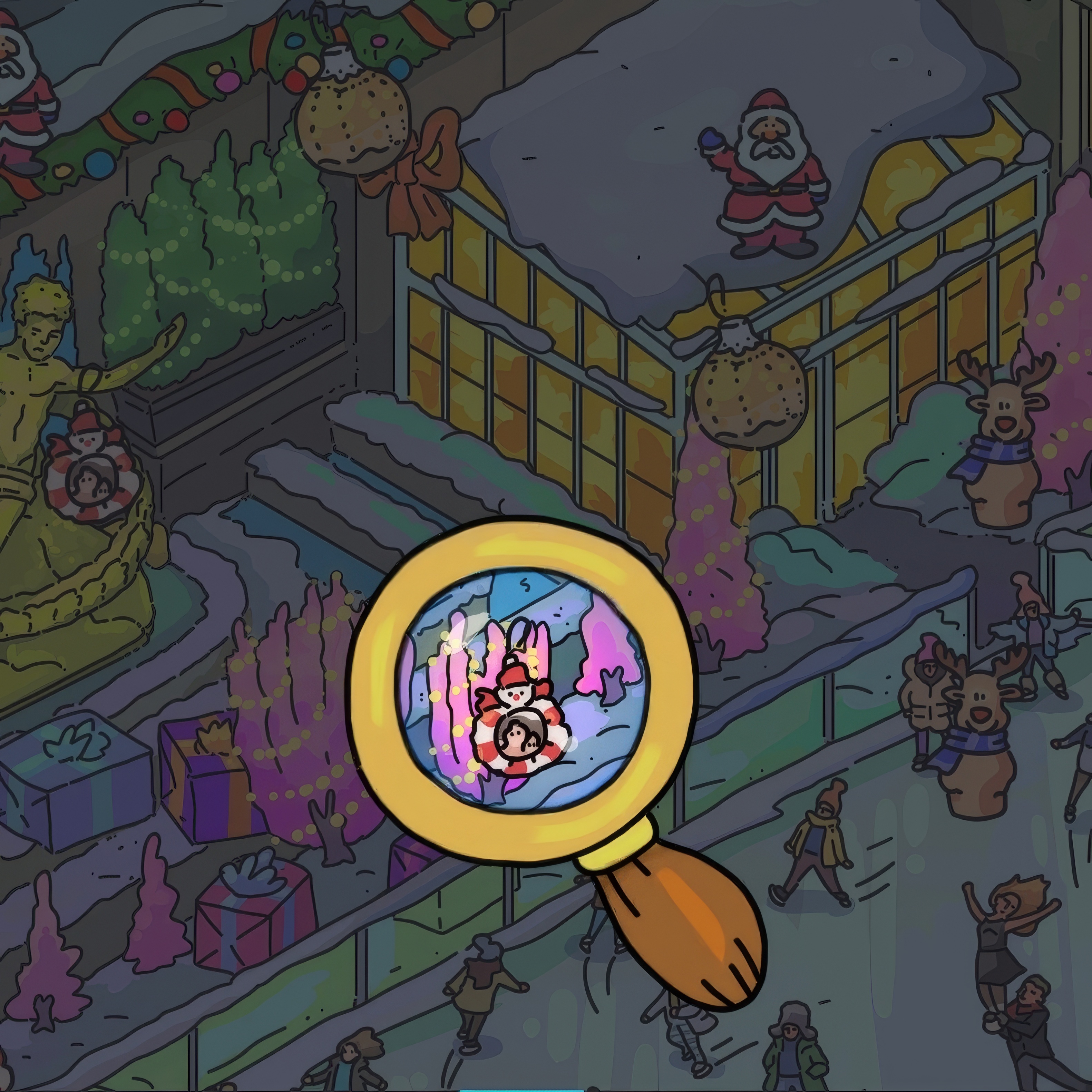
Scan mysterious rooms and scenic hideaways to uncover every cleverly tucked-away object. A cluttered study desk, a glowing mansion window, or a shadowed antique shelf can hide the one item your search list demands. Miss it by a few pixels, and the room suddenly feels like it is staring back at you.
Mirra Games built Hidden Objects as a calm but watchful hidden object puzzle with 2D scenes, pixel art touches, and mysterious locations full of concealed items. It runs in a browser with WebGL, so you get instant play with no download on desktop or mobile. The mystery stays quiet until one overlooked corner costs you another long look.
This free online puzzle game rewards discovery, logic, and brain training more than speed alone. Casual players can handle quick sessions, while careful solo play on a larger screen makes tiny visual clues easier to compare. Desura’s one-eyed mascot would approve of that kind of sharp looking.
Gameplay
Each scene gives you a search list, then asks you to study crafted interiors without rushing. A tucked-away key might blend into patterned wallpaper, while a small cup or book disappears into the furniture lines. Random clicking can break your rhythm fast, so the smarter move is to let the room settle before choosing.
The object-finding game feels strongest when you scan edges first, then sweep inward across shelves, curtains, drawers, and floor shadows. Beginner scanning mistakes usually come from staring at the center too long or ignoring repeated shapes. If you enjoy careful comparison, Pokemon Spot the Differences brings a similar eye-for-detail challenge with a difference-spotting twist.
How to Play
Start by reading the item names, then match them to silhouettes, colors, and likely hiding places. In a point-and-click puzzle, a bottle may sit beside other glass objects, but its outline gives it away. One hasty tap on the wrong ornament can make the real clue feel even harder to trust.
Use hints like a limited tool, not a first reaction. Save them for the final stubborn item after you have checked corners, high shelves, and repeated patterns. On mobile, zooming your view and searching in rows helps visibility; on desktop, the wider screen makes tiny objects easier to separate from background detail.
Controls
The controls are light, but precision matters. A careless click beside a concealed item can waste your concentration just when the room is nearly solved.
- Mouse — Move the cursor and click an item when you find it.
- Touchscreen — Tap visible items on mobile devices.
- Hint Button — Use help when you are stuck, then return to systematic searching.
Features
Detailed scenes give the visual search game replay value because small props, layered furniture, and background patterns keep revealing new tricks. Some items hide through color matching, while others rely on shape camouflage. The best moment is spotting a tiny object that looked like part of the wall seconds earlier.
The game also supports a quiet accessibility approach: zoom when possible, divide the picture into sections, and compare each item against the search list before tapping. That method is especially useful on mobile, where a small icon can vanish near a dark corner. Fans of Puzzle Games and Hidden Object Games will recognize the satisfaction of solving a room without guessing.
For another thoughtful puzzle pace, Snack Mahjong asks you to notice tile matches in a busy layout rather than chase movement. The pressure is different, but the near-miss feels familiar when the pair you needed was sitting in plain sight. That same patient attention carries back into this mystery puzzle adventure.
Similar Games
If you like slow observation, careful logic, and the small shock of finding what was hidden in front of you, these games fit the same thoughtful mood. Each one asks you to look before acting, because one missed detail can send your plan in the wrong direction.
- Flags Maniac — a recognition puzzle built around visual memory and fast identification. It suits players who enjoy comparing colors, symbols, and small design differences.
- Circus Words — a word puzzle where discovery comes from testing letters and spotting patterns. It shares the same quiet “wait, I see it now” reward.
- Transformers Earth Wars Forged to Fight Puzzle — a picture-based puzzle with recognizable pieces and visual assembly. A wrong placement can throw off the whole image until you slow down and recheck the shape.
Advantages
- Detailed 2D scenes make every search feel like a small mystery, not a plain checklist.
- Hint-management strategy adds tension because using help too early can leave the final item feeling riskier.
- Desktop visibility supports careful inspection, while mobile play benefits from zooming and section-by-section scanning.
- The point and click format keeps the action calm, but one overlooked clue can still stall the room.
Frequently Asked Questions
What is Hidden Objects?
Hidden Objects is a browser-based hidden object puzzle game where players search detailed scenes to find specific concealed items.
How do you play Hidden Objects?
You play by carefully scanning each location, identifying the requested items, and clicking or tapping them when you spot them.
Can I play Hidden Objects without downloading?
Yes, it can be played instantly in a web browser on desktop or mobile without downloading an app, making it easy to explore more puzzle and discovery games on Desura.
Video Gameplay - Hidden Objects

 Unicorn Chef Design Cake
 Frenzy Chicken Farming
 Inca Adventure
 Knight Rider
 Truck Loads Simulator 3D
 Basketball Stars
 Elsa Princess Beauty Surgery
 Cannon Shot
 Veggie Patch
 Angry Fish
 Drop Kick World Champs
 Horik Viking
 Train Simulator 2020
 Baking Apple Cake
 Red Ball Puzzle
 Moto Pizza
 Office Dress Up
 Dynamons 7
 Super Girl Dress Up
 Simon Say
 Pokey Balls
 Adam and Eve GO
 Alien Infestation Fps
 Grand Prix Hero
 My Farm Life
 Healing Rush
 Car Eats Car: Winter Adventure
 Impossible Parking: Army Tank
 Pony Pets Salon
 City Stunt Cars
 Princess Wedding Planner
 Space Attack
 Weapon Shop
 Papers.io Mania
 Creepy Granny Scream: Scary Freddy
 Buggy Wuggy - Platformer Playtime
 Run Jerry - Tom and Jerry
 Princess Easter Hurly-Burly
 Extreme Bike Track
 Drone Destruction: Ben 10
 Deathmatch Combat io
 Masked Forces Zombie Survival
 Super Mario Run