








Global City
 Game Technology: unity
Compatible Devices: Mobile, Desktop
About Global City
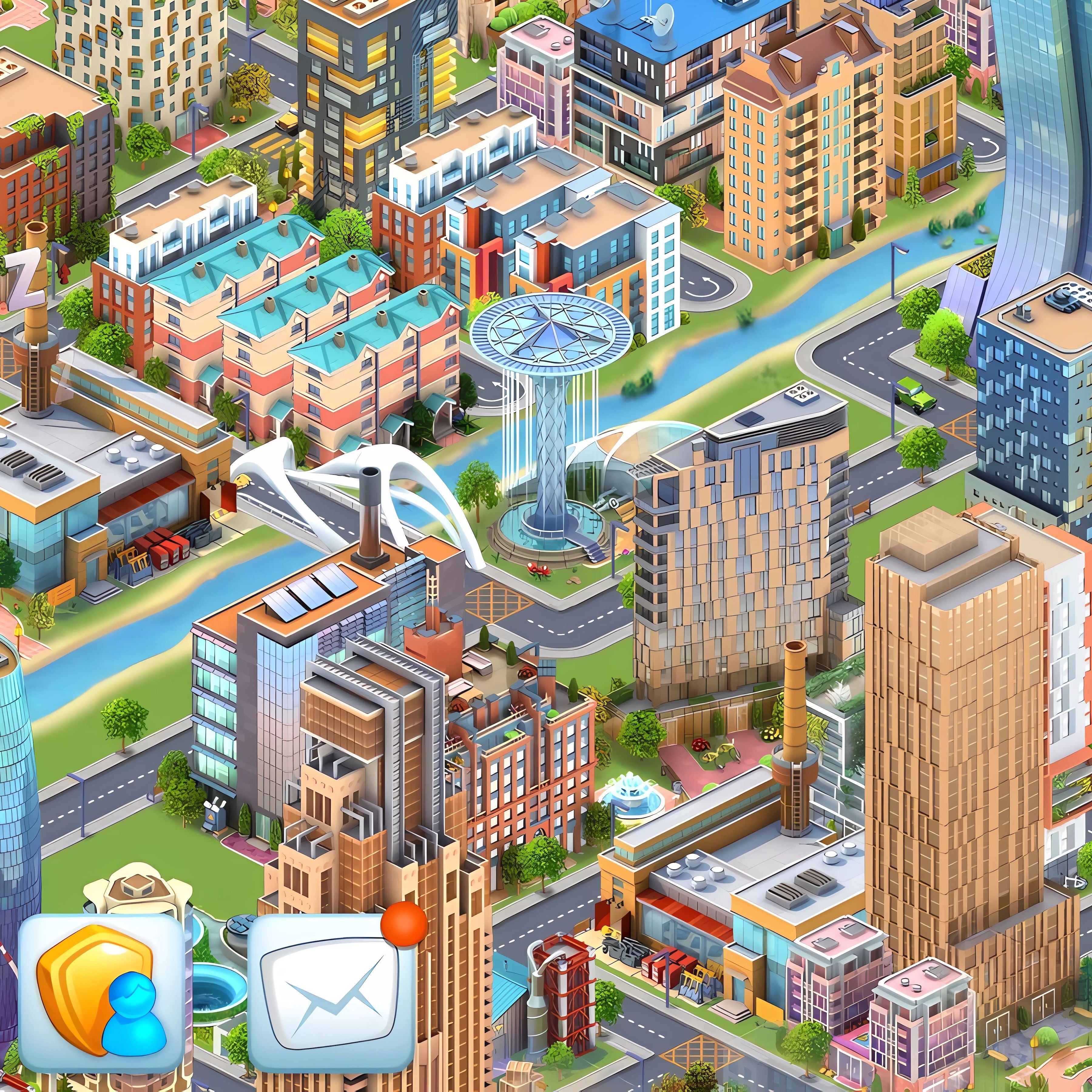
Start as a city planner and shape empty land into a growing skyline of roads, buildings, and districts. The mood is thoughtful rather than frantic, with every construction choice nudging the city toward order or clutter. A glowing city grid makes each empty plot feel useful, but one careless block of buildings can choke the busy road network before your first district feels complete.
Global City uses city builder ideas, strategy game pacing, and resource management to turn small decisions into long-term progress. Built with Unity, it runs in a browser as a free online game with no download on mobile and desktop. That cross-platform setup matters when you want solo play during quick or extended sessions, because a rushed layout can leave your expanding skyline full of awkward gaps.
This city-building strategy game is slower and more deliberate than faster hyper-casual entries in Casual Games. Instead of tapping through instant rewards, you plan roads, time upgrades, and decide which objectives deserve resources first. Players who like renovation growth may also enjoy Merge Hotel: Family Story, where progress comes from steady improvement rather than one wild move.
Gameplay
Global City rewards planning before speed. You place buildings, connect them with roads, and guide districts through careful expansion. If you stack construction without a road layout, the city can feel trapped, like construction cranes are swinging over blocks that nobody can reach.
Resource planning affects city growth more than raw building count. Spend too quickly, and an important upgrade waits while the next objective sits unfinished. Save too long, and rising apartment blocks stop feeling like progress because the city has no new services to support them.
The city simulation game builds replay value through optimization. A second run through a familiar growth stage may reveal a cleaner route, a better road split, or a smarter place for production. That little correction feels satisfying because the same district that once stalled can suddenly open into a smoother expansion.
How to Play
A strong Global City start begins with roads, not decoration. Sketch a connected route before filling every square with buildings, because one blocked corner can force expensive changes later. When the gap between districts widens, plan the link before the skyline grows around the problem.
Follow objectives, but do not treat them like a race. Some goals ask for construction, while others depend on upgrades or stored resources. One rushed tap can drain supplies, leaving the next useful improvement just out of reach while your city waits in place.
This mayor-style browser game favors steady checks: what needs a road, what needs materials, and what will unlock the next district. If you enjoy shop-based planning, Weapon Shop offers another resource-focused setup where timing choices can decide whether progress flows or stalls.
Controls
Most interaction happens through the game screen, so careful clicks or taps matter. Hit the wrong option too fast, and a promising build order can turn into a messy detour.
- Explore games — browse available options and select what to open
Features
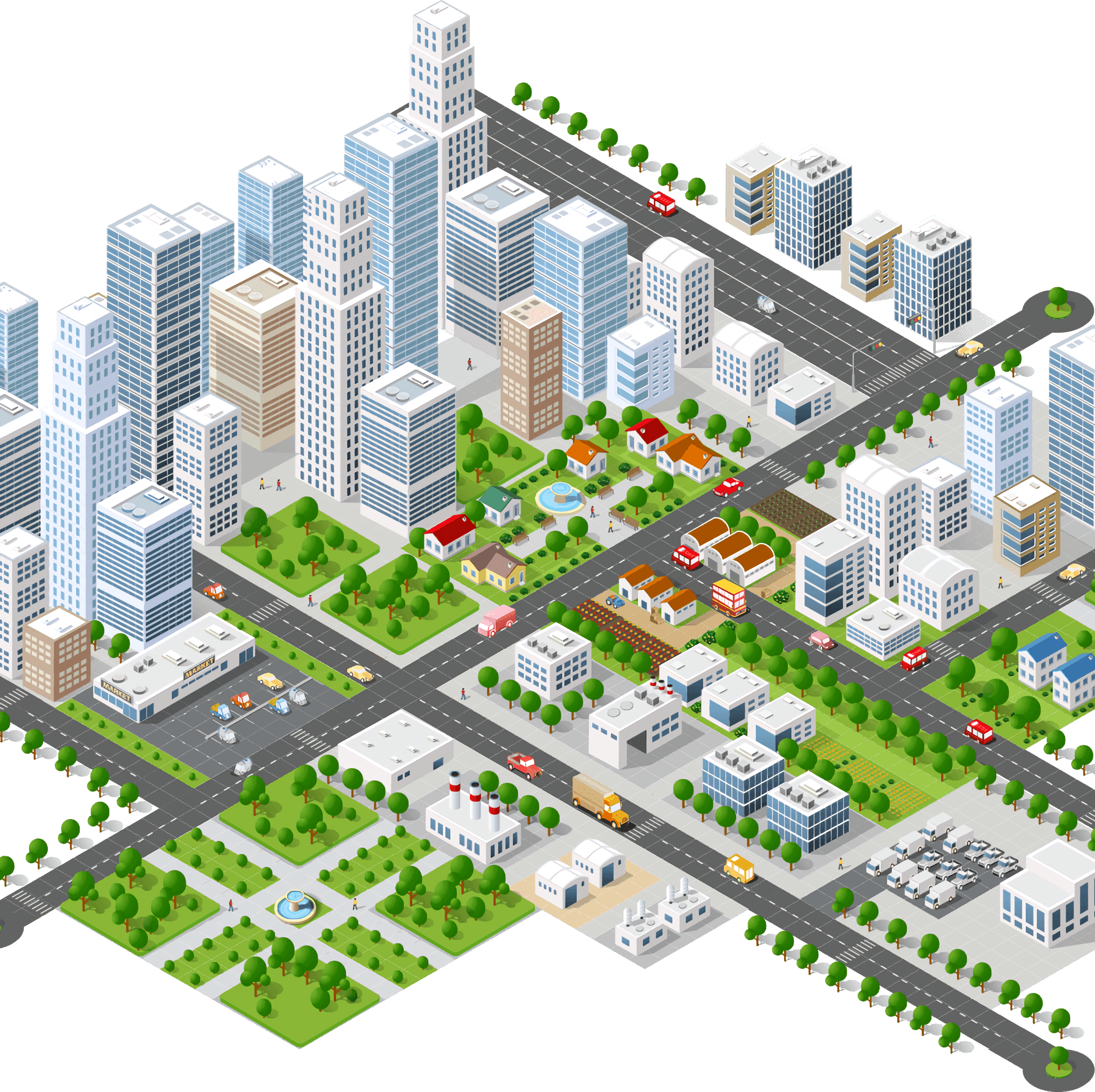
The urban management game gives the city a strong visual rhythm: a glowing city grid below, construction cranes above, and an expanding skyline that marks each stage of progress. Districts do not just fill space; they help you read where growth is healthy and where planning has gone crooked.
Upgrades add a second layer beyond placing structures. Improving the right area at the right time can pull a stalled objective back into motion, while upgrading the wrong piece may leave your road network busy but unproductive. That tension makes each improvement feel like a choice, not a button to press.
Casual progression supports replay through expansion, upgrades, and optimization. You can return to a familiar layout and try to reduce wasted space, shorten routes, or line up objectives in a cleaner order. Compared with faster builders, this construction strategy title gets its pull from small corrections that save the city from future bottlenecks.
Similar Games
- Dr. Panda School — a gentle simulation setting built around rooms, roles, and small management choices. It fits players who like arranging spaces and watching a busy place come alive without constant pressure.
- Wall Fixing — a construction-themed puzzle where placement decisions matter. One piece set badly can ruin the structure, giving it a careful planning feel that connects well with urban planning habits.
- Multiplication Simulation — a slower simulation-style game with numbers, decisions, and step-by-step thinking. It suits players who enjoy measuring progress, adjusting choices, and seeing results build over time.
Advantages
- Encourages practical planning, because roads, resources, and districts all affect whether the city grows smoothly or gets boxed in.
- Supports mobile and desktop play in the browser, so the same relaxed planning mood is available without installing a separate file.
- Offers long-term replay through cleaner layouts, smarter upgrades, and better objective timing instead of relying on fast reflexes.
- Creates clear consequences: a poor build order can stall expansion, while a well-timed upgrade makes the city feel alive again.
Frequently Asked Questions
What is Global City?
It is a city-building strategy game where you develop an expanding urban area by constructing buildings, planning roads, managing resources, and improving the city over time.
How do you play it?
You play by placing and upgrading structures, connecting areas with roads, completing objectives, and balancing growth so poor planning does not slow the city down.
Can I play it without downloading?
Yes, this free online builder runs in a browser on desktop or mobile, so you can start building right away and explore more planning-focused games on Desura.
Video Gameplay - Global City



 Microsoft Jigsaw
 Big Bad Ape
 School Bus Driving Simulator
 Car Stunt Driver
 Hand Spinner Simulator
 Crazy Dentist
 Stickman Army The Defenders
 OffRoad Truck Simulator Hill Climb
 High Shoes
 Hypno Bliss - PowerPuff Girls
 Real Bike Simulator
 Shape-Shifting
 Create Balloons
 My Dolphin Show
 Johnny Trigger Online
 Sprinter
 Bomb It 5
 Mountain Climb 4x4
 Baby Hazel Newborn Vaccination
 Slendrina Must Die: The Celar
 Mystic Sea Treasures
 Monster Truck Rally
 Fairy Pony Caring Adventure
 Looney Tunes: Cake Chaos
 Offroad SUV Stunt Jeep Driving 4x4
 Sky Train Simulator: Elevated Train Driving
 Home Pin 2
 Geometry Neon Dash World 2
 Zombie Mission 3
 Trollface Quest Video Memes and TV Shows
 Tower Lockdown - Teen Titans Go
 Car Traffic Sim
 Dominoes Battle: Domino Online
 Pregnant Princess Caring
 Exploder.io
 3 Warrior Team Force
 Funny Dentist Surgery
 Among Rampage
 Car Eats Car: Winter Adventure
 Batman Сar Driver
 Princess Ready For Adventure's Date
 Baby Hazel Mother's Day
 Monsters Attack Impostor Squad