








MineGame
 Developer: igroutka.ru
Published: February 12, 2020
Controls: Arrow Keys / WASD / Space / Mouse / Shift / Esc / Scroll / E
Game Technology: html5, WebGL
Compatible Devices: Mobile (iOS, Android)
About MineGame
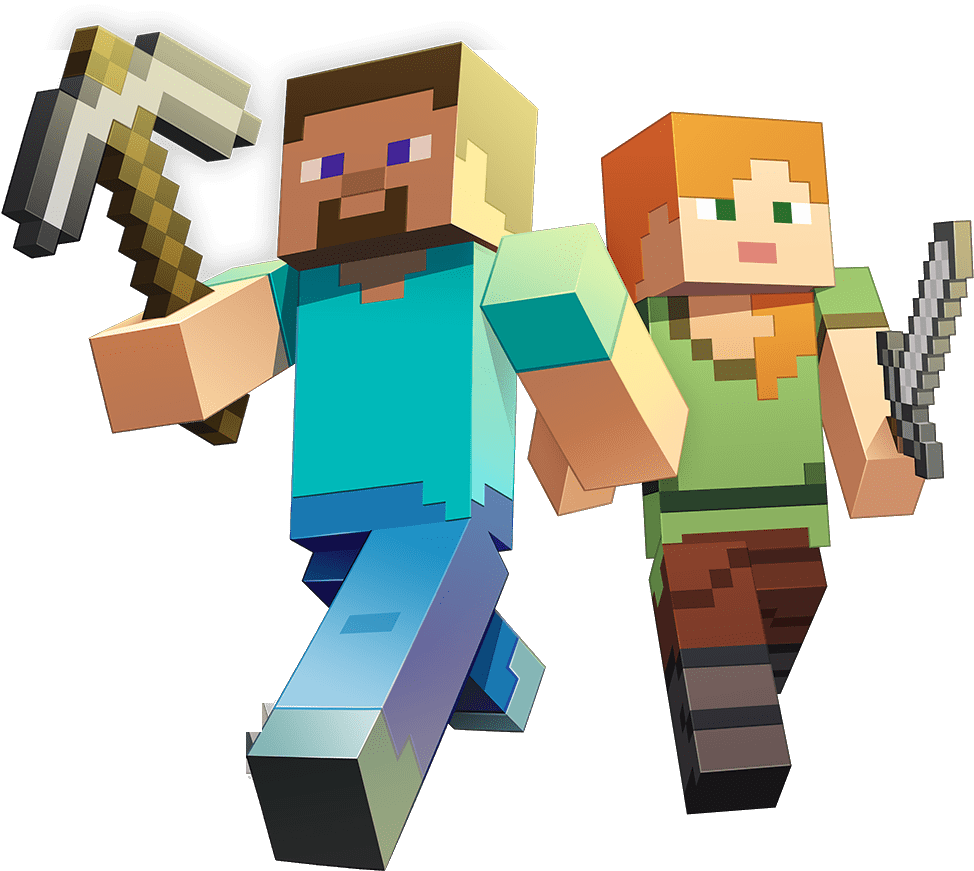
MineGame drops you into a blocky world where every cube can become a wall, path, or tunnel. The view is first-person, so chunky grass cubes and pixel cliffs feel close enough to touch as you move, jump, and test where each block should go. One careless placement can leave a gap in your roof or a strange ledge in your stairway, but fixing it is part of the cozy rhythm.
This voxel sandbox runs with HTML5 and WebGL for browser play with no download, and it supports mobile and desktop access. The crafting game keeps the screen focused on movement, block building, creative construction, and open-ended exploration instead of menus piled on menus. When a handmade tunnel suddenly opens into empty space, that tiny drop can turn a calm build into a quick scramble.
Casual solo players can treat the pixel world like a quiet building table. Start with square-edged shelters, carve small rooms, or stack floating block stacks just to see how they look against the sky. Compared with other voxel sandbox games, this Minecraft-inspired browser game feels lighter and more direct, which makes every broken block and corrected corner matter right away.
Gameplay
In MineGame, the main loop is walking, looking, selecting, placing blocks, and breaking blocks from a first-person view. Highlighted block selection helps you aim at the exact cube you want, which matters when one wrong click punches a hole through your floor. A safe bridge can turn into a cliff-edge panic if you remove the block under your feet.
Advanced block-switching strategies make building faster once you stop scrolling randomly. Keep your most-used blocks near each other in the inventory, then swap between wall, floor, and accent pieces before your hand loses the shape you had in mind. If you enjoy voxel movement with sharper multiplayer energy, Kogama Real Pvp offers another blocky space where positioning matters.
Beginners often place blocks too close, forget to clear headroom, or open the inventory while standing on an unsafe edge. Slow down before building upward. Sprinting and jumping help you cross rough ground, but a rushed leap beside pixel cliffs can send your plan tumbling into repair work.
How to Play
Begin by finding flat ground for a base. A level foundation keeps walls aligned, doors readable, and roofs from looking crooked after three layers. When the ground is uneven, break the raised cubes first instead of forcing the shelter to bend around them.
Use destruction as an editing tool, not just a way to dig. If a block lands in the wrong spot, remove only that cube and rebuild around the opening before the shape gets messy. For players who like a similar blocky quest mood, Noob VS Pro 1 brings a more goal-driven take on Minecraft-inspired play.
Mouse-and-keyboard comfort matters during longer builds. Keep the mouse sensitivity low enough that your crosshair does not fly past small corners, and rest your movement hand so sprint and jump are easy to reach. One cramped key press can turn a careful rooftop step into a fall.
Controls
The controls support movement, camera control, inventory use, and block editing. Learn the placement and destruction buttons first, then add sprinting, jumping, and block switching once your shelter starts to take shape.
- WASD or Arrow Keys — Move
- Left Shift — Sprint
- Mouse — Look
- Scroll Wheel — Switch Block
- Space — Jump
- Right Mouse Button — Place Block
- Left Mouse Button — Destroy Block
- Middle Mouse Button — Get Highlighted Block
- E — View Inventory
- Escape — Pause or Resume
Features
The creative sandbox title gives replay value through self-made building goals. You might build a lookout tower one run, dig handmade tunnels the next, then return to add paths between them. The reward is seeing a plain patch of terrain turn into something you remember making block by block.
Pixel graphics keep shapes readable, which helps when you are lining up corners or checking whether a wall is one cube too short. The block outlines make small mistakes easier to spot before they spread. Miss that uneven row, though, and your square-edged shelter can look tilted from every angle.
Inventory access adds planning beyond quick placement. Save rare-looking blocks for accents, use plain cubes for structure, and switch materials before you climb too high to edit comfortably. In this free online building game, a smart inventory habit can save you from dismantling half a roof just to change its trim.
Similar Games
If this block-building adventure puts you in a building mood, Desura has a few nearby picks with construction, repair, or block-style problem solving. They do not all copy the same voxel sandbox formula, but each one rewards planning before you act. Rush the first move, and the whole setup can wobble.
- Wall Fixing — a repair-focused puzzle game about putting pieces back where they belong. It fits players who like correcting shapes and noticing small structural errors.
- Weapon Shop — a crafting-themed game built around making items and managing a workshop flow. It connects well with players who enjoy choosing parts and thinking ahead before the next creation.
- Not One — a compact game with careful decision-making and tight consequences. Pick it when you want a different kind of focused play after building your own blocky goals.
For a cozier comparison, think about what each game asks from your hands. The voxel sandbox asks for camera control, steady placement, and patient editing, while the linked games lean more toward repair, crafting choices, or compact problem solving. That contrast makes returning to the pixel world feel calmer after a tense mistake elsewhere.
Advantages
- Runs in the browser with no download, so building can begin without installing extra software.
- Supports mobile and desktop play, giving players options for touch screens or mouse-and-keyboard control.
- Encourages self-made goals, from tiny shelters to tunnels, towers, bridges, and decorative block patterns.
- Lets mistakes be corrected quickly by breaking blocks and replacing only the section that went wrong.
- Uses clear pixel graphics, making edges, gaps, and highlighted block selection easier to read.
Frequently Asked Questions
What is MineGame?
It is a free voxel sandbox game where you explore a pixel-style world, place and destroy blocks, and build structures using first-person controls.
How do you play MineGame?
You move through the world, select blocks, place them with the right mouse button, destroy them with the left mouse button, and use the inventory to manage building options.
Can I play MineGame without downloading?
Yes, it runs in the browser with HTML5 and WebGL, so you can start playing online without installing a separate app or launcher.




 Hidden Lands
 Fly House
 Airport Buzz
 Basket Random
 Physics Drop
 Funny Puppy Care
 Christmas Survival
 BBFs Fresh Spring Look
 Pizza Master
 Vex 7
Vex 7
 We Bare Bears: Bearsketball
 Dora Hidden Harts
 Create Balloons
 Land vs Sea: Moana vs Elsa
 Knife Dart
 Pubg Pixel 3
 4x4 Monster
 Fireboy and Watergirl 1: Forest Temple
 Baby Hazel Flower Girl
 Chibi Fighter Dress Up Game
 Quick Sudoku
 Jake vs Pirate Run
 Demolition Monster Truck Army 2020
 Car Eats Car: Winter Adventure
 Pool Mania
 Skate Rush
 Cellcraft.io
 Fireboy and Watergirl 2: Light Temple
 Real Football
 World Flags Memory
 Flappy Gunner
 Duck Carnival Shoot
 Stickman Sports Badminton
 Xtreme Real City Car Parking
 Star vs the Dungeon of Evil
 Masked Forces
 Fruit Sudoku
 The Legendary Trials - Craig of the Creek
 Harlequin is Preparing an April Fools Rally
 Bob The Robber 4
 Microsoft Sudoku
 Craftmine
 Pumpkin Ice Cream