
LEGO Games




 Empire vs Rebels - LEGO Star Wars
 Lego Iron Man
 Lego Star Wars Match 3
 Lego Block Puzzle
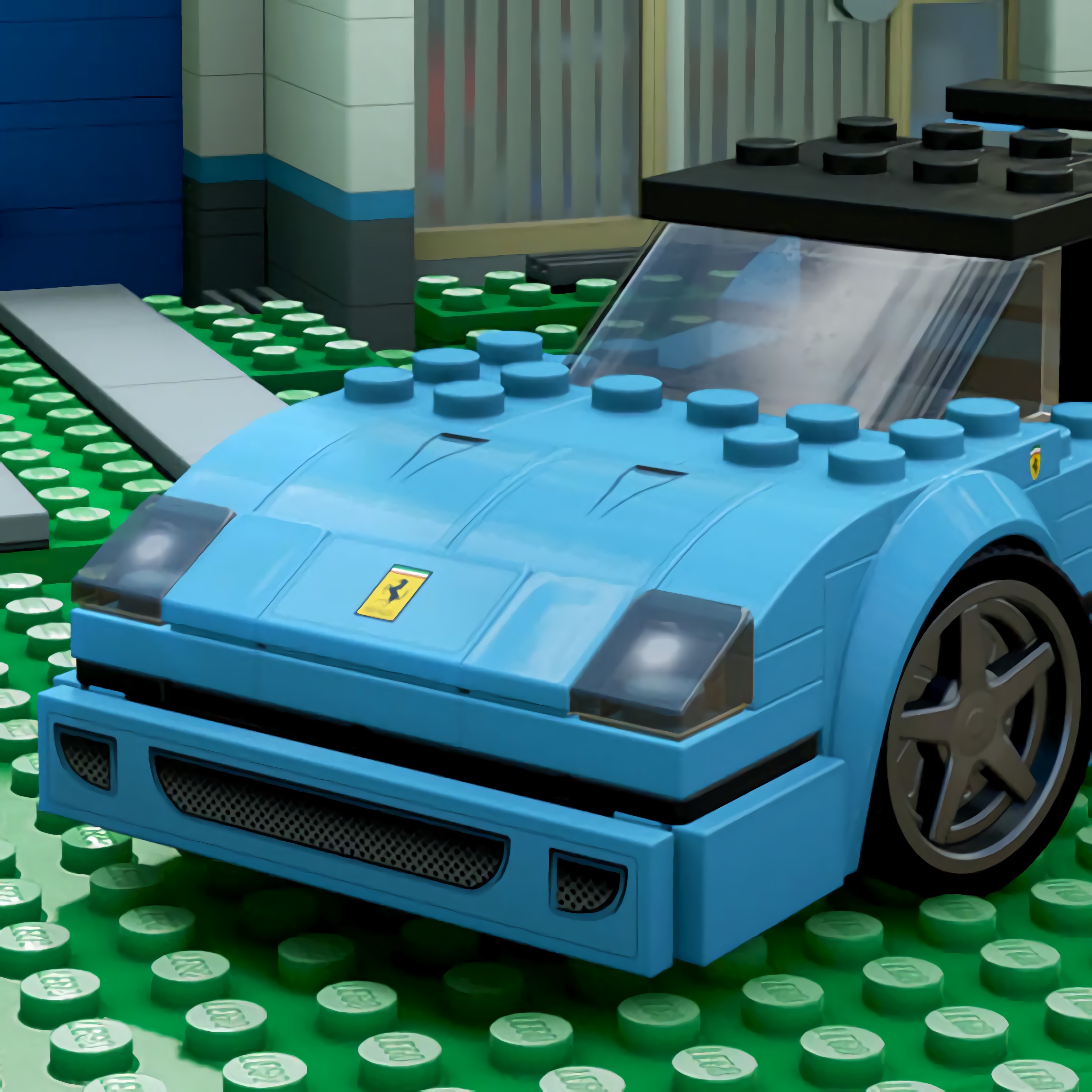 Toy Cars Jigsaw
 Construction Set
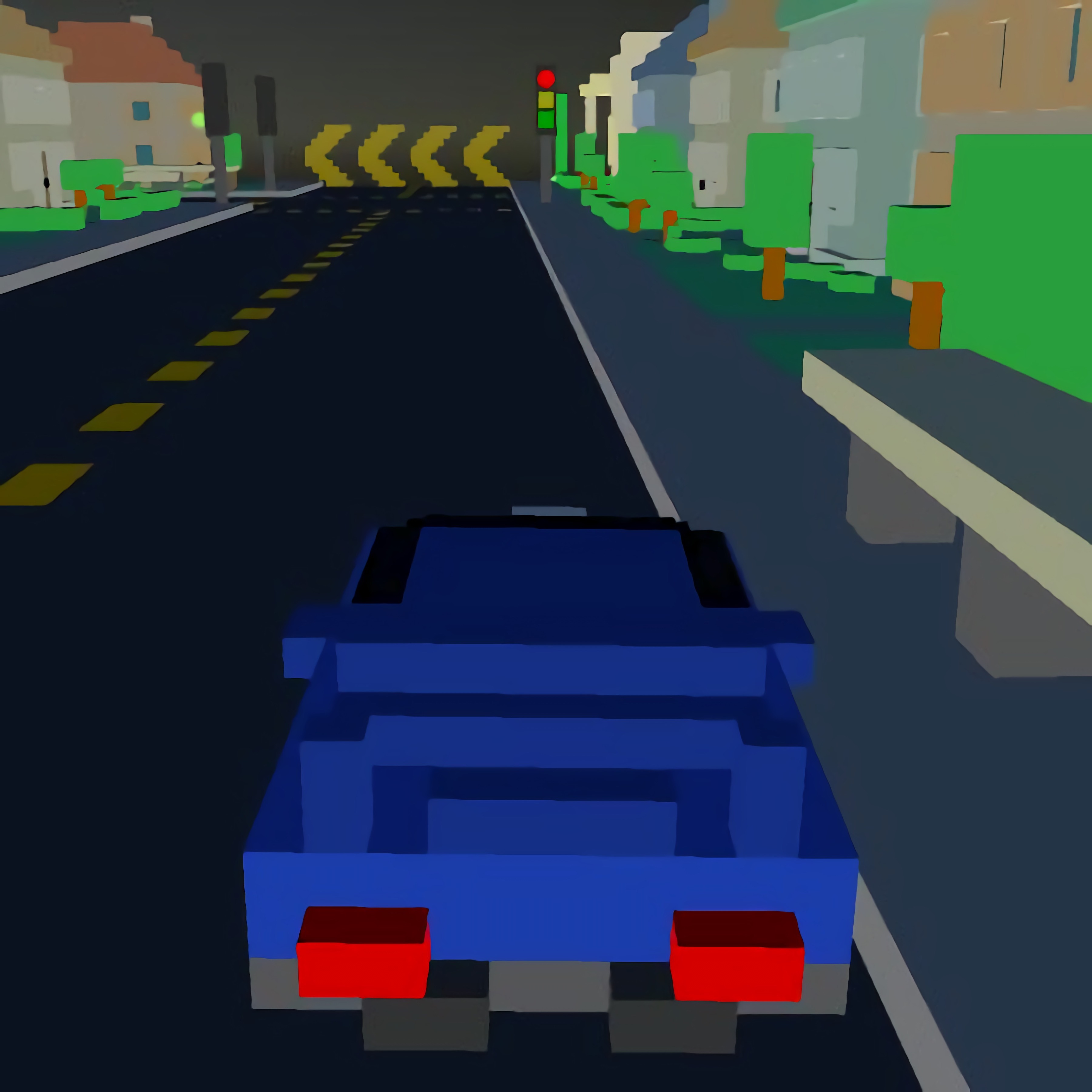 Lego Superhero Race
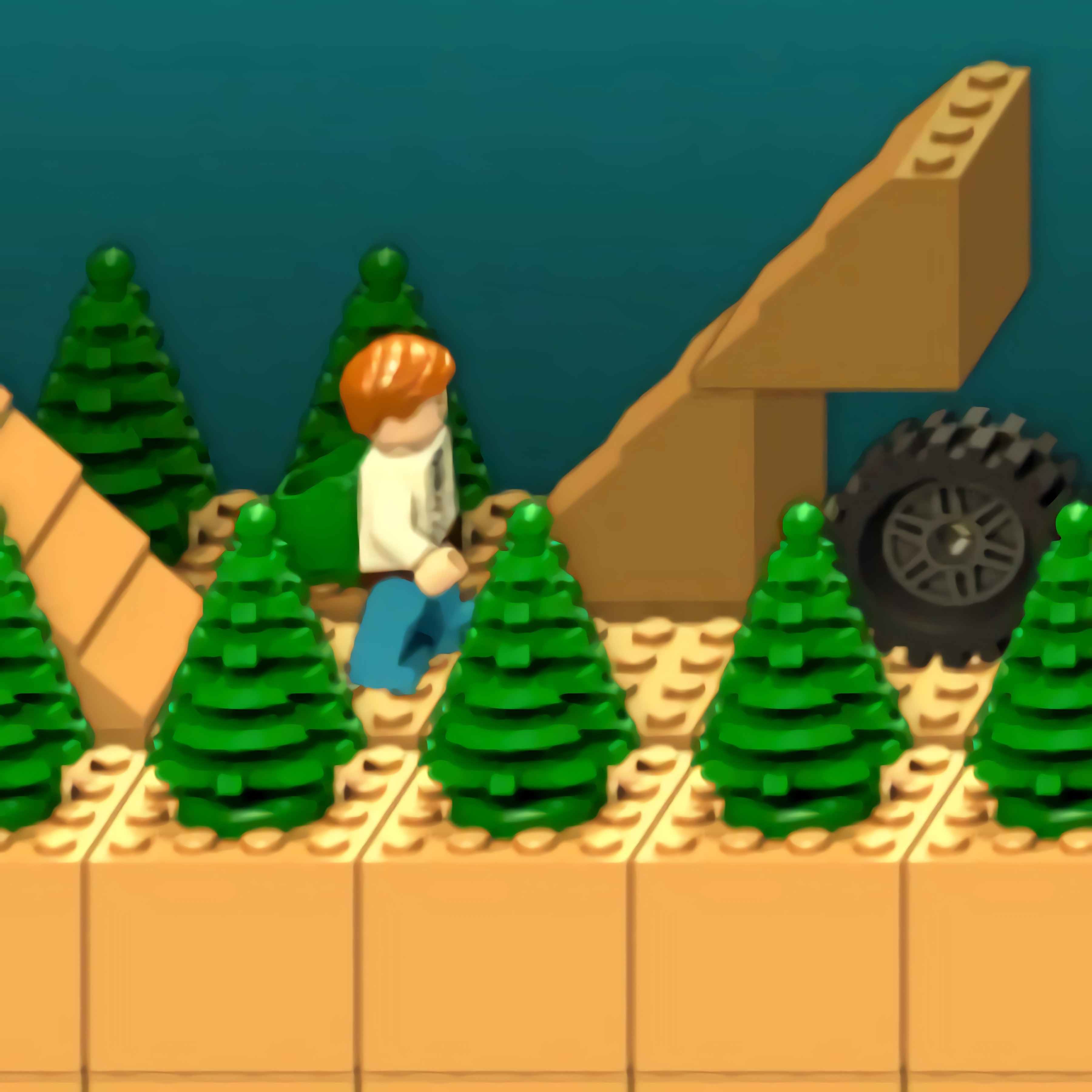 Running Ted
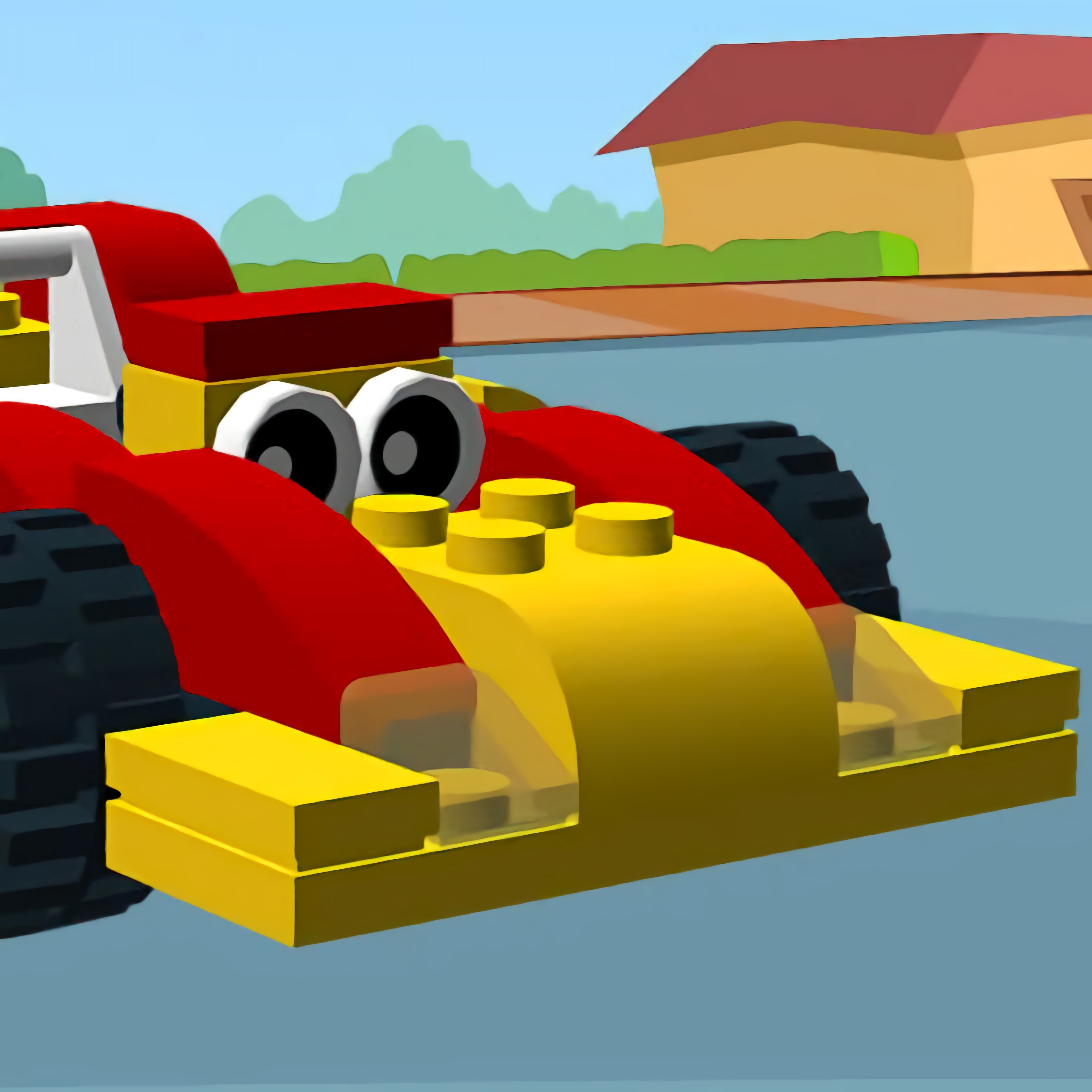 Toy Car Memory
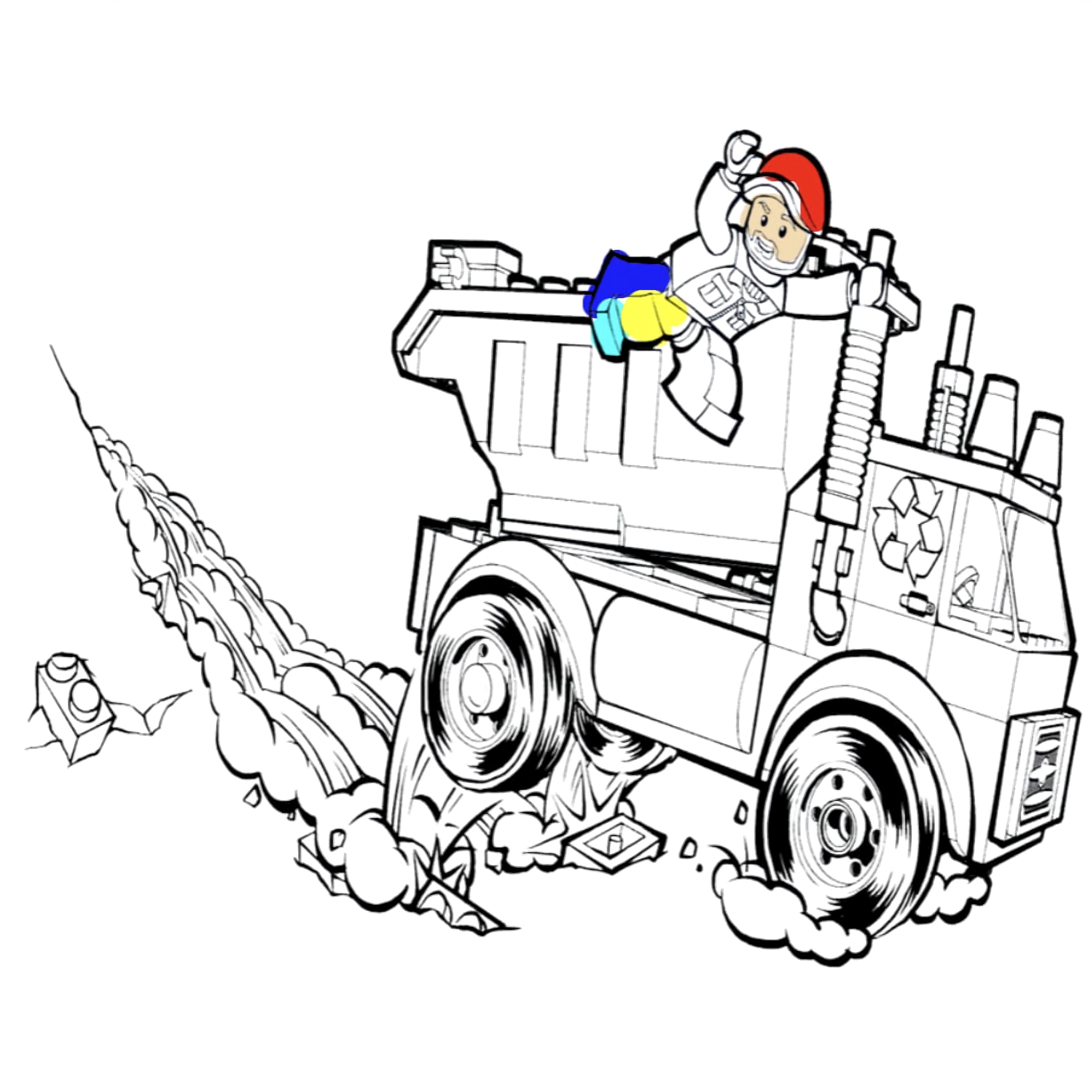 Lego Trucks Coloring











 Super Onion Boy
 Rickshaw Driver
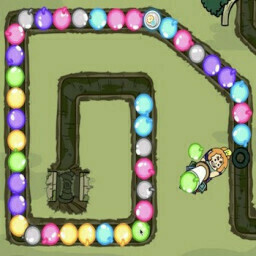 Defend the Sewers - Craig of the Creek
 Land vs Sea: Moana vs Elsa
 Halloween Pizzeria
 Sleepy Princess: Twin Birth
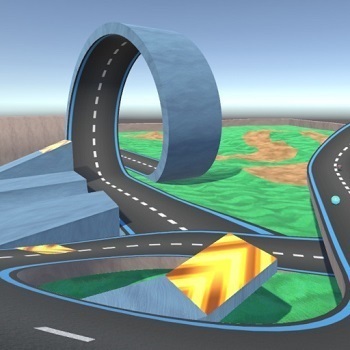 Kart Stunts
 Pregnant Kardashians
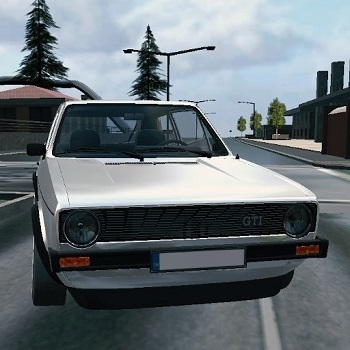 Golf Cars Simulator
 Dynamons 7
 Cheese Swipe
 Princess Collective Wedding
 Sniper Mission 3d
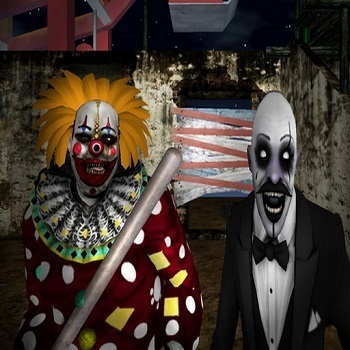 Slenderclown Be Afraid Of It
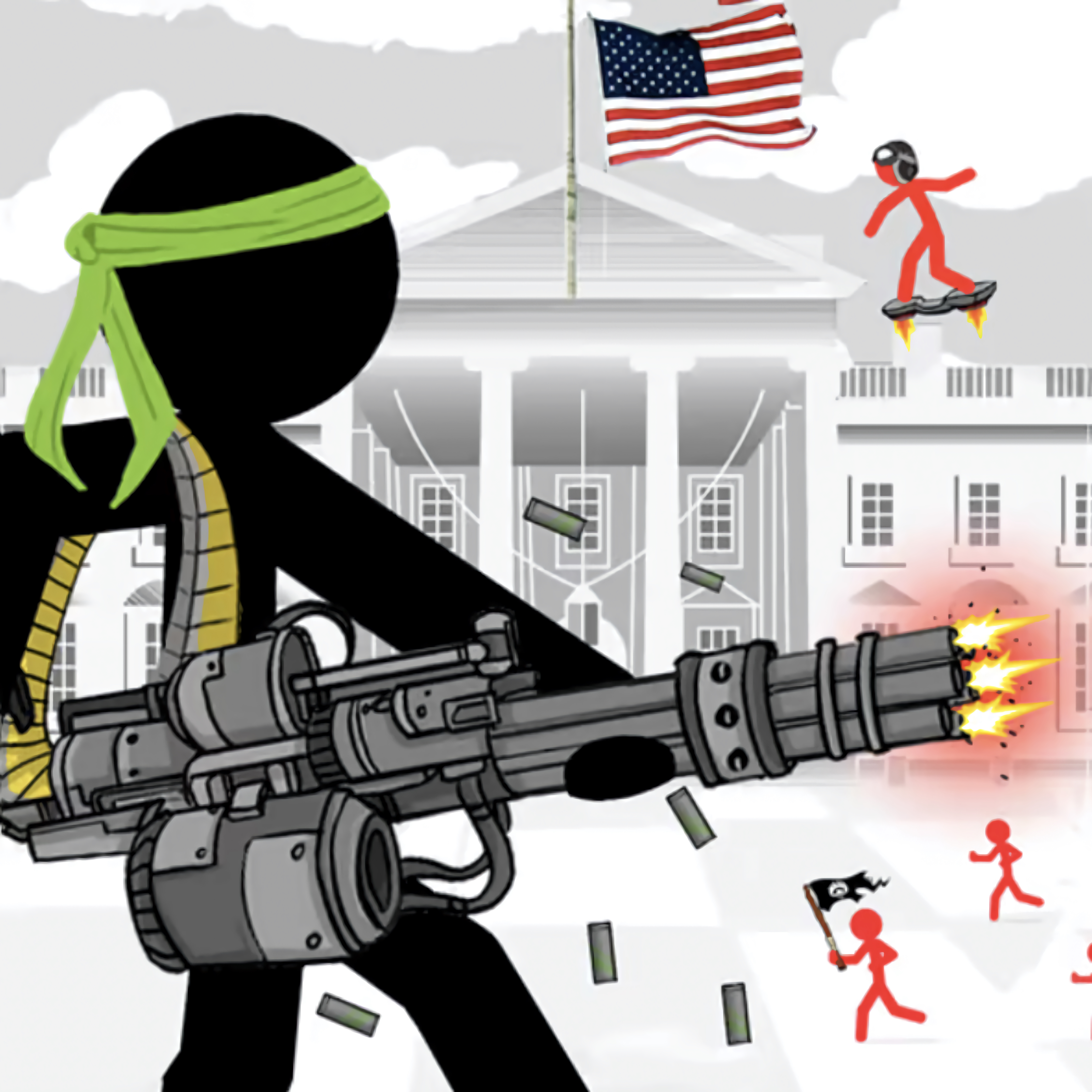 Stickman Army The Defenders
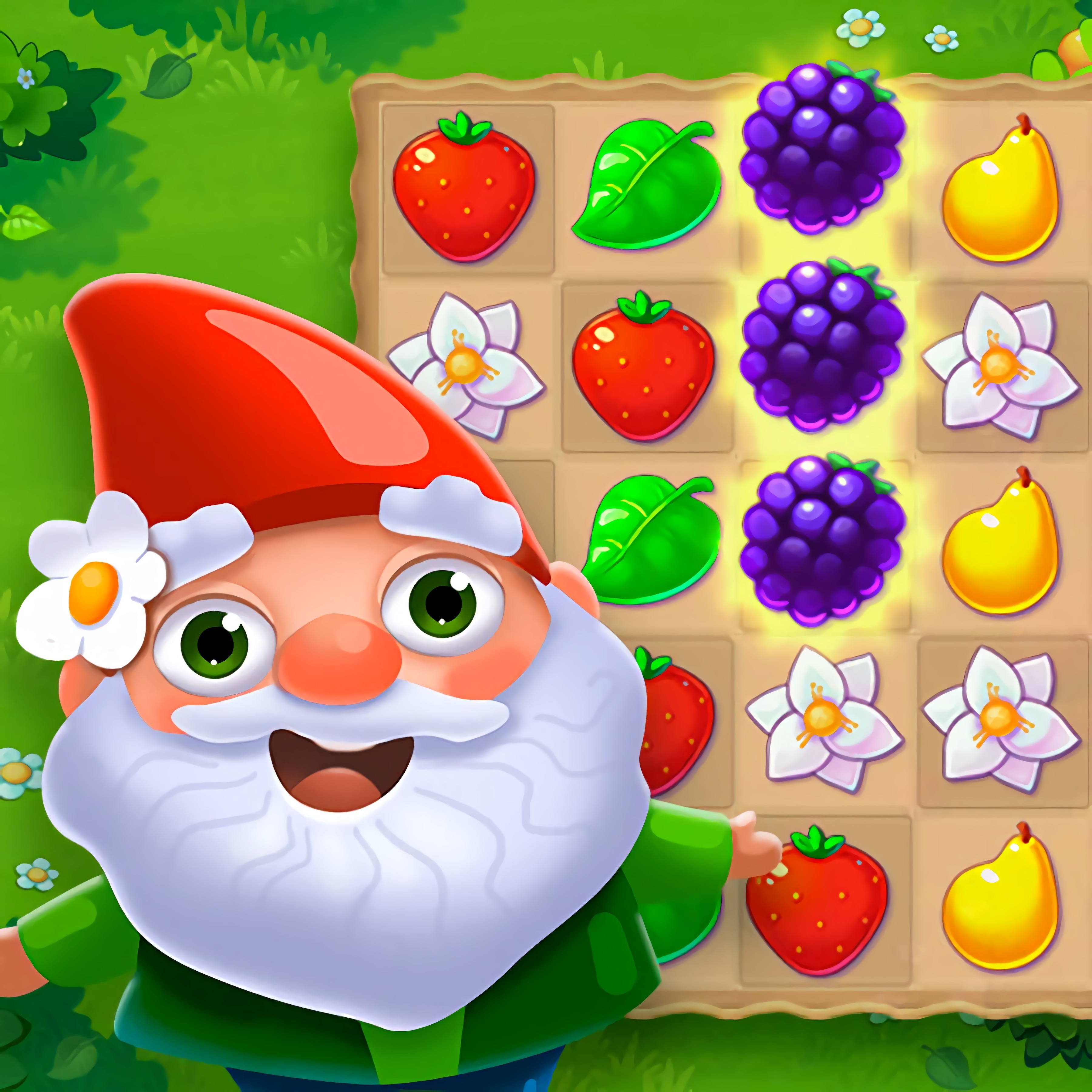 Garden Tales
 Mr Bullet 2 v2
 Princess Cupcake
 Crazy Dentist
 Unfair Mario 2
Lego Games You Can Play in Your Browser
Brick games on Desura focus on quick building, playful characters, and simple challenges that load in your browser. You can start a round with no download, whether you want snap-together parts, minifigures, or a small toy world made from blocks.
These free online titles are easy to try because many run in HTML5 and support instant play. Kids, beginners, and casual players can move from a puzzle to a race or a construction scene without learning complex menus.
Try Construction Set if you like placing pieces and testing how shapes fit together. For themed brick-based adventures, Empire vs Rebels - LEGO Star Wars adds familiar minifigure action in a browser-friendly format.
Build, Drive, Jump, and Solve with Bricks
Block-building games usually work because they turn simple parts into clear goals. You may place bricks, connect blocks, follow a pattern, or use building mechanics to finish a small model before moving on.
Vehicle games shift that idea toward motion, ramps, cars, and racing. Lego Superhero Race fits players who want speed with a toy-brick look, while Toy Cars Jigsaw slows things down with vehicle puzzles.
Other creative building games focus on logic instead of speed. Lego Block Puzzle asks you to think about space, placement, and matching shapes, which helps build spatial reasoning in short sessions.
Main Types of Brick-Based Lego Games
Brick-based adventures are not all the same, so it helps to choose by play style. Builders reward design, obby levels test timing, racers focus on reaction speed, and puzzle games train planning through clear visual rules.
If you enjoy creative play, Building Games and Block Games are natural places to explore after this category. Players who prefer jumps, traps, and obstacle courses may also like Platform Games.
The main difference is pace. Construction games let you pause and think, blocky platform games ask for quick keyboard movement, and racing variants push you to steer through turns without losing control.
Building and vehicle creators
Building and vehicle creators usually use click, drag, and drop controls. You select a part, place it, rotate it if needed, and test whether the construction works on a small challenge or scene.
These games are good for players who like experimenting with shapes. Lego Trucks Coloring adds a relaxed design angle with vehicles, colors, and truck-themed brick art.
Because the goals are visual, beginners can understand them quickly. The fun comes from seeing how small choices change the finished model.
Obby and platform challenges
Obby levels focus on movement through obstacle courses. You may use arrow keys or WASD for keyboard movement, then time jumps over gaps, traps, moving blocks, and narrow platforms.
This subgenre develops timing because each jump has a clear cause and result. If you miss a ramp or land too late, you can restart quickly and adjust your rhythm.
Obbys work especially well for short sessions. A single course can be played in a few minutes, making it easy to stop after one level or keep practicing.
Action, racing, and puzzle variants
Action, racing, and puzzle variants use the same blocky toy style but change the goal. Lego Iron Man leans into character play, while Lego Star Wars Match 3 uses matching puzzles instead of movement.
Racing fans can branch into Racing Games, Driving Games, or Car Games when they want more speed. Brick racers still feel lighter because the toy vehicles and simple tracks keep the pressure low.
Puzzle variants are better for quiet play. Toy Car Memory uses recognition and recall, so the challenge is about attention rather than fast reactions.
Controls, Devices, and Session Style
Most minifigure games keep controls simple so players can learn in seconds. Builders often use clicks and dragging, puzzles use taps or mouse input, and platforming uses keyboard movement for running and jumps.
Many titles work on desktop, mobile, tablets, and Chromebooks through the browser. Touch controls make tapping and dragging easy, while a keyboard gives more precision for ramps, traps, and obby levels.
This flexibility is one reason the genre fits casual players. You can play for a few minutes, finish a small construction goal, solve one puzzle, or retry a short course without a long setup.
Lego Games FAQ
When choosing between builders, obbys, racers, and puzzles, start with the skill you want to use. Pick builders for creativity, obbys for timing, racers for fast steering, and puzzles for logic.
The easiest games for beginners usually have one main action, such as tapping a block, dragging a piece, or pressing jump at the right time. Simple controls also make the category accessible across devices.
If you want a familiar theme with brick-style characters, themed titles are a good entry point. If you want open-ended play, construction and block-building games usually give more room to experiment.
Frequently Asked Questions
What are Lego games?
They are free online games inspired by brick-building toys, blocky characters, construction challenges, obstacle courses, vehicles, and creative play in a browser.
How do you play Lego games online?
You usually play with keyboard movement, mouse clicks, drag-and-drop building tools, or mobile taps, depending on whether the game focuses on building, racing, platforming, or puzzles.
Can I play Lego games without downloading anything?
Yes, many run instantly in a web browser with no download, so you can start building, driving, or completing brick-based challenges on desktop or mobile.
What are the most popular free online Lego Games to play?
- Empire vs Rebels - LEGO Star Wars
- Lego Iron Man
- Lego Star Wars Match 3
- Lego Block Puzzle
- Toy Cars Jigsaw
- Construction Set
- Lego Superhero Race
- Running Ted
- Toy Car Memory
- Lego Trucks Coloring