





City Drift Racing
 Developer: Mirra Games
Published: December 16, 2024
Controls: WASD / Space / Touch / Swipe
Game Technology: html5, WebGL
Compatible Devices: Mobile (Android)
About City Drift Racing
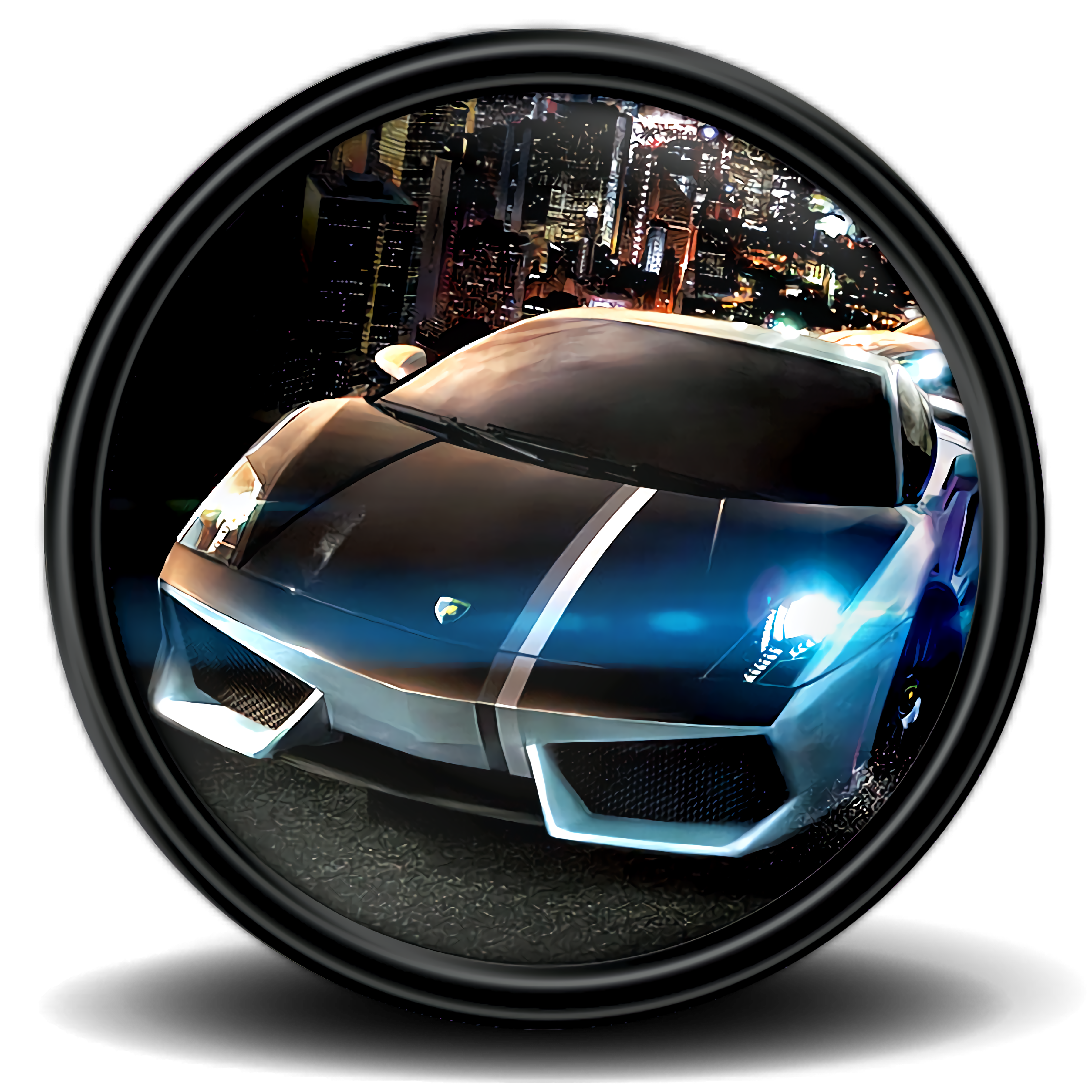
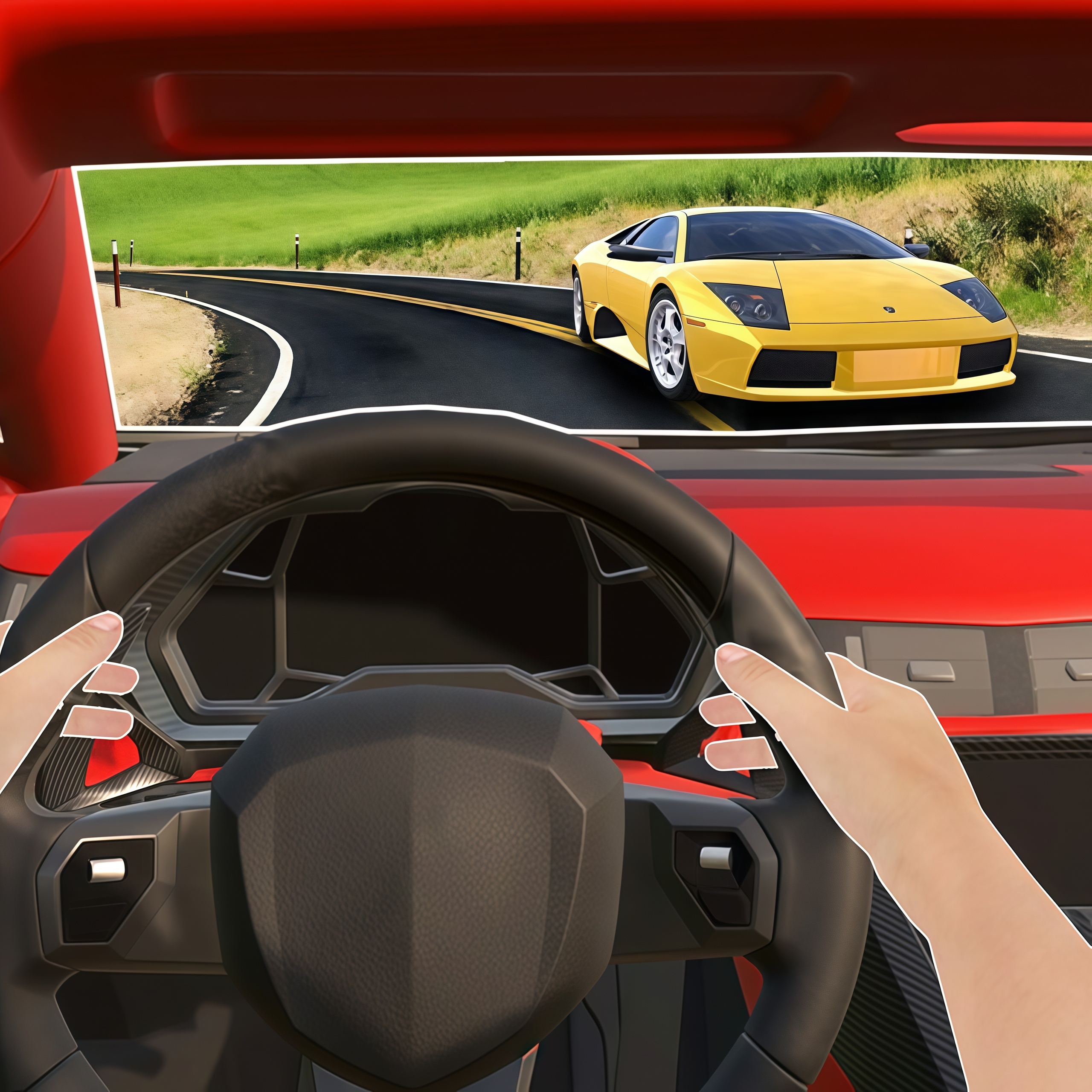
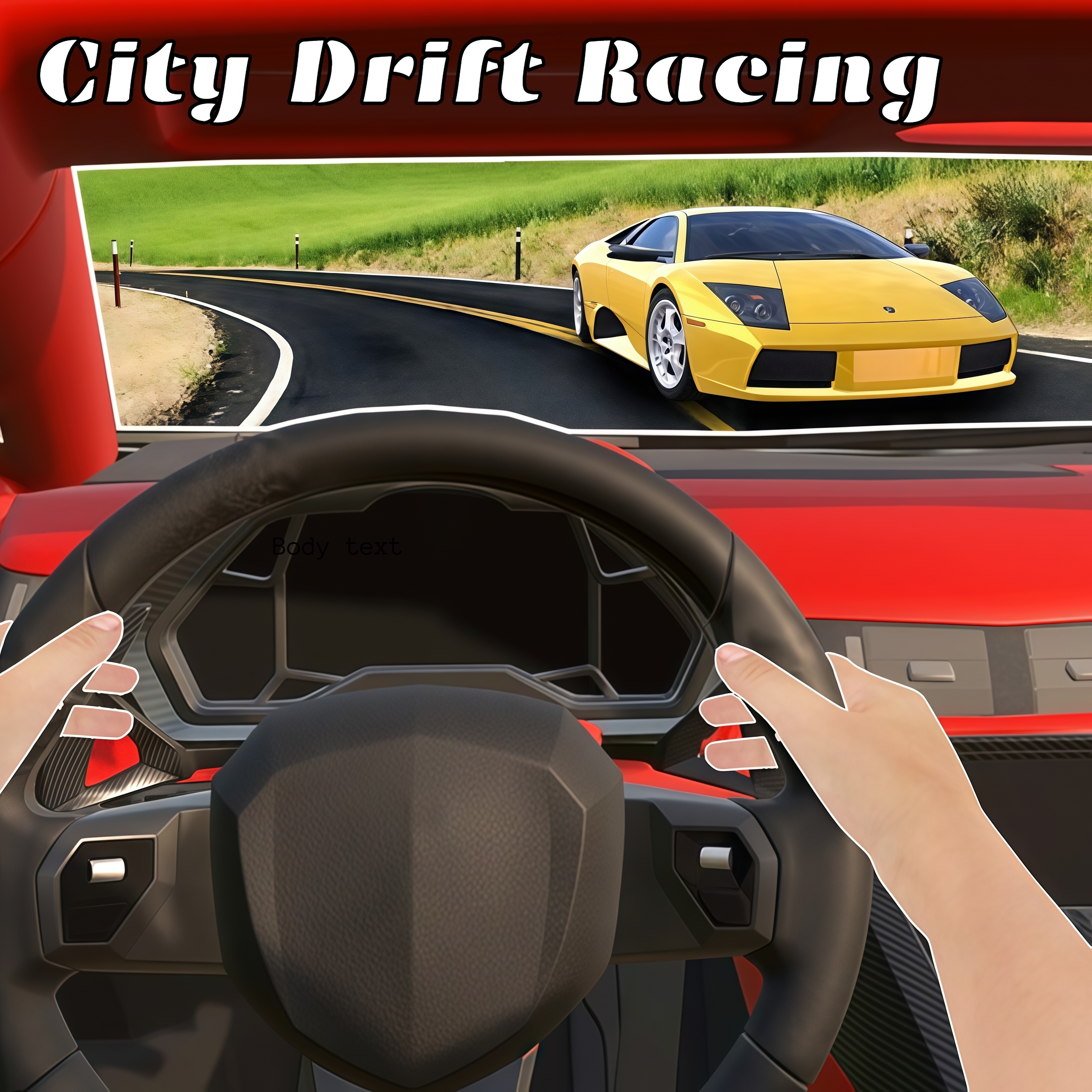
Tear through neon city streets in City Drift Racing, sliding cars around corners toward leaderboard glory. This city racing game throws you into a metropolis of wet asphalt, glowing taillights, and tight lanes where one careless tap can send your car scraping the barrier. The street racing mood is all about control under pressure, not just raw speed.
The drift racing arcade game runs in a browser with HTML5 and WebGL, so browser play starts with no download. Desura’s one-eyed mascot may look relaxed, but the track does not; dangerous tracks squeeze between skyscraper canyons and punish late braking. A clean slide feels sharp, while a sloppy corner costs distance fast.
Mirra Games builds the run around race cars, car upgrades, solo play, and racing modes that push casual players and competitive drivers in different ways. Quick sessions can turn serious when the leaderboard is only a few seconds away. Miss one corner, and the pack disappears into the city glow.
Gameplay
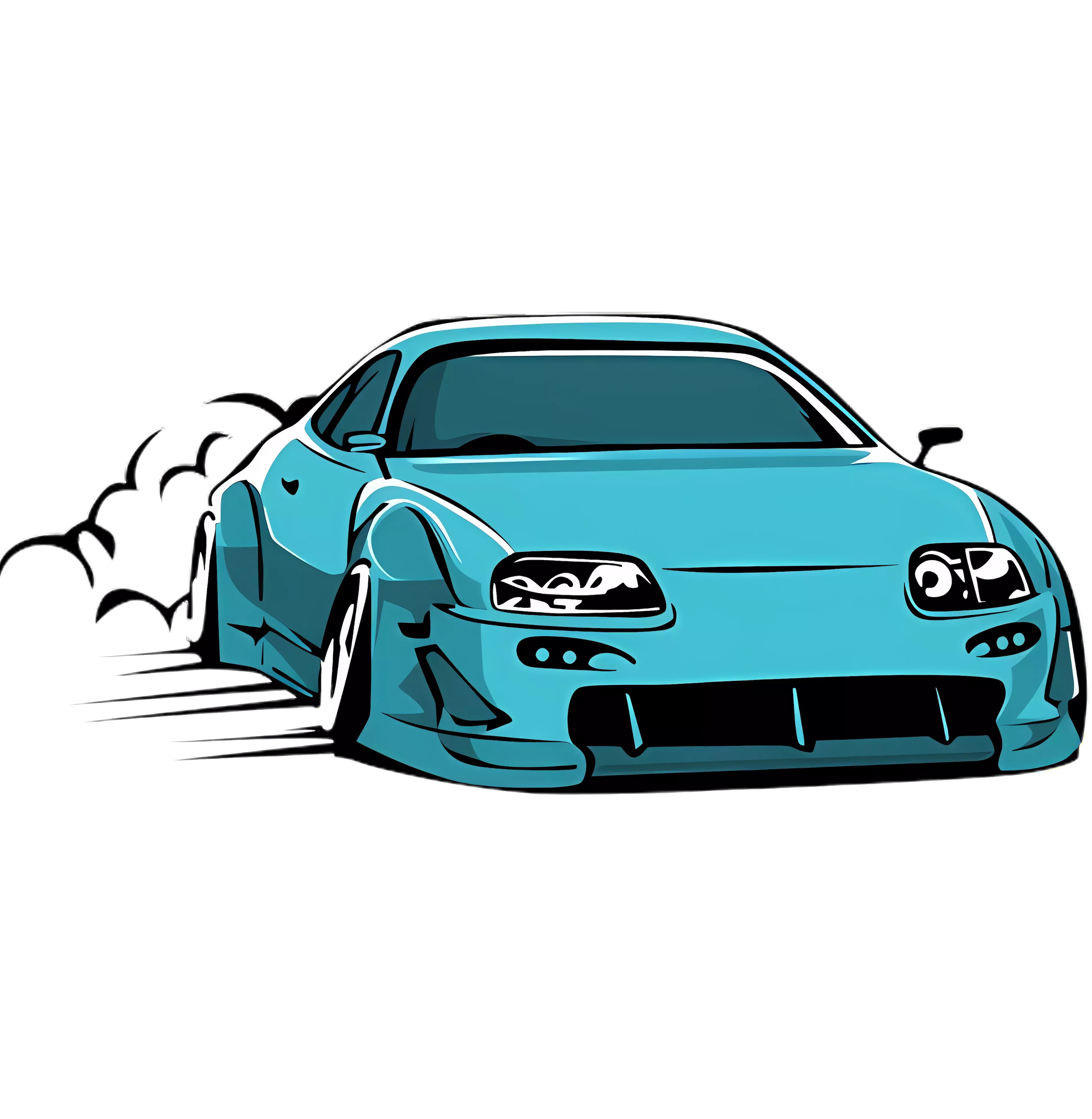
The urban drift game treats drifting as more than tire smoke. Enter sharp turns early, hold the angle, then straighten before the exit so speed carries onto the next stretch. If you oversteer, the car snaps sideways and those smoking tires become a warning sign instead of a victory pose.
In this street racing title, handling skills matter on urban roads filled with sudden bends and narrow openings. The best drift timing strategy is to start the slide before the corner looks dangerous, not after the wall is already filling the screen. One frame too late, and the rear bumper kisses concrete.
Endless racing pressure comes from chasing cleaner lines, faster exits, and a stronger leaderboard position. Players who like speed-focused Racing Games may also enjoy Fast Madness, another browser racer where hesitation burns time. Every mistake leaves a visible gap ahead.
How to Play
Start by reading the turn before you reach it. Tap or hold your steering just enough to angle the car, then release before the slide becomes a spin. Beginner mistakes usually come from oversteering, which turns a clean corner into a slow wobble across two lanes.
Upgrade prioritization matters once races get faster. Improve handling before chasing raw power, because extra speed without grip makes wet asphalt feel like ice. After that, add acceleration so each corner exit punches harder.
Desktop keyboard controls give firm direction changes, while mobile touch controls feel smoother for short swipes and corrections. If you prefer arcade driving with car control, Animal Buggy Racing offers a lighter racing angle with bouncy vehicles and quick reactions.
Controls
Use the control setup that matches your device. Desktop inputs feel more precise for sharp steering corrections, while touch or swipe control on mobile helps with smoother lane movement when a corner arrives suddenly.
- WASD — Drive and steer
- Space — Brake or drift
- Touch/swipe — Steer and control the car on mobile
Features
City Drift Racing includes car upgrades that change how your vehicle responds under pressure. Better handling can save a run when the rear end starts to slide near a concrete edge. Power upgrades feel tempting, but grip keeps the car alive when sharp turns arrive back-to-back.
Visual details give every run a strong underground street feel. Neon intersections flash past, skyscraper canyons narrow the road, and glowing taillights mark the rivals you are trying to catch. The moment your car exits a bend cleanly, the city opens for one second before the next danger appears.
Replay value comes from leaderboard chasing and testing different racing modes. Competitive drivers can hunt cleaner routes, while casual players can focus on staying steady through the next section. A tiny improvement matters when the previous time beats you by a blink.
Similar Games
If the WebGL driving game has you chasing better drift lines, Desura has more vehicle games with speed, danger, and recovery moments. These picks connect through racing pressure, fast movement, or road survival where a bad turn can erase progress.
- Zombinators — a vehicle-based road challenge with rough terrain, hazards, and momentum-heavy driving. It suits players who like keeping control when the route starts fighting back.
- Pickup Driver — a driving game built around vehicle handling and careful movement through tricky routes. It is relevant for players who want road control without leaving the driving lane.
- Ski Safari — a speed challenge where timing and recovery decide how long the run lasts. It swaps race cars for downhill chaos, but the same near-miss rhythm keeps every second tense.
Advantages
- Fast browser access with no download, so the next attempt starts before the lost corner has time to cool.
- Drifting rewards timing, steering discipline, and exit speed instead of button mashing.
- Upgrade choices give players a reason to refine cars between races.
- Leaderboard goals add replay value for anyone chasing cleaner runs in Car Games and Driving Games.
Frequently Asked Questions
What is City Drift Racing?
The game is a free online street racing game where players drift through city tracks, upgrade cars, and compete in racing modes to climb the leaderboard.
How do you play City Drift Racing?
You steer through urban tracks, use controlled drifts around corners, avoid oversteering, and improve your car to win faster races. A late turn can throw the car wide and cost the run.
Can I play City Drift Racing without downloading?
Yes, this free online racer runs in a browser with HTML5 and WebGL technology, so you can play instantly without installing extra software. Desura also offers more free browser racing and driving games to try after your next run.


 Pac Rat
 Penguin Diner
 Penalty Challenge Multiplayer
 Uphill Rush 8
 Tropical Merge
 Marvelous Hot Wheels
 Rickshaw Driver
 Baby Hazel Leg Injury
 Jake vs Pirate Run
 Boss Business Inc.
 Vex 7
Vex 7
 Run 3
Run 3
 Bombers.IO
 Junior Chess
 Toy Cars Jigsaw
 Lol Surprise Millennials
 Realistic Parking
 Red boy and Blue Girl Forest Adventure
 Donutosaur 2
 Power Light
 Unfair Mario 2
 Super Onion Boy
 Kawaii High School Teacher Dress Up
 Battle Soccer Arena
 Army Combat
 Unicorn Chef Design Cake
 Children Doctor Dentist 2
 US Army Missile Attack
 Christmas Monster Lastwagen
 City Taxi Driver Sim
 Jewel Blocks
 Bob The Robber 4
 Home Pin 2
 Baby Hazel Pet Hospital
 Five Nights with Skibidi Toilet
 Bad Girls Makeover
 Little Mermaids Dress Up
 Princess After Back Surgery
 From Nerd To Fab: Prom Edition
 Offroad SUV Stunt Jeep Driving 4x4
 Star vs the Dungeon of Evil
 ATV Quad Bike Impossible Stunt
 Xmas Sudoku