








Turn Me On
 Developer: bestphysics
Published: November 13, 2020
Game Technology: html5, Javascript
Compatible Devices: Mobile (iOS)
About Turn Me On
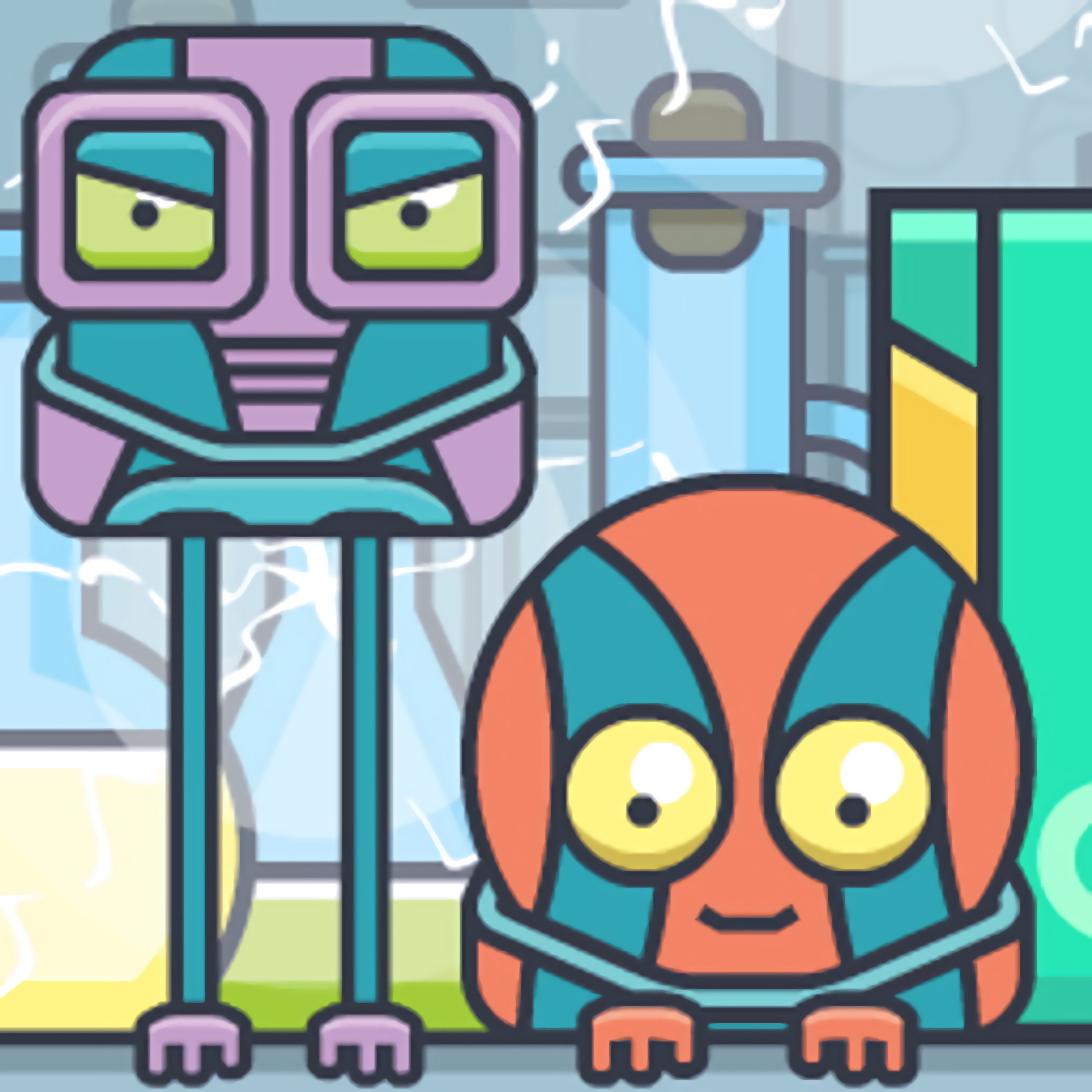
Guide a curious red button across toy-like platforms and nudge it safely into its box. The red button adventure turns a tiny platform into a little mechanical riddle, where one click can start a roll, bump, bounce, or awkward slide. A careless move may send the button past the box-shaped goal, leaving a rolling gear behind and a restart staring back at you.
This physics puzzle game runs in HTML5 with JavaScript, so Desura supports browser play with no download. It is built for free online solo play on mobile-friendly screens, including iOS, and it also feels clear during desktop sessions. The cute robot-like character may look harmless, but one wrong shove can turn a neat solution into a wobbling mess.
The object-based puzzle is beginner-friendly because each scene is small, readable, and built around environmental problem-solving. Still, the smart move is to observe the platform layout before clicking, since environmental objects often create the missing path. Players who enjoy object placement puzzles may also like Wall Fixing, where shape reading and careful adjustments matter before the final move.
Gameplay
The button game centers on object interaction, obstacle navigation, and timing. A springy obstacle might launch the red button upward, while a block or lever can guide it toward the box goal. Miss the rhythm, and the button slips off the edge like a toy knocked from a shelf.
Gears add scoring pressure without forcing a single route. You can head straight for the finish or risk a wider path to grab extra collectibles. That replay value gives short puzzle sessions more bite, especially when one missed gear sits just above the safest line.
Compared with other physics puzzle games, this cute arcade puzzler feels more like a tiny chain reaction than a large construction challenge. Mafia Billiard Tricks uses angles and contact in a different setting, but both reward players who read movement before acting. The reward is quiet but satisfying: a clean roll, a collected gear, and a perfect drop into the box.
How to Play
Start by scanning the whole scene. Beginner mistakes usually come from clicking without observing objects, and that can waste the one angle needed for a safe route. When the platform looks calm, check what can move, what can block, and what might push the red button too far.
Tap or click the button and nearby items to test how they react. Some objects are there to redirect motion, while others create a brief opening that closes if your timing is late. The tiny platform can look safe until the last bump sends the button rolling away from the box.
On touchscreens, the mobile tap-friendly controls make each action easy to target. During desktop sessions, mouse input gives the same direct feel for short puzzle sessions. Take your time; rushing turns a gentle puzzle into a chain of tiny disasters.
Controls
- Mouse click — activate the red button or interact with nearby objects.
- Tap — guide the button and trigger objects on mobile screens.
- Observe first — plan the route before starting movement.
Features
The 2D visuals use bright shapes, compact spaces, and readable props, so every object has a purpose on the screen. Gears stand out as optional targets for scoring, and collecting them can change how you judge a safe route. A path that looks easy may become risky when a gear sits just beyond a bounce.
Platform layouts vary from calm shelves to trickier arrangements with moving parts and springy obstacle behavior. The cute robot-like character adds personality without covering the puzzle details. When a stage goes wrong, the failure is clear: the button misses the box, bumps the wrong side, or falls just short.
This casual brain-teaser also leaves room for cleaner replays. Once you know the route, you can return for better gear collection or fewer wasted moves. The pressure is small, but the near-miss still stings when the red button stops one inch from home.
Similar Games
- Basketball Challenge — a goal-based aiming game where angle, force, and timing decide whether the shot lands. It matches players who like readable physics and the tension of a near miss at the target.
- Geometry Vibes X-Ball — a 2D obstacle game with sharp movement windows and clean visual lanes. It is a good pick when you want another small-space challenge where one late move can end the attempt.
- Transformers Earth Wars Forged to Fight Puzzle — a puzzle-focused option with recognizable pieces, clear goals, and careful visual matching. It suits players who enjoy solving compact stages instead of rushing through them.
Advantages
- Small stages make each puzzle easy to inspect before the first click, reducing blind trial-and-error.
- Optional gears add a scoring layer for players who want a cleaner route after finishing the box goal.
- Tap and mouse inputs keep object interaction direct across supported mobile and desktop devices.
- The gentle mechanical tone keeps mistakes readable, even when a bad bounce ruins the run.
Frequently Asked Questions
What is Turn Me On?
Turn Me On is a casual physics puzzle game where you guide a red button through small platform stages and move it into a box by using surrounding objects.
How do you play Turn Me On?
You play by clicking or tapping the button and nearby objects, using physics, timing, and platform elements to reach the box while collecting gears. Watch the scene before acting, because one rushed click can send the button past the goal.
Can I play Turn Me On without downloading?
Yes, this HTML5 puzzle title can be played online without downloading, and it supports short solo puzzle sessions on compatible devices. Desura also offers more free online browser games for players who want another quick challenge after finishing a stage.


 Tic Tac Toe Paper Note
 Commando Sniper: Cs War
 Bob The Robber
 Slenderman VS Freddy The Fazbear
 Bakery & Bravery - Adventure Time
 Which Meme Cat Are You?
 Bad Girls Makeover
 Math Game Multiple Choice
 Burger Shop
 Touch Fishing
 Princess Salon Frozen Party
 FZ Sumo Battle
 City Taxi Driver Sim
 Gunhit
 Global City
 Samurai Flash
 Fireboy and Watergirl 2: Light Temple
 Princess Prom Photoshoot
 Power Surge - Ben 10
 Car Eats Car: Winter Adventure
 Basket Random
 Bus Mountain Drive
 Run 3
Run 3
 Little Princess Dentist Adventure
 Funny Dentist Surgery
 CoronaVirus19
 Baby Hazel Flower Girl
 Mermaid Ruined Wedding
 Escape Mystery Room Game
 Gumball - BMX Champions
 Monster High Beauty Shop Game
 Army FPS Shooting
 Gangsters
 Baking Apple Cake
 Creepy Night at Freddy's
 Roller Ball 5
 Battle Arena
 Knight Rider
 Rabbit Samurai 2
 Table Tennis Ultimate Tournament
 Stinkfly Showtime - Ben 10
 Bubble Game 3
 Mexican Wrestler Superstars