






Knightfall
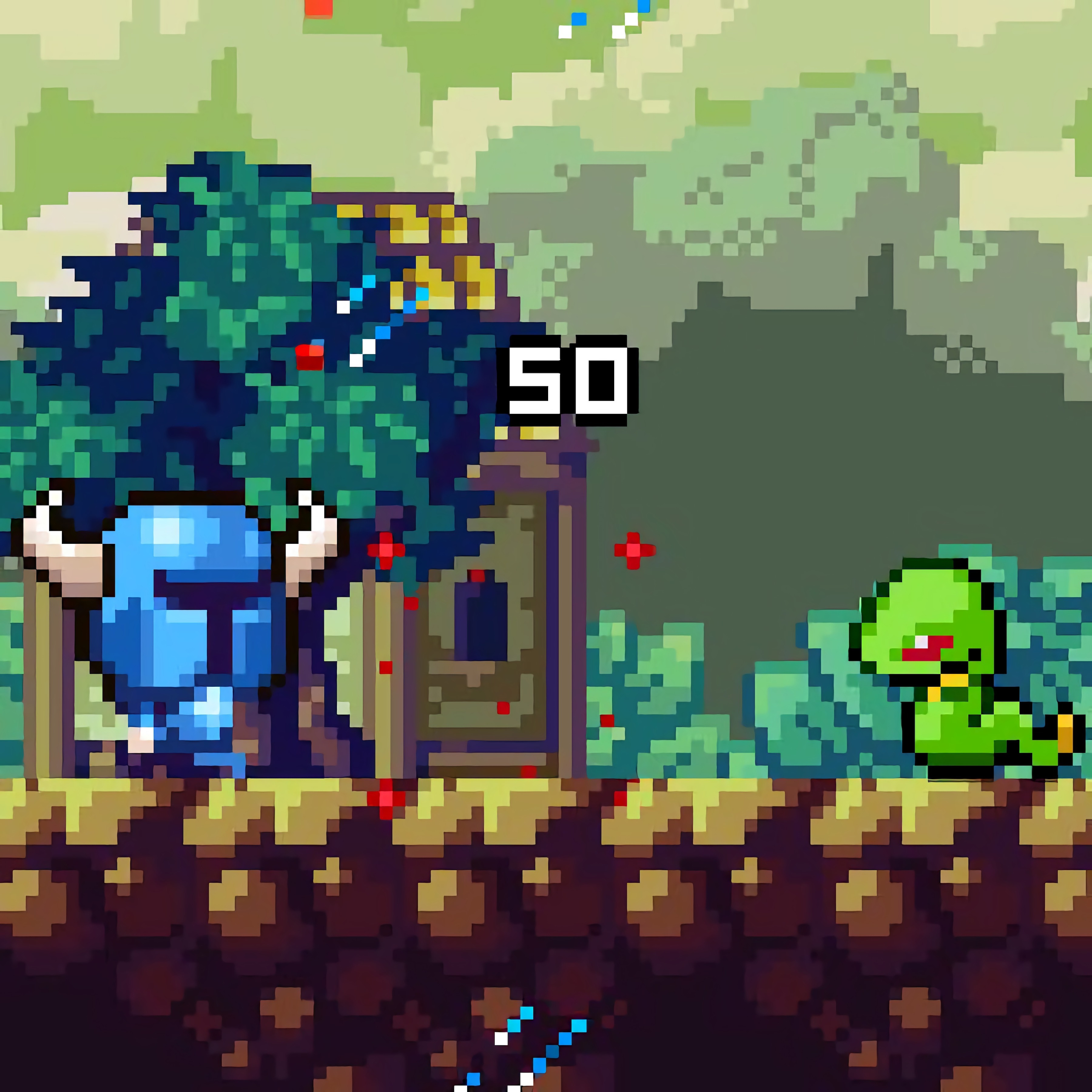 Developer: Indie
Published: January 03, 2020
Game Technology: unity
Compatible Devices: Mobile, Desktop
About Knightfall
A shining knight charges through monster-filled paths as every click pushes the brave journey forward. This clicker-adventure game puts a mighty knight against dangerous monsters, where good versus evil feels immediate with every sword-strike flash. One slow reaction can leave the hero surrounded by shadowy monsters before the next upgrade saves the run.
The knight RPG blends active clicking with idle progression, so progress does not rely on tapping alone. Built with Unity for browser play, it runs on mobile and desktop, making taps feel natural on a phone while clicks feel sharp on a computer. Ignore the glowing upgrade icons for too long, though, and even early monster waves can start to feel like a wall.
Unlike pure idle games, this casual fantasy game adds adventure flavor through exploration, crumbling dungeon paths, and fantasy battles that feel like steps in a heroic quest. The danger rises as stronger enemies appear, giving replay value to each progression loop. Fans of Action Games and Battle Games will recognize the pressure of surviving one more clash.
Gameplay
The monster-fighting adventure centers on striking enemies, collecting progress, and turning that progress into RPG upgrades. Clicker mechanics keep each battle moving, while idle progression helps the knight grow between bursts of active play. A careless stretch without upgrades can turn a routine creature into a fight that drags on until the hero falls.
Short casual sessions fit the rhythm because each return can reveal stronger stats, fresh rewards, or a tougher enemy line. The browser knight game still asks for attention when a dangerous monster refuses to go down quickly. That moment when the health bar barely empties tells you the next upgrade matters.
Players who like fantasy creatures and team-style monster encounters may also enjoy Magikmon, where creature battles bring a different kind of magical pressure. If gear and preparation are your favorite part of a fight, Weapon Shop connects well with the upgrade mindset here. In both cases, weak preparation can make the next encounter hit much harder than expected.
How to Play
Start by attacking monsters, then spend earned progress on stats and gear before the next enemy wave becomes too sturdy. The common beginner mistake is clicking endlessly without improving damage, defense, or other core upgrades. When that happens, the knight keeps swinging, but the battle barely moves.
Upgrade priorities matter most when progress slows. Raise damage when enemies survive too long, improve survivability when incoming hits cut too deep, and watch for glowing upgrade icons that signal a stronger path forward. Clear choices now can prevent a crushing stop later.
This idle battle game rewards both patience and timely action. Tap aggressively during close fights, then let progression help carry the next stretch when you step away. Beginner-friendly solo play does not mean harmless play; one neglected stat can turn a brave march into a sudden defeat.
Controls
Controls are kept to the point, so the fight stays on the knight and the monster in front of him. On mobile, rapid taps feel direct; on desktop, steady clicks make each strike land cleanly. Miss the pace, and the enemy line starts to feel heavier.
- Click / Tap — Explore the game and attack monsters
Features
Glowing upgrade icons help show where your next power boost may come from, giving the screen a clear sense of progress without burying the heroic quest in menus. Shining armor, sword-strike flashes, and shadowy monsters create a classic fantasy look. When the path darkens, the next enemy feels less like a number and more like a threat.
Replay value comes from stronger monsters and progression loops that ask you to return with better stats. Each cycle can make earlier fights feel lighter while new enemies test whether the upgrades were chosen wisely. Push too far too soon, and the crumbling dungeon paths punish overconfidence.
This Unity RPG clicker also feels comfortable across devices. Mobile taps are quick for active bursts, while desktop clicks suit longer upgrade planning. That cross-platform comfort matters when a near-win is one strike away and you do not want the controls to be the reason the knight loses.
Similar Games
- Ivandoe: Quest On! — a heroic fantasy adventure with a brave lead, quest energy, and danger around the next bend. It matches players who enjoy knights, courage, and the feeling that one wrong move can send the journey sideways.
- Archer Warrior — a combat-focused game built around aiming, enemy pressure, and surviving hostile encounters. It connects well with players who like fantasy battles where timing decides whether the hero pushes forward or gets overwhelmed.
- Cat Gunner Vs Zombies — a monster-fighting pick with waves of enemies and constant pressure from the screen ahead. The stakes feel familiar: let the crowd close in, and the safe space disappears fast.
Advantages
- Active clicks and idle growth work together, so progress can come from both fighting and smart upgrading.
- Upgrade priorities give each return a clear decision instead of only repeating the same battle.
- Mobile and desktop support make the action easy to control with taps or clicks.
- The adventure flavor separates it from pure idle games, adding paths, monsters, and heroic momentum.
- Progression loops keep the danger rising, so a careless build can still get punished.
Frequently Asked Questions
What is Knightfall?
Knightfall is a casual clicker-adventure RPG where you control a mighty knight, battle dangerous monsters, and progress through a fantasy journey with simple actions and upgrades.
How do you play Knightfall?
You play by clicking or tapping to fight monsters, then using earned progress to strengthen the knight for tougher battles. If you ignore upgrades, later enemies can slow the run to a crawl.
Can I play Knightfall on mobile and desktop?
Yes, this free online fantasy clicker supports both mobile and desktop play, so you can use taps on a phone or clicks on a computer. Desura also offers more browser games with instant access across different fantasy and battle styles.
Video Gameplay - Knightfall


 Monster Truck 2D
 Baking Apple Cake
 Classical Deer Sniper Hunting 2019
 Squid Fighter
 Slenderman Must Die Silent Forest
 Surfer Bus
 Lol Surprise Millennials
 Office Dress Up
 ATV Quad Bike Taxi Game
 Idle Arks: Sail and Build
 Ice Princess: Pregnant Caring
 Titanic Heartbreak - Teen Titans Go!
 Tuk Tuk Rush
 Princesses VS Epidemic
 Hunter Assassin 2
 Xmas Wondering
 Star Wars Rebels: Special Ops
 Cricket Hero
 The Smurfs: Ocean Cleanup
 US Army Missile Attack
 Run 4 Cars
 Bratz Makeover
 Race Down
 Bakery & Bravery - Adventure Time
 Penalty Shooters 2
 Toy Cars Jigsaw
 Grand Prix Hero
 Wedding Planner
 Rickshaw Driver
 100 Doors: Escape Puzzle
 D Bottle Shooter
 Ravens Nightmare - Teen Titans Go!
 Old West Shootout
 Dinosaur Hunting Dino Attack 3d
 Multiplayer Tanks
 Infinity Battlefield Ops
 Dora Kids Puzzles
 School Bus Driving Simulator
 Monster Head Soccer Volleyball Game
 Drift Donut
 Penalty Challenge Multiplayer
 OffRoad Truck Simulator Hill Climb
 Parkour Run 3D.IO