



ZombieCraft 2
 Developer: AngryGamez
Published: July 16, 2019
Controls: W/A/S/D / Left Click / Mouse / Tab
Game Technology: html5, WebGL
Compatible Devices: Mobile (iOS, Android)
About ZombieCraft 2
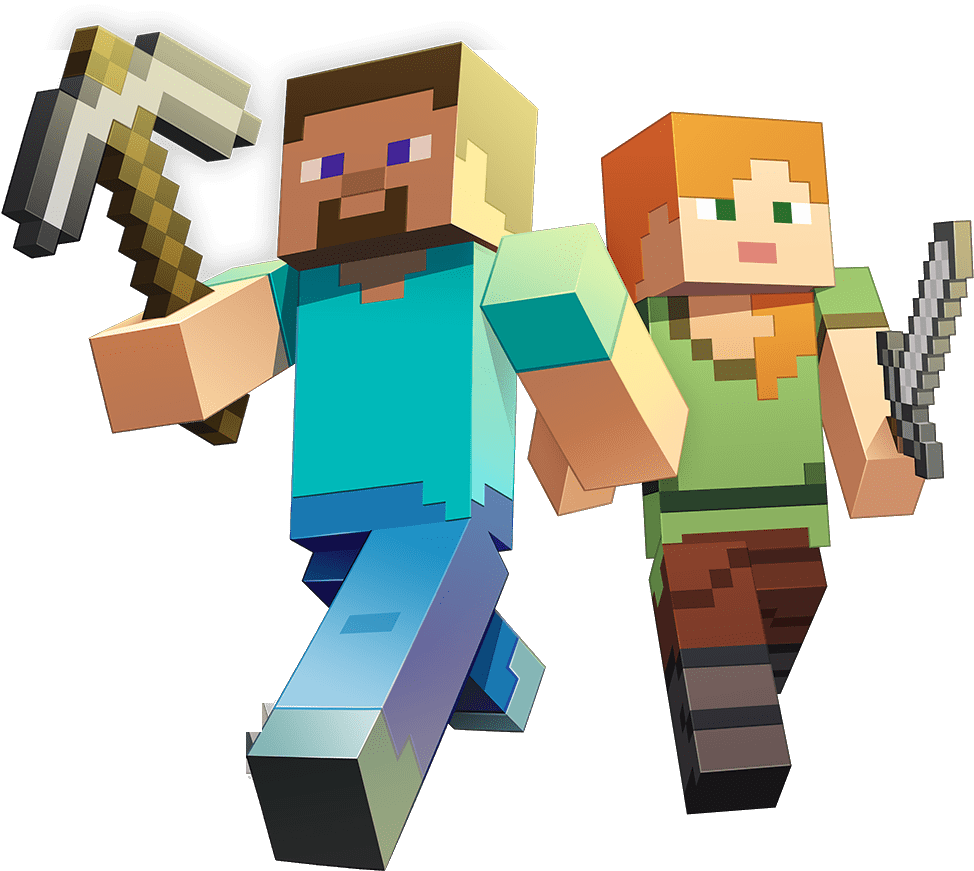
Grab an axe in a blocky dungeon and cut through zombies before the horde surrounds you. The danger arrives fast: one slow turn near the pixelated dungeon walls can trap your cube-shaped survivor between clawing enemies and a dead end. This zombie survival shooter mixes a zombie shooter setup with adventure RPG movement, weapon choices, and level progression.
The blocky world uses voxel graphics, so every hallway, enemy, and weapon has that chunky craft-style look without being an official Minecraft game. Browser play runs through HTML5 and WebGL with no download, and the game supports mobile play while still feeling built around desktop-style controls. That matters when a blocky zombie horde pushes from two sides and you need room to swing.
Character selection gives each run a fresh starting point, especially when you begin chasing zombie kills toward the 50-zombie goal. Axes, swords, and usable items change how you handle pressure: a swinging axe feels heavy and deliberate, a sword rewards closer timing, and items can save a messy corner fight. If you freeze in place, the dungeon closes around you fast.
Gameplay
ZombieCraft 2 throws you into dungeon areas where movement is survival, not decoration. The beginner mistake is standing still after the first few hits land; once enemies stack around your shoulders, even a good weapon cannot carve space quickly enough. Keep circling, cut through small gaps, and avoid backing into pixelated dungeon walls.
The 50-zombie goal is the key target for reaching the next level. Do not chase every enemy straight ahead; pull the horde into wider lanes, strike once or twice, then move before the next cluster pins you. Clearing a packed corner without getting boxed in feels like slipping through a door just as it slams shut.
This craft-style action game also has solo and multiplayer-friendly action energy, with kill-count progression giving each attempt a clear reason to improve. Players who like undead chaos may also enjoy Zombinators, where survival pressure comes from smashing through zombie danger in motion. For a more blocky combat angle, Noob VS Pro 1 shares the cube-world attitude and danger-around-every-corner pacing.
How to Play
Start by choosing a character, then gear up before the first wave gets close. Axes are useful when you want strong hits with a little spacing, while swords make more sense when you can step in, strike, and step back safely. Items should not be wasted early, because the rough moments arrive when enemies crowd the path and your escape route shrinks.
Use movement constantly. When the blocky zombie horde begins to bend around you, cut across open floor instead of retreating in a straight line. One bad retreat can turn a wide room into a trap, and the next hit may end the run before the level progression bar matters.
Watch for the glowing quest button and item buttons, because they are easy to miss while fighting. Press Tab to show the mouse when you need to click those buttons, then hide it again when you return to combat. That small cursor habit can be the difference between claiming a reward and getting dragged down while the menu sits untouched.
Controls
- W, A, S, D — Move
- Left Mouse Button — Attack
- Tab — Show or hide the mouse cursor
- Visible Mouse Cursor — Click item buttons or quest buttons
Features
The voxel zombie game gives replay value through character selection and kill-count progression rather than a single fixed route. Trying a different cube-shaped survivor changes the feel of the opening minutes, especially when you test how long you can survive before the dungeon areas tighten. A sloppy start hurts, because every missed hit delays the climb toward the next level.
Weapon choice matters beyond looks. Axes can punish a tight group if you time the swing, swords help when you need faster close-range cuts, and items add a backup plan when the room turns ugly. The wrong choice in a crowded hallway feels heavy immediately, like lifting a tool while the zombies are already at your feet.
ZombieCraft 2 also uses clear visual cues to guide attention during messy fights. The glowing quest button signals progress, the pixelated dungeon walls show where escape paths end, and enemy clusters make danger readable even when the screen fills up. Casual players can learn the flow, but panic-clicking near a corner still gets punished.
Similar Games
If the undead dungeon shooter clicks with you, Desura has other games built around danger, weapons, and quick decisions. Fans of Shooting Games may want something with more firearms, more open combat, or a different kind of survival pressure. The safest pick is the one that matches how you like to handle a near-miss: dodge, strike, shoot, or rush through before the enemy reacts.
- Zombie Plague — a zombie combat game with infected enemies and survival tension. It is a good follow-up when you want another undead fight where one mistake can snowball fast.
- Cat Gunner Vs Zombies — a shooter with zombie enemies, ranged attacks, and constant pressure from incoming threats. Pick it when you want firefights instead of melee swings.
- Kogama Real Pvp — a blocky 3D combat game with competitive movement and weapon use. It matches the voxel style while shifting the danger from undead crowds to live opponents.
- Fire Storm — a 3D shooter built around fast targeting and enemy pressure. It fits players who like the combat side of this free online survival game but want more direct gunplay.
Advantages
- Runs in the browser with no download, using HTML5 and WebGL for fast access.
- Supports mobile play while still offering desktop-style controls for movement and attacking.
- Weapon variety lets you test axes, swords, and items in different survival situations.
- The 50-zombie goal gives each run a clear target before the next level opens.
- Tab cursor control makes item and quest interaction possible without leaving the action unclear.
Frequently Asked Questions
What is ZombieCraft 2?
This browser game is a blocky zombie survival shooter where players choose a character, equip weapons, and fight waves of undead enemies to advance through levels.
How do you play ZombieCraft 2?
Move with WASD, attack with the left mouse button, press Tab to show or hide the cursor, and click item or quest buttons when the cursor is visible.
Can I play ZombieCraft 2 without downloading?
Yes, it runs in the browser with HTML5 and WebGL, so you can start playing without installing a separate app and then explore more survival combat games on Desura.
 Bank Cash Transit 3D: Security Van Simulator
 Classical Hippo Hunting
 Mine War Heroic Sapper
 Baby Hazel Newborn Vaccination
 Slenderclown Be Afraid Of It
 Rachel Holmes
 Basketball Challenge
 Penalty Shootout Multi League
 Microsoft Jigsaw
 Crazy Dentist
 Clever Frog
 Offroad Motorcycle Bike Racing 2020
 Mafia Billiard Tricks
 Space Adventure Pinball
 Sleepy Princess: Twin Birth
 Pinboard
 Drift Ice Line Connect
 Typing Fighter
 Superhero.io 2: Chaos Giant
 Veggie Patch
 Baby Hazel Learns Manners
 Dracula , Frankenstein & Co
 Frenzy Chicken Farming
 UFO Run: The Castle Tower
 Dora Candy Land
 Trollface Quest Video Memes and TV Shows
 Paper Racers
 Commando
 Real Gangster Simulator Grand City
 Dragon City Destroyer
 Skydome
 Slendrina Must Die: The Celar
 Idle Arks: Sail and Build
 Penalty Shooters 2
 Princess Winter Style
 Racoon Headball
 Masked Forces Zombie Survival
 GT Ghost Racing
 Deads On The Road
 Cute Unicorns And Dragons Puzzle
 The Smurfs Skate Rush
 You Drive I Shoot
 Monsters' Wheels Special