






Scatty Maps: Japan
 Developer: Physical Form
Published: December 29, 2020
Controls: Drag
Game Technology: html5, Construct 2
Compatible Devices: Mobile (iOS, Android)
About Scatty Maps: Japan
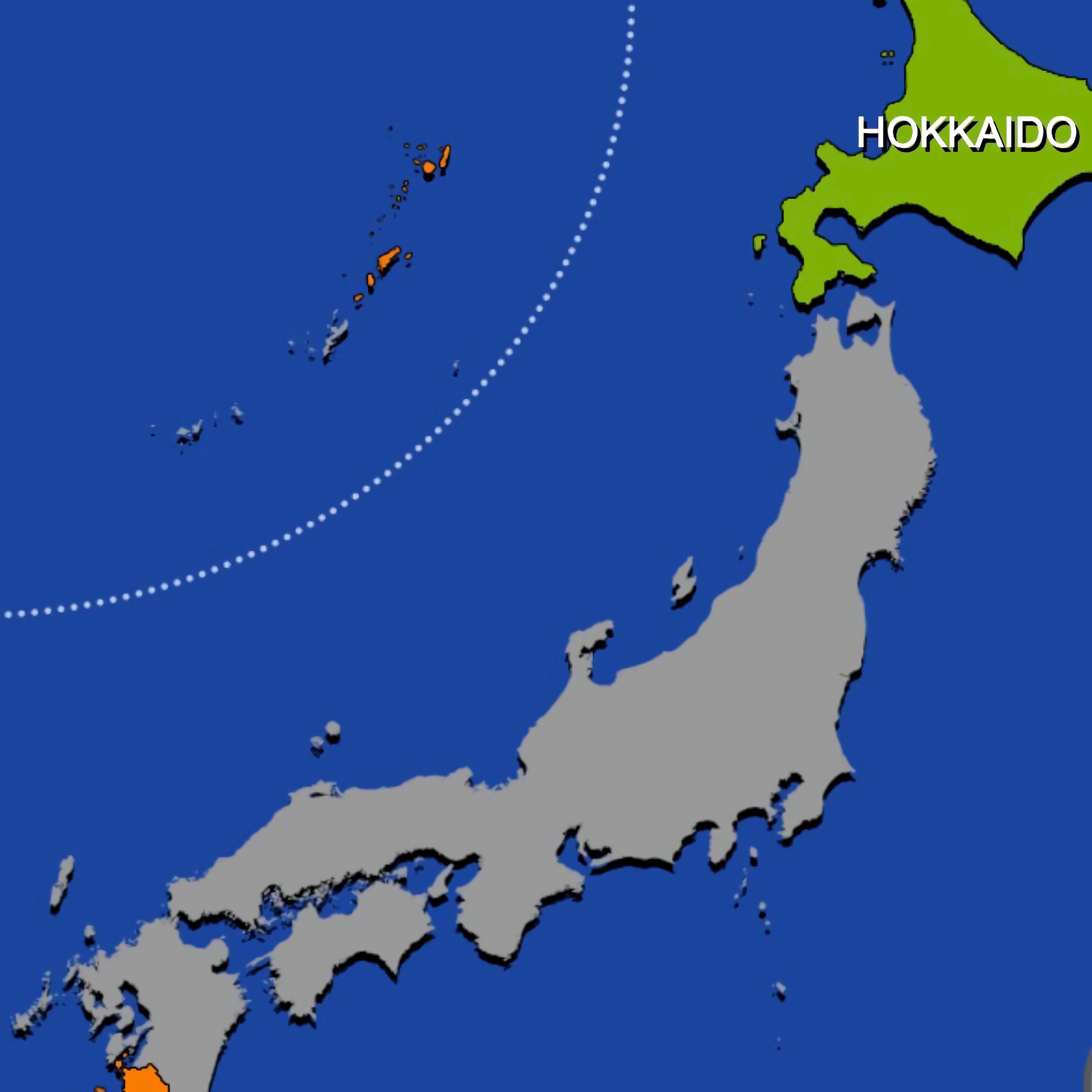
Drag Japan’s prefectures into place while capitals, borders, and coastlines sharpen your map memory. This Japan geography game turns the country’s island outlines into a calm map puzzle where every piece asks you to look closer. A wrong drop is not noisy, but it stings when a prefecture that seemed obvious slides away from its real home.
Built with HTML5 and Construct 2, this browser learning game supports browser play with no download on mobile and desktop. Students can use it for geography review, while casual learners can test what they know about Japan one region at a time. The screen stays clear and studious, but a rushed guess can still turn Hokkaido-to-Kyushu confidence into a humbling reset.
The prefecture map game includes English language mode and Japanese language mode, so repeated play can build both place recognition and name familiarity. Capitals, area, and population details add more than trivia; they give each region a reason to stick in memory. When two coastal curves look almost alike, that extra data can be the clue that saves the placement.
Gameplay
This educational puzzle centers on reading shapes, borders, and neighboring regions before placing each prefecture. Beginner mistakes often happen with similar prefecture shapes, especially when a narrow coastline or interior border looks nearly interchangeable. One careless move can leave the zoomed-in map grid feeling suddenly crowded.
Good memorization starts with coastlines, then moves inward to neighboring borders. Trace the coastal curves first, match them to the island outlines, and use labeled capitals as anchors when the shape alone feels uncertain. Players who enjoy learning through recognition may also like Flags Maniac, where country knowledge is tested through visual recall.
Compared with traditional geography quizzes, this map placement puzzle asks you to build the map with your hands instead of picking from a list of answers. That makes each mistake more visible. The misplaced prefecture sits there, just off target, reminding you exactly which border you misread.
How to Play
Choose easy mode when you are still learning the regions, then move to full mode when you want the whole map without as many hints. In both modes, you drag and drop prefectures into the correct spots. If the southern islands blur together, slow down before one bad placement breaks your rhythm.
Help mode reveals prefecture borders, which is useful when the outline alone is not enough. Zoom helps with tight spaces, small coastal areas, and crowded regions where a tiny movement can change the result. For more study-style practice on Desura, Math And Dice Kids Educational Game gives younger learners another way to connect play with classroom skills.
Controls
- Mouse or touch — drag and drop each prefecture
- Mode buttons — choose easy mode or full mode
- Help button — show prefecture borders
- Zoom button — enlarge the map view
Features
The Japanese geography quiz includes extra reference details such as capitals, area, and population. These facts help separate regions that look close in shape but differ in size or importance. Missing that clue can send a familiar-looking prefecture to the wrong side of the map.
Bilingual play adds replay value because the same geography can be studied through English language mode and Japanese language mode. Full mode gives returning players a stronger memory test after easy mode feels comfortable. Quick sessions become useful review rounds when you focus on one region instead of rushing the entire country.
Accessibility comes from zoom and help mode working together. The larger view makes small borders easier to inspect, while help mode supports beginner-friendly solo play without turning the answer into a free pass. When the map tightens around central Japan, that extra clarity can prevent a near-miss from becoming a wrong placement.
Similar Games
- Alphabetic Train — a learning game built around recognition and correct matching. It suits players who like calm educational tasks where one missed choice interrupts an otherwise steady run.
- Multiplication Simulation — a practice-focused math game that rewards careful thinking over guessing. Like a geography review round, the pressure comes from spotting the right answer before errors pile up.
- Dr. Panda School — a classroom-themed game with gentle exploration and learning moments. It is a good match for players who enjoy school-style activities without timers crowding every decision.
Advantages
- Turns Japan’s prefectures into a hands-on geography study tool.
- Uses borders, capitals, area, and population to support memory.
- Offers easy mode, full mode, help mode, and zoom for different confidence levels.
- Supports mobile and desktop play directly on Desura.
Frequently Asked Questions
What is Scatty Maps: Japan?
Scatty Maps: Japan is an educational geography puzzle where players drag Japanese prefectures into their correct positions on a map.
How do you play Scatty Maps: Japan?
You play by selecting easy or full mode, dragging each prefecture to its proper location, and using help borders or zoom when needed.
Can I play Scatty Maps: Japan without downloading?
Yes, it runs as an HTML5 browser game, so you can play it instantly without installing an app. Desura also offers other free browser games for players who want more learning, puzzle, or quiz-based play.


 Back To School Fashionistas 2
 Angry Cat Shot
 MineStrike.fun
 Slendrina Must Die The House
 Moto Fury
 Uphill Rush 10
 City Bus Driver
 Rickshaw Driver
 Gun Master
 Bubble Fall
 FRAGEN
 Taxi Simulator
 Correct Math
 BomberMan
 Five Nights at Huggy
 Penalty Power - Ben 10
 Highschool Mean Girls
 Gumball Water Sons
 Hobin Rood
 Funny Ragdoll Wrestlers
 Parking Toy Story
 Zombie Mission 4
 Commando Sniper: Cs War
 Fireboy and Watergirl 3: The Ice Temple
 Grand Prix Hero
 Dead Paradise 3
 Parking Jam 3D
 Mr Bullet 2
 Bubble Shooter Planets
 Anime Princess Dress Up
 Jewels Blitz Legends
 Snow Ball Warrior
 Police Cars Parking
 Pubg Pixel 2
 Princess Collective Wedding
 Traffic Jam 3D
 Monsters' Wheels Special
 Sniper Mission 3d
 Baby Hazel Learns Vehicles
 Army FPS Shooting
 Truck Loads Simulator 3D
 Xtreme ATV Trials 2021
 One on One - Teen Titans Go