




GT Cars City Racing
 Developer: gameVgames
Published: December 25, 2024
Controls: Arrow Keys / W/A/S/D / Shift
Game Technology: html5, WebGL
About GT Cars City Racing
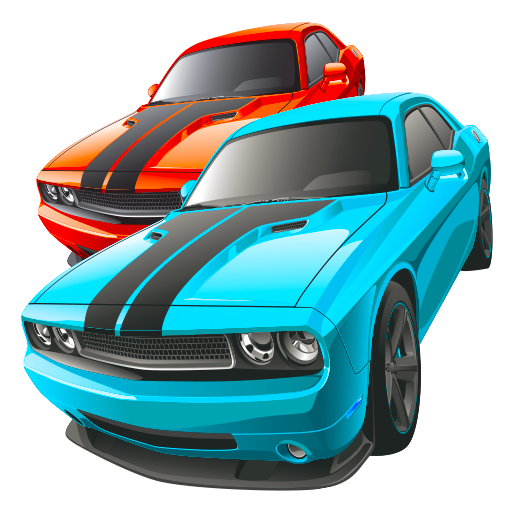
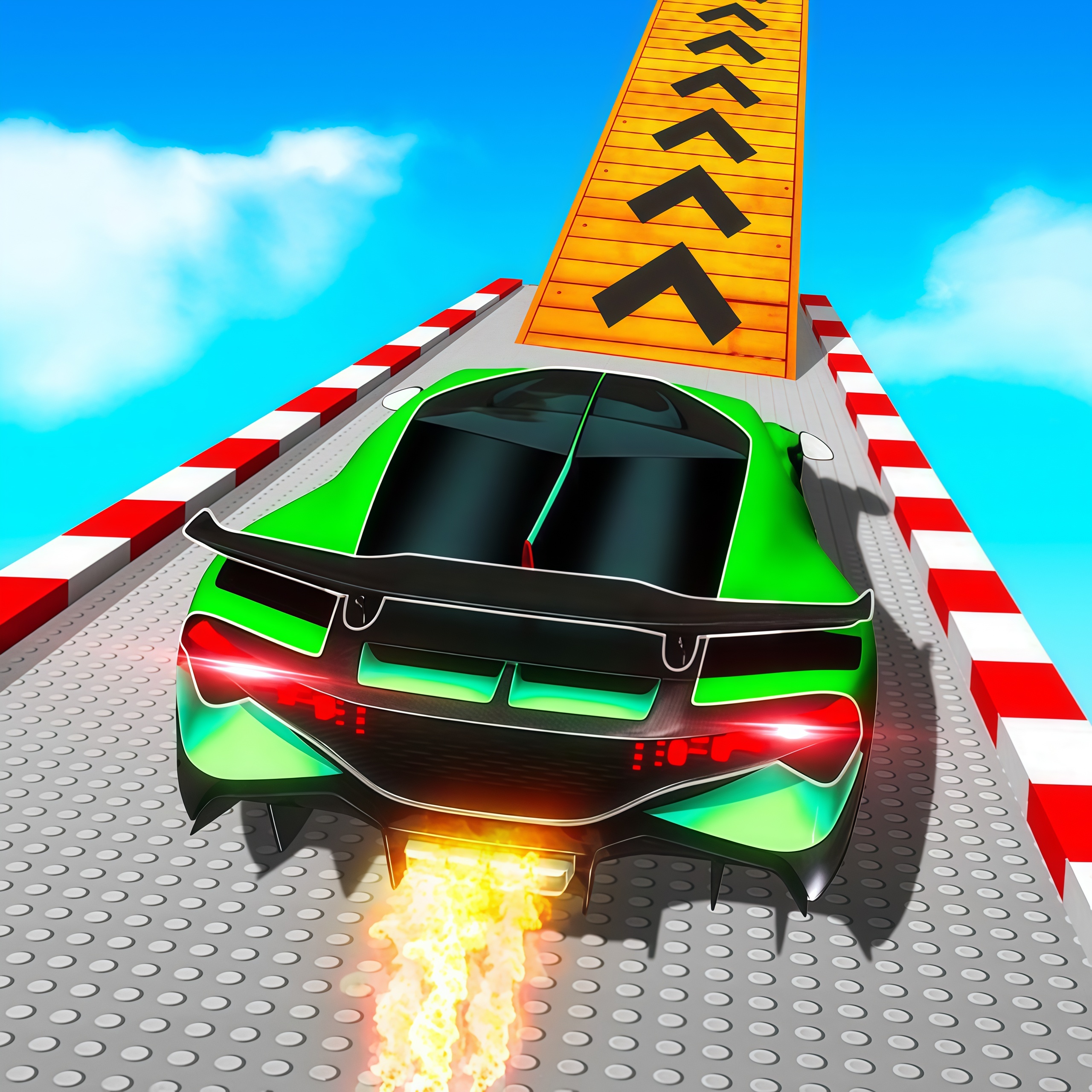
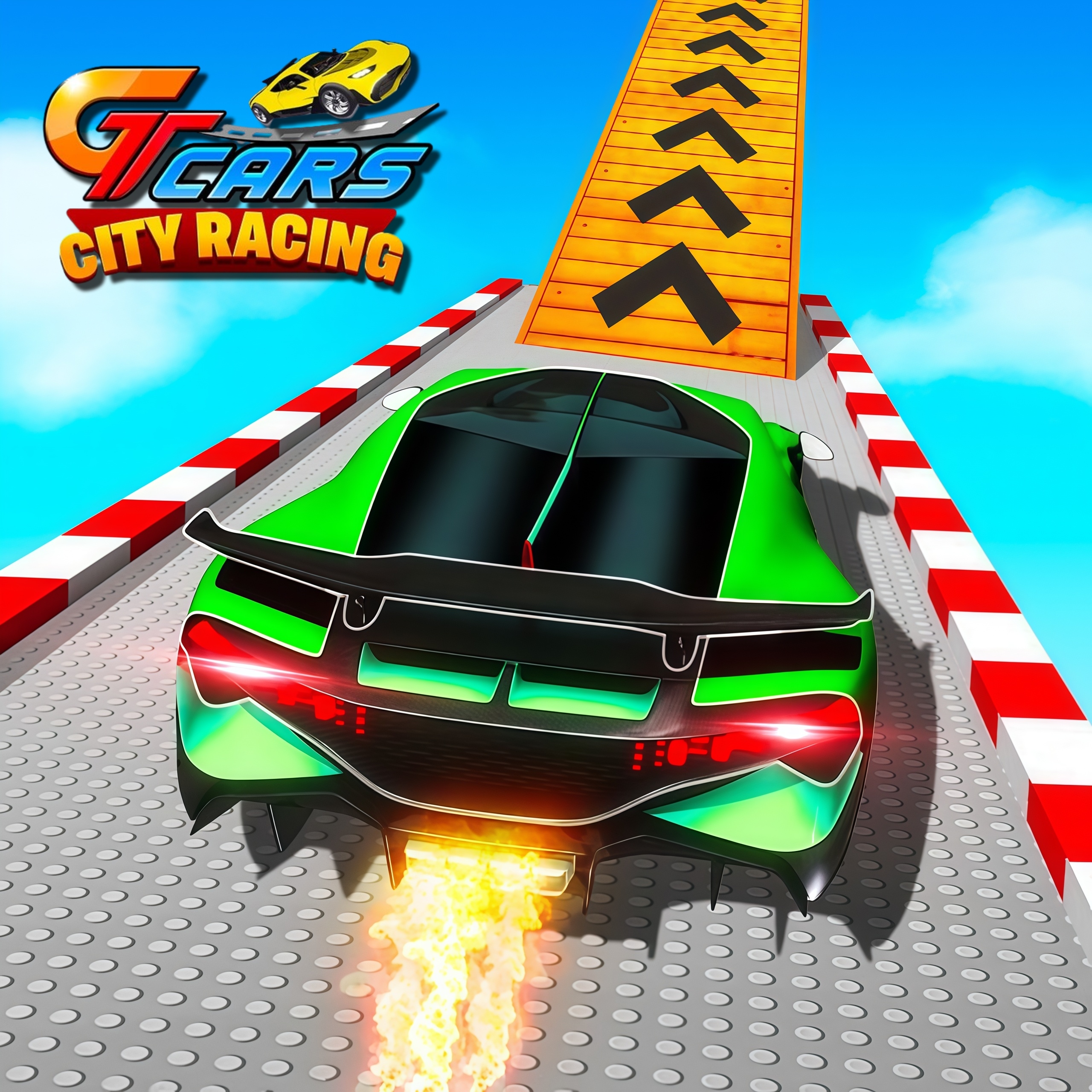
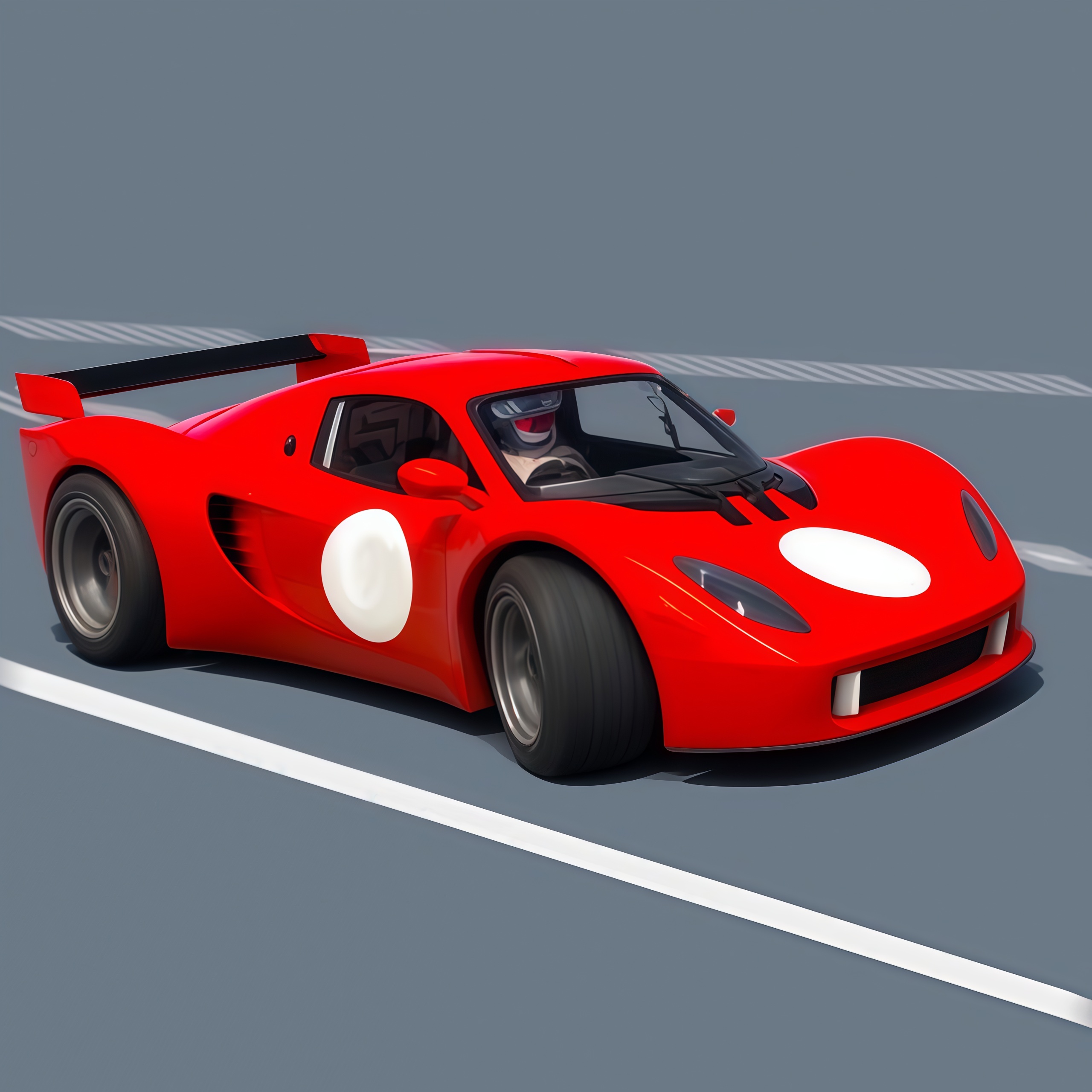
Launch a neon supercar through Toy City ramps, crash zones, and stunt arenas built for two-player chaos. GT Cars City Racing turns open-world racing into a toy-box driving simulation where super stylized cars bounce, skid, and fly across a plastic Toy City skyline. One bad landing can turn a clean jump into a cartoon crash pileup, but that messy recovery is part of the fun.
This browser game runs with HTML5 and WebGL, so it supports no download play right on Desura. The setup is built for desktop play, with keyboard inputs for 1-player mode and 2-player mode. Casual players can chase quick stunt sessions, while sharper drivers can hunt cleaner routes, longer airtime, and smoother landings.
Unlike linear Racing Games that push you from start to finish, this open Toy City lets you create your own pressure. Miss a ramp, flip sideways, restart the car, and try a new angle. Players who like wild vehicle damage may also enjoy Fast Madness, while fans of crash-heavy driving can check out Zombinators.
Gameplay
GT Cars City Racing is less about staying in a lane and more about reading the playground ahead. Stunt ramps invite huge jumps, but oversteering before takeoff can twist the car just enough to ruin the landing. Hit the NOS boost too early and the sparkling NOS trail looks cool for one second before the car smashes nose-first into the road.
Advanced NOS timing matters most when a ramp is steep or when you need recovery speed after a crash. A late boost can pull the car out of a slow slide, but using it while tilted may launch you into a wall. The Toy City racer rewards route testing, so replay value comes from finding faster streets, stranger jump lines, and riskier rooftop approaches.
How to Play
Choose solo driving or split/shared local play, then start exploring roads, ramps, and stunt zones. In 1-player mode, you can practice clean takeoffs without another car ramming your bumper. In 2-player mode, local two-player chaos becomes the key difference: one driver cuts across a ramp, the other panics, and both supercars tumble into a bright plastic barrier.
Use camera switching when a ramp blocks your view or when your car lands facing the wrong direction. If the vehicle gets wedged after a hard crash, car restart puts you back into motion before the moment goes cold. For a steadier vehicle challenge with cargo pressure, Pickup Driver offers a different kind of road control.
Controls
The controls are split clearly between both drivers, which helps when the screen turns messy. Keep your boost key ready, but do not hold it blindly before every jump. One rushed press can send the car past the landing zone and into another spinning wreck.
- Player 1 WASD — Move
- Player 1 Left Shift — NOS
- Player 1 R — Restart car position
- Player 1 C — Change camera view
- Player 2 Arrow Keys — Move
- Player 2 N — NOS
- Player 2 L — Restart car position
- Player 2 U — Change camera view
Features
This 3D car game stands out through its playful city design, with oversized roads, bright stunt zones, and toy-like scale that makes every jump feel exaggerated. Crash physics give impacts weight without turning the race serious; bump a wall and the car may spin, flip, or skid into a ridiculous pileup. The result is a supercar stunt game where failure often creates the next challenge.
Camera switching adds control over how you read ramps, corners, and landing spaces. The available supercars feel built for spectacle, not cautious traffic driving, so each run can shift from cruising to chaos in seconds. Players browsing Car Games or Driving Games may find the free-roam structure more flexible than a fixed-track race.
Similar Games
If you enjoy stunt routes, vehicle control, and sudden crashes, these Desura games connect well with the same driving energy. Each one brings a different kind of pressure, from bumpy cargo handling to animal racers and heavy-road movement. A small mistake still matters; clip a curb or hit a slope wrong, and the whole run can fall apart.
- Cargo Jeep Racing — a jeep-based racing game with rough terrain and weighty movement. It fits players who like correcting slides before a bad bounce costs the run.
- Animal Buggy Racing — a colorful buggy racer with playful vehicles and fast track reactions. It shares the arcade driving mood, though it leans more toward racing than free-roam stunt exploration.
- Tractor Express — a vehicle challenge built around carrying cargo across uneven roads. It is slower than this two-player driving title, but every bump creates the same “hold it together” tension.
Advantages
- Open Toy City routes give players room to invent jumps, recoveries, and self-made challenges instead of only following a fixed track.
- 2-player mode adds unpredictable local pressure, especially when both cars fight for the same looping stunt ramp.
- NOS, restart, and camera tools give you ways to rescue a bad run after a crash or missed landing.
- The toy-box style makes crashes readable, playful, and easy to retry without losing the sense of speed.
Frequently Asked Questions
What is GT Cars City Racing?
It is a free browser driving game where players race, stunt, crash, and explore a colorful open-world Toy City in stylized supercars.
How do you play GT Cars City Racing?
You drive with keyboard controls, use NOS for speed boosts, change camera views, reset your car when stuck, and explore ramps, roads, and stunt areas alone or with a second player.
Can I play GT Cars City Racing without downloading?
Yes, it runs in a browser using HTML5 and WebGL, so you can play instantly without installing a separate app and then explore more free driving games on Desura.
Video Gameplay - GT Cars City Racing
 Gun Mayhem
 Fireboy and Watergirl 3: The Ice Temple
 Halloween Pizzeria
 Extreme Space Airplane Attack
 Commando Attack
 Elsa Princess Beauty Surgery
 Growing Fish
 Mango Piggy Piggy Hero
 Little Mermaids Dress Up
 Fast Extreme Track Racing
 Aliens Attack
 Princess Cupcake
 Pokey Balls
 Baby Hazel Harvest Festival
 Drag Racing Club
 Funny Dentist Surgery
 Battle Soccer Arena
 Ultimate Hero Clash 2
 Gunshoot Gang
 We Bare Bears: French Fry Frenzy
 Xtreme Real City Car Parking
 Tweety's Pipe Pranks: Looney Tunes
 Slenderman Must Die Silent Forest
 Infinity Battlefield Ops
 Baby Hazel Kitchen Fun
 Empire vs Rebels - LEGO Star Wars
 Snowboard Hero
 Arcade Drift
 Monster High Beauty Shop Game
 Slash of Justice - Teen Titans Go!
 Piggy In The Puddle Christmas
 Crazy Descent
 Anime Fantasy RPG Dress Up
 Night Shine: Teen Titans Go!
 Captain Marvel: Galactic Flight
 Baldi's Basics v1.4.3
 Cannon Shot
 Super Frog
 Rooftop Shooters
 Pimp My Car
 Mr Dracula
 Cheese Swipe
 Shoot 2048 Hexa